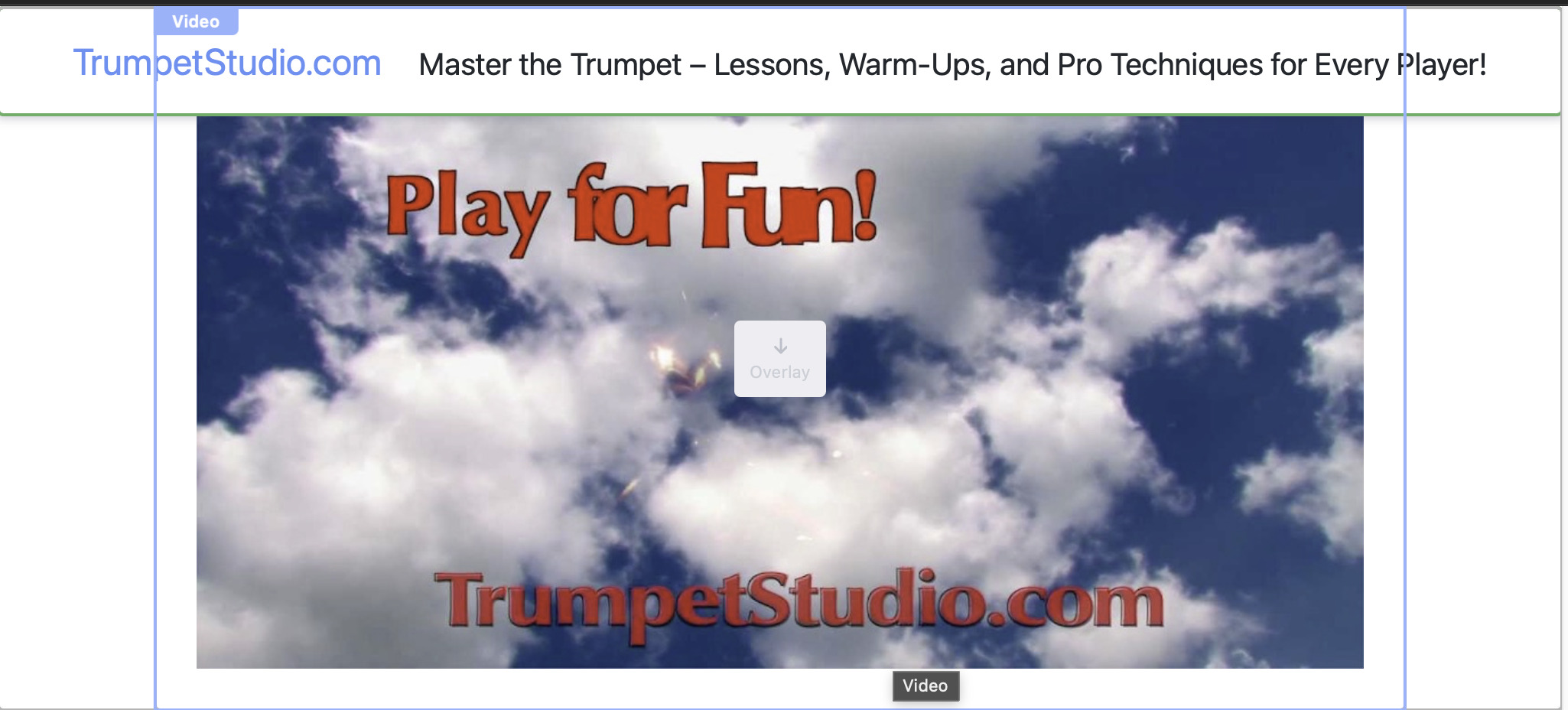
Best Practice - Made ‘Custom’ Page Header - Sticky
How do I lower the page Content? Is there a ‘correct’ way? or just select top item and pad 20 ontop?
You should try using FIXED instead of STICKY, that gets around the content shifting problem.
Yes  sorry used fixed….
But the content behind gets covered…
I’ve been taking the top item and padding 20 ontop
It sounds like you should be using the STICKY option if you want the content to start at the BOTTOM of the menu.
You can also use the INDIVIDUAL Type setting to control the position of the header. When you select it you will get settings for each of the sides, set the TOP to the height of your menu and see if that works.
First - thank you for taking the time to respond
I great Appreciate it
The sticky works! But wanted to leave the slogan on top like a fixed menu
Is there a way?
Found away around the problem:
Not ideal…
Just show the title: TrumpetStudio.com
Then with the first item below the fixed title: pad by 12
This then transfers from full size to mobile websites as the sides simply shrink and the pad 12 stays the same…