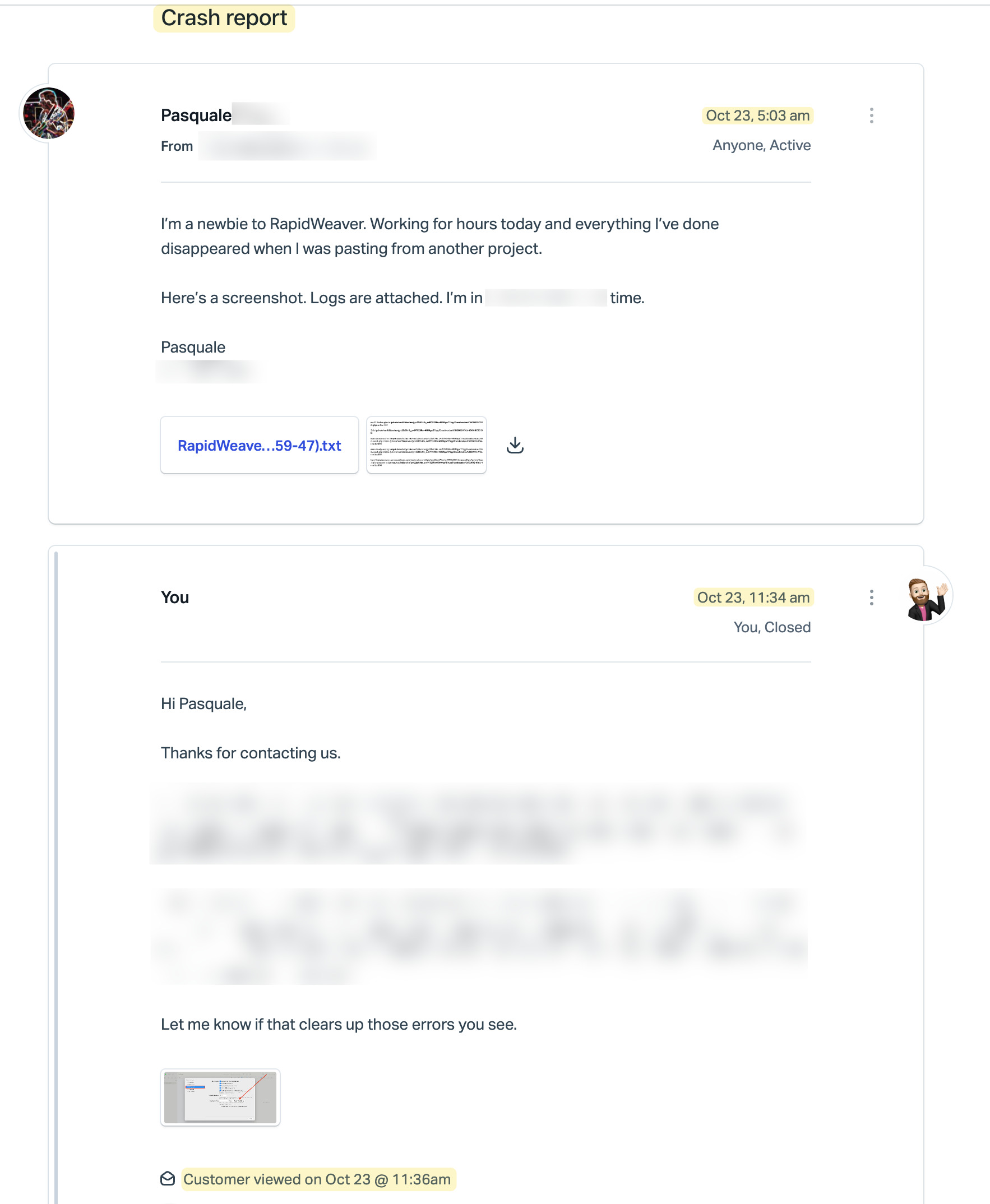
Worked for hours yesterday and the system crashed. Sent a crash report right after it happened.
Seems that none of my work was saved; I only have what I started with Wednesday afternoon. Is there any way to recover what’s lost?? The help menu has a Recover item “Remove recovered nodes” but it’s not clear that it will help. Do I just start over?
I replied to your support ticket several hours ago, not sure if you saw it.
Are you still seeing those errors that you sent over in the screenshot when you open your project in Elements?
Regarding recovering data, do you have Time Machine backups enabled on your Mac? If so you might be able to restore your project file from a time before the crash.
Feel free to reply in that support ticket, or here, whichever is more convenient.
Huh, that’s strange, I don’t see any ticket you submitted regarding how to build a nested menu, however the crash report ticket you sent in, I replied to below:
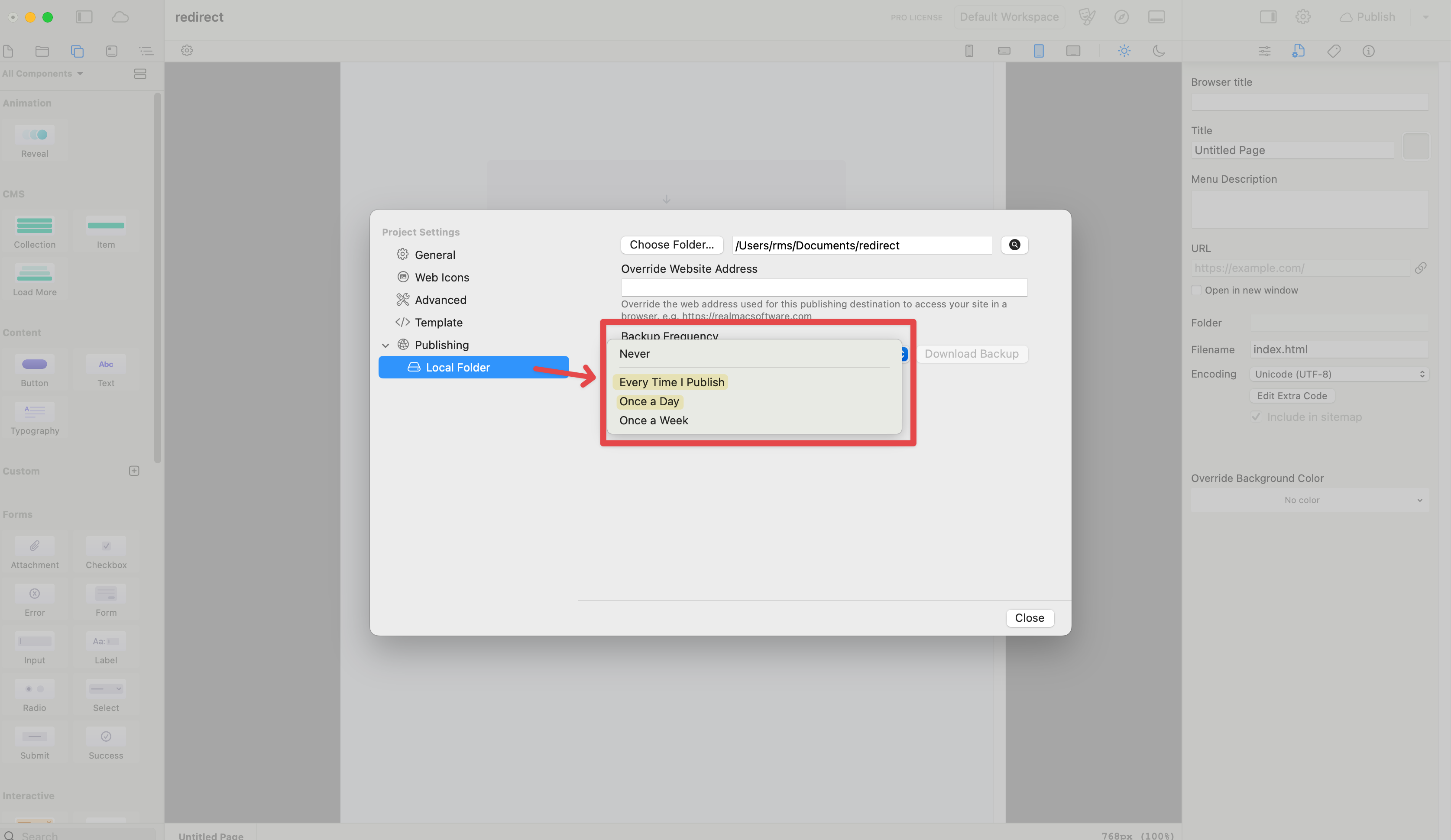
Hmm that’s not good. Did you upload the project to your web hosting account at all before the crash? If you had backups enabled in Element’s publishing settings, then you’d have a backup of the project file at the time of upload sitting on your web hosting account.
If you didn’t have those backups enabled, then you likely wouldn’t be able to recover the work you did.
I’d like to make sure you get those errors cleared up that you reported in your screenshot along with the crash report. If you are still seeing those errors when you open your project file please let me know, preferably in that support ticket you sent in so we can continue there.
Got Time Machine working again. Also enabled Elements Cloud and uploaded my file. I didn’t involve my web hosting account yet, as I need the older version of my site there until this one replaces it. Also, I’m not seeing the errors when I open the project.
I thought that I was hitting Command-S regularly, but I may have had a false sense of security from Pages and other software I use with auto-save. That won’t happen again. So I guess it’s a tough lesson learned for me.
I would suggest that in your Quick Start material that you tell other newbies that Elements doesn’t auto-save, that Cloud is available (but is also manually executed, and perhaps the piece about web hosting uploads. It may save others this pain.