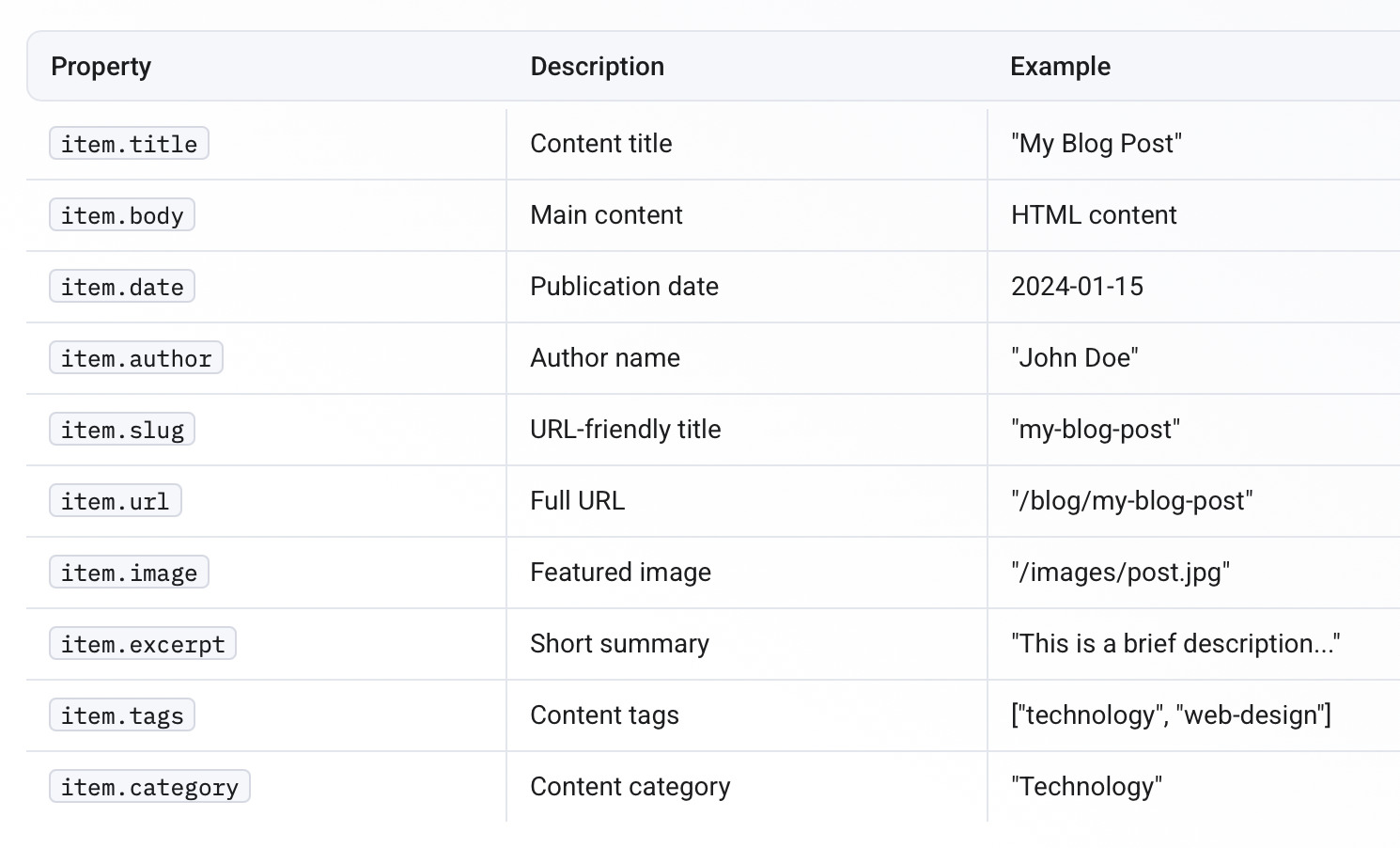
The slug is a URL-friendly version of your title, typically formatted in lowercase with spaces and special characters replaced by hyphens. For your example, a slug would likely be generated as “earth-food” based on the title “Earth Food” [1].
How Slugs Are Usually Generated
- Convert the title to lowercase: “Earth Food” → “earth food”
- Replace spaces with hyphens: “earth food” → “earth-food”
- Remove or replace special characters (if any)
How to Find or Specify the Slug
- If your system generates slugs automatically, it uses the title field and applies the steps above.
- You can explicitly set the slug in your metadata, for example:
slug: "earth-food" - Many content management systems (CMS) also allow you to view or edit the slug in the entry editor or settings for each item.
Why Slugs Matter
Slugs help create readable and SEO-friendly URLs. For example, your content would be accessible at a path like /songs/earth-food rather than a numeric or less descriptive identifier [1].
You can include the slug as a property in your metadata to ensure consistency across your project and ease in linking throughout your website.