Why are there 2 versions of the same page. Only difference is the URL is F1snakes in the incorrect one. Any idea how to fix this?
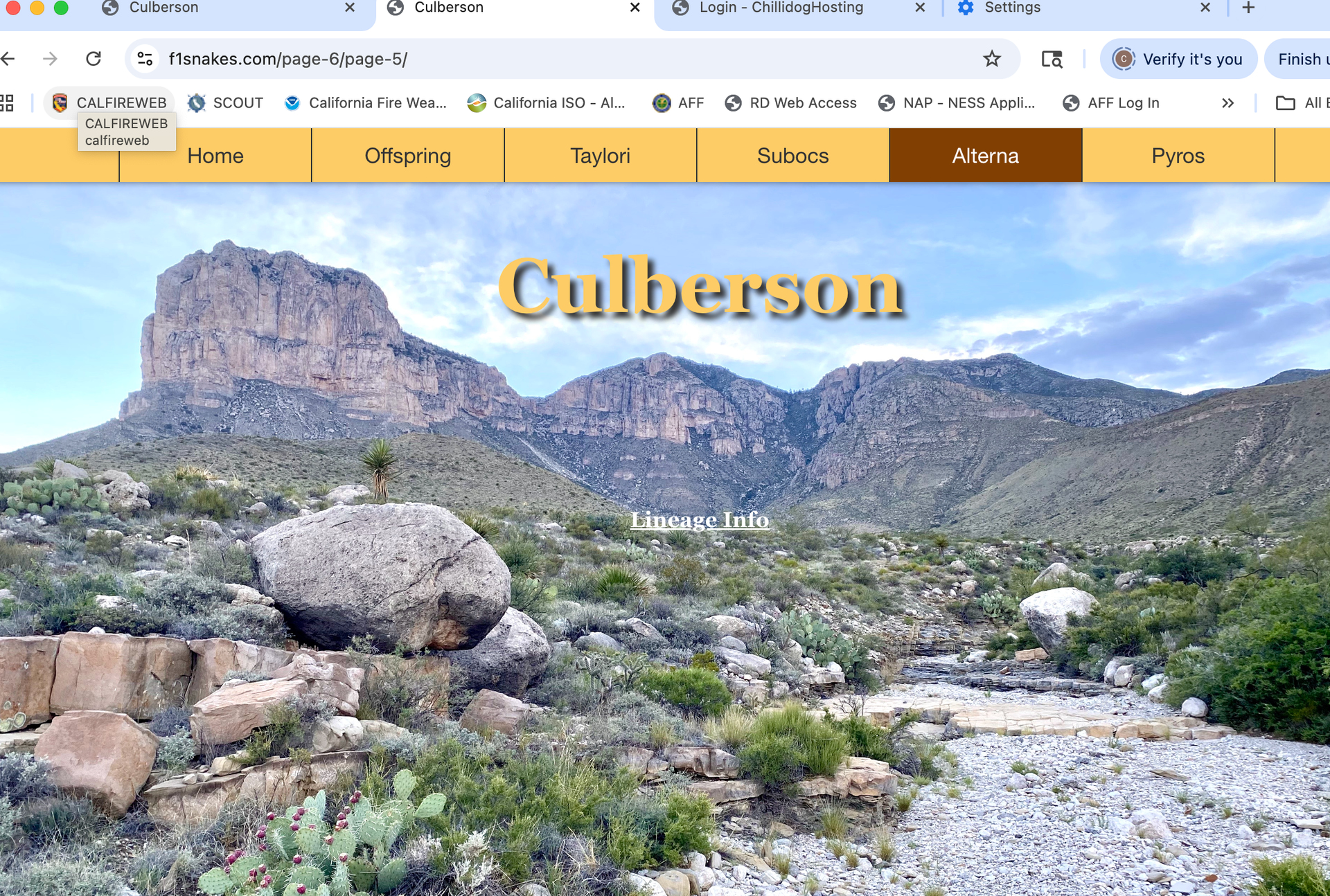

Isn’t one your local preview (With snakes) and one the web site page (No snakes)?
Have the changes been published?
Hi @colin
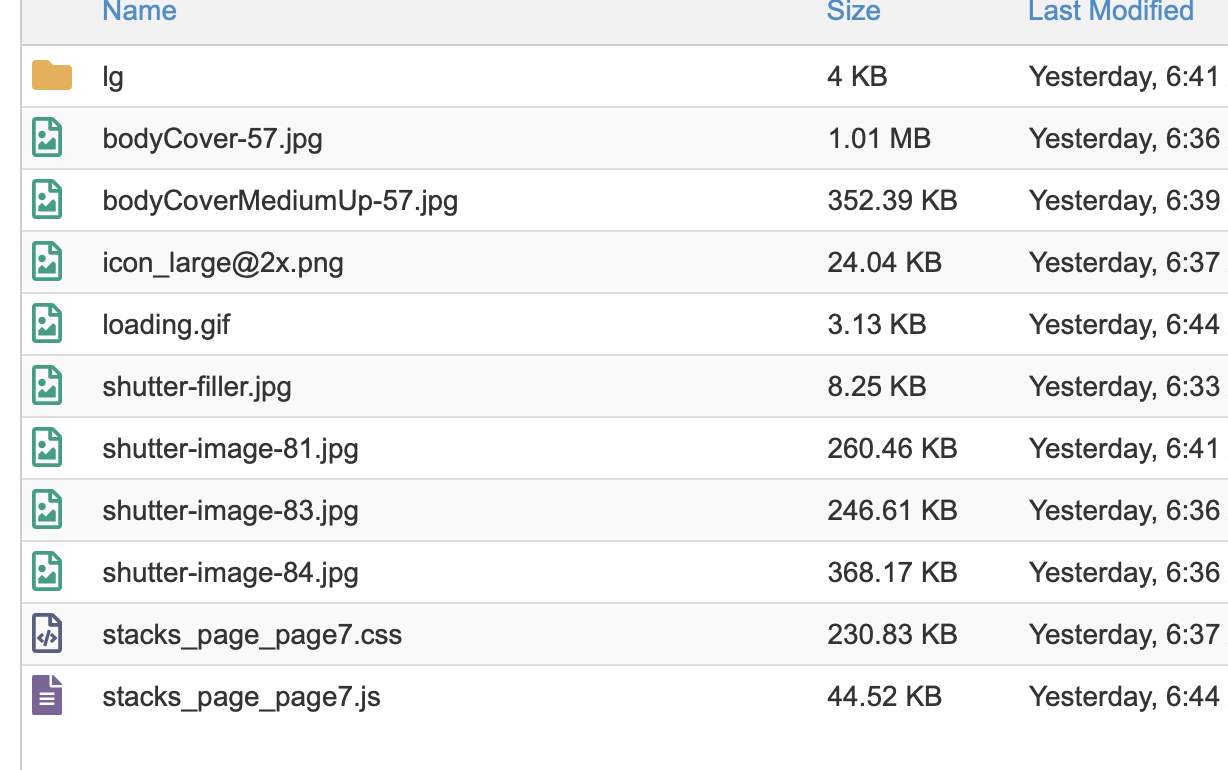
First of all: the .js and .css files have nothing to do with it - it’s best to leave them alone.
I’m guessing here: it’s possible that you have two versions of the page’s index file on the server, one is called index.php and the other is called index.html. They will both be in the same folder (../page-6/page-5/index.php and ../page-6/page-5/index.html).
Delete both the files (not the whole directory mind you - just these two files) and then go back to RapidWeaver and click File > Re-Publish All Files. This will force RapidWeaver to overwrite all the older files in that folder, and create a new, single, index file.
Cheers,
Erwin
Thank you. That wasn’t the issue. Not sure what the issue is but I cleaned out everything in my file manager and reuploaded and everything is good.