Elements CMS MCP Connection with Claude

@dan So I connected to claude for my cms and at the end it says:

I found a few CMS-related connectors, though none are specifically for Elements CMS (which I know you use for xxx.co.uk). Here are the closest options:

Connectors that could help

Beta

Secure AI access to manage your WordPress.com sites

Webflow

Manage Webflow CMS, pages, assets and sites

Wix

Manage and build sites and apps on Wix

Looking for something else? Browse all connectors

what should i pick?

Not the Dan you asked for, but I’m at the computer right now… :slightly_smiling_face:

Perhaps this YouTube tutorial will help.

Regarding those other connectors you listed, you wouldn’t pick any of them as they aren’t our products. :slightly_smiling_face:

That’s the video I am following. However Claude seems to have recognised the Elements CMS now but keeps babbling on about having to use Chrome for it to fully integrate with the CMS, otherwise it just keeps giving me instructions on how to write a new blog rather than adding it itself.

The message I get is “I don’t have direct access to your CMS backend or any stored login for it”

I need to spend more time on this. Thanks for now…

It sounds like Claude isn’t connected correctly, try asking claude:

Can you connect to the Elements CMS MCP server?

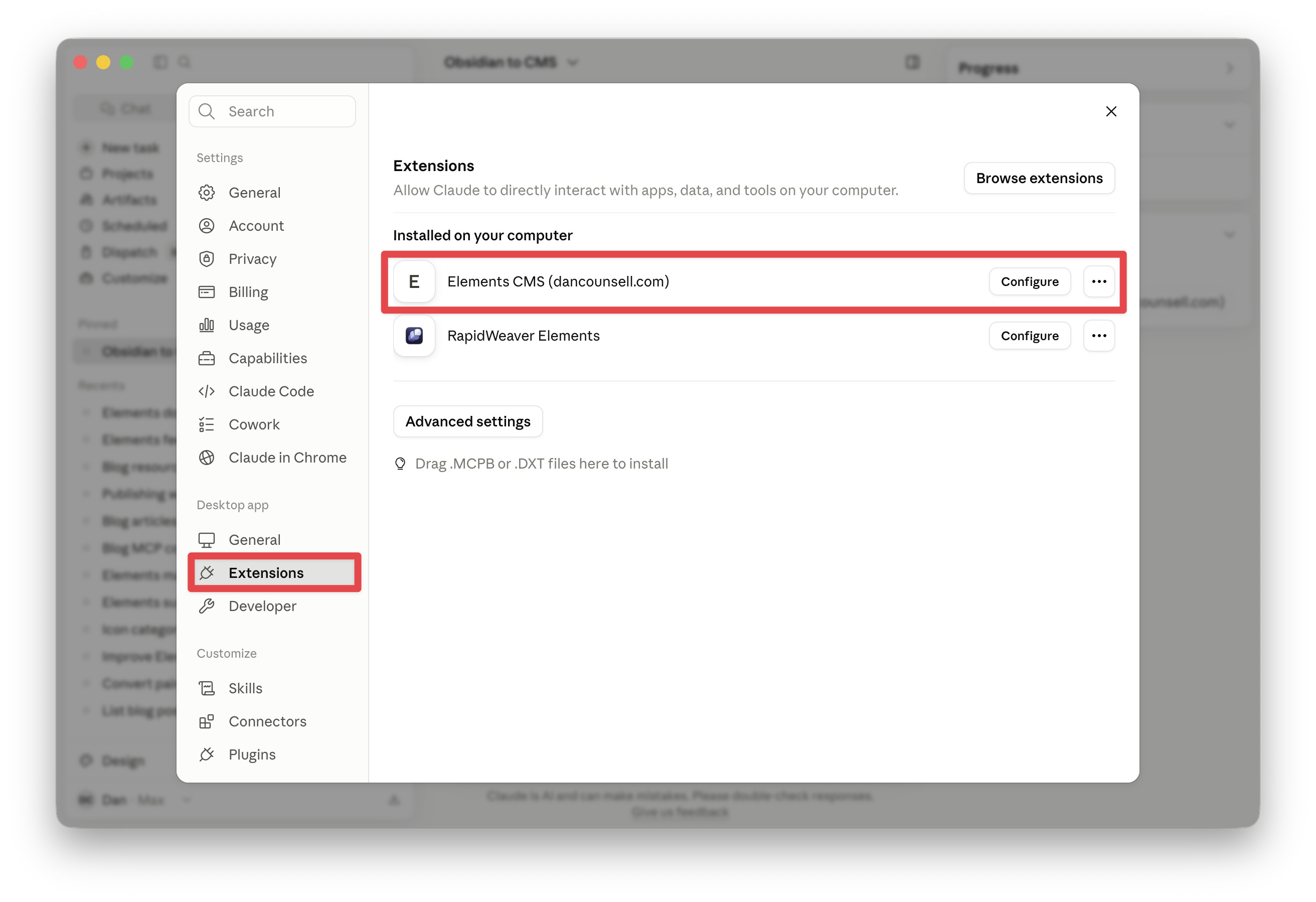
Also, check the settings in Claude under Extensions, if it’s connected correctly you should see the Elements CMS listed with your domain name.

Let me know how you get on.

Well I may have tracked this down, I have no API key and Claude says I need an Anthropic subscription on top of my Claude subscription to get the API.

Under extensions I do see it is connected to my domain, have i missed something?

it seems to me every step I take needs a new paid subscription :anxious_face_with_sweat:

The Anthropic subscription was very very cheap to start.. I don’t remember exactly… $10? Seems to come to mind…

Yes it’s another little add on fee…

Claude bonus application: I have been using my Claude subscription to build my iOS Mac app…

It’s been going well till today- the hardest section of my app - animated trumpet fingering with notes, trumpet and sound…

But really seems to be a copy paste issue from Claude to Xcode.

The Xcode was accepting the new pasted code for some reason… I would highlight the code then press paste…

Now I delete the entire code first - then press paste

Fixed a lot of issues….