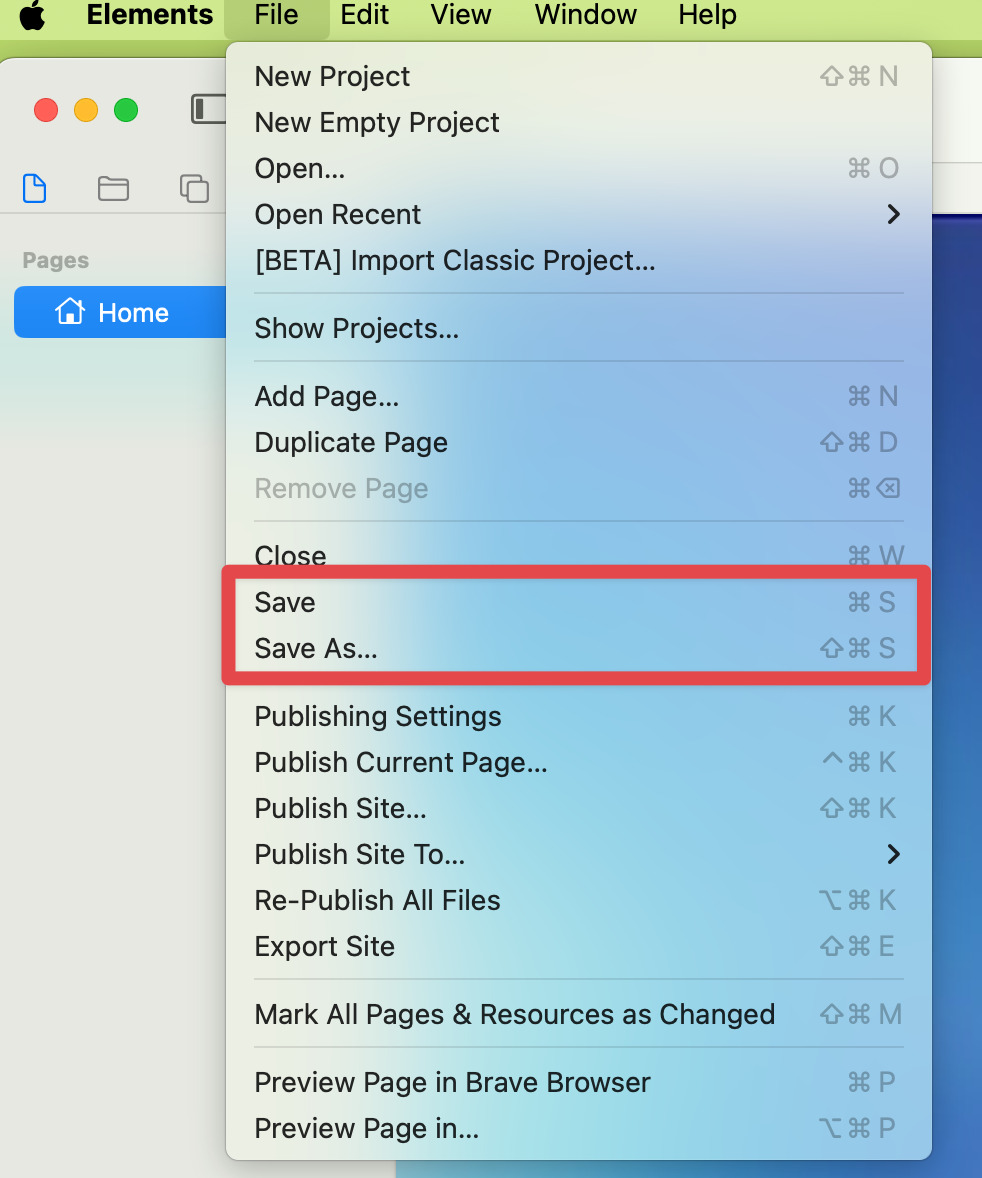
I worked on my website all morning. Made a “control-S” and quit.
15min later, opened my projet and discovered it was the one of last night!!! No traces of another file in the “Recent” menu, in TimeMachine or anywhere else! Did it happen to anyone else?!!
You might want to check if you’ve got a duplicate project file on your Mac somewhere, perhaps your most current version got saved to a different project file somewhere.
No duplicate (unless it got another name and I will never find it!)
My instinct (built on this kind of experience) would go for an “iCloud automatic sync problem” (often not nice with « packages » files (DevonThink, Scrivener…). But Elements being built to be synced with iCloud, it must be something else!
I manage to re-do my work much quicker than when I did it the first time…
Now I always check the date/time of my Element file before quitting… just in case.
 No traces of another file in the “Recent” menu, in TimeMachine or anywhere else! Did it happen to anyone else?!!