When I try to publish my elements project, it sometimes publishes the files, but doesn’t remove the blue dot and mark them as posted. Other times, it acts like it is publishing, then does nothing. When I check the site online, most of the site is there, but the CMS content is missing. This seems to be an Elements problem. Any idea on how to solve this problem? Thanks!

Thanks for responding. Yes, that is checked. If I preview the site locally, it works. When I go to publish it online, it gives me the experience you saw in the video. At times, I was able to force it to publish by publishing one page at a time, but the CMS data never made it to the online version of the site. See www.christtoourculture.com
It gets worse. It was working (at least without my CMS data) last night after I told my hosting provider they needed to upgrade the php on my site. They moved it to version 8.3. Now it isn’t working again! Ugh! 
Can you share your project file here via Elements Cloud? If you can’t share it publicly feel free to DM me the link.
Might be a web hosting issue but I want to try and test publishing on my end to see what happens.
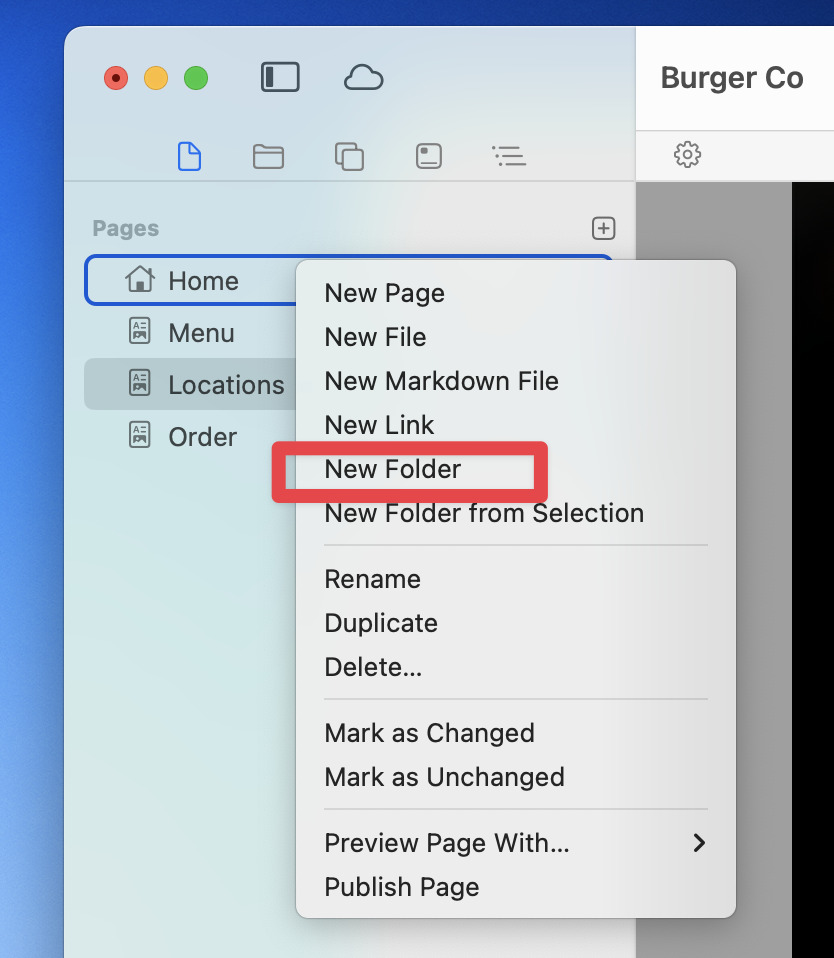
@tpbradley spotted it. You had a missing filename on your Teaching page. Add index.html or index.php there and all should be good in the publishing world again.

That is great! It worked! Thank you! Thank you!
That leaves me with another question. I don’t want “Teaching” to be a clickable link, but a dropdown. In Rapidweaver, this is what I did. CleanShot 2025-12-16 at 10.38.00 · CleanShot Cloud
How do I accomplish this in Elements?
Thank you @dan !!