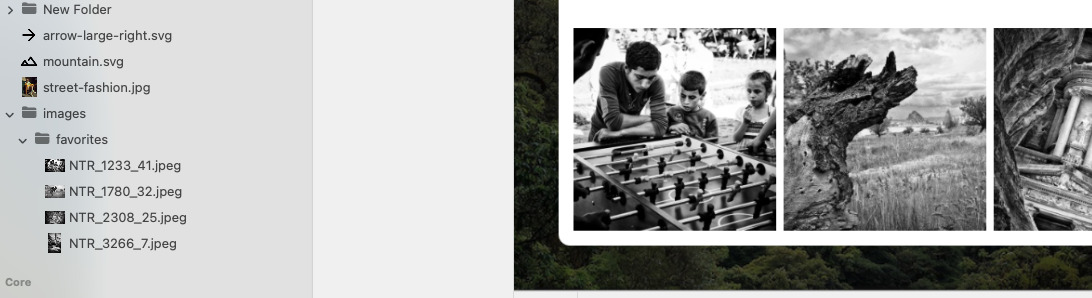
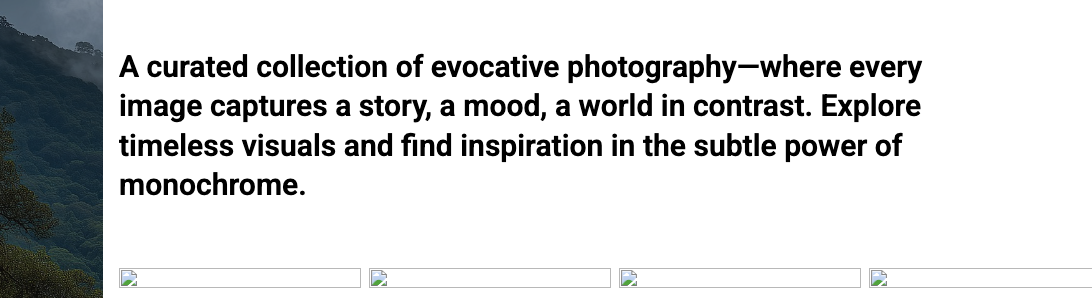
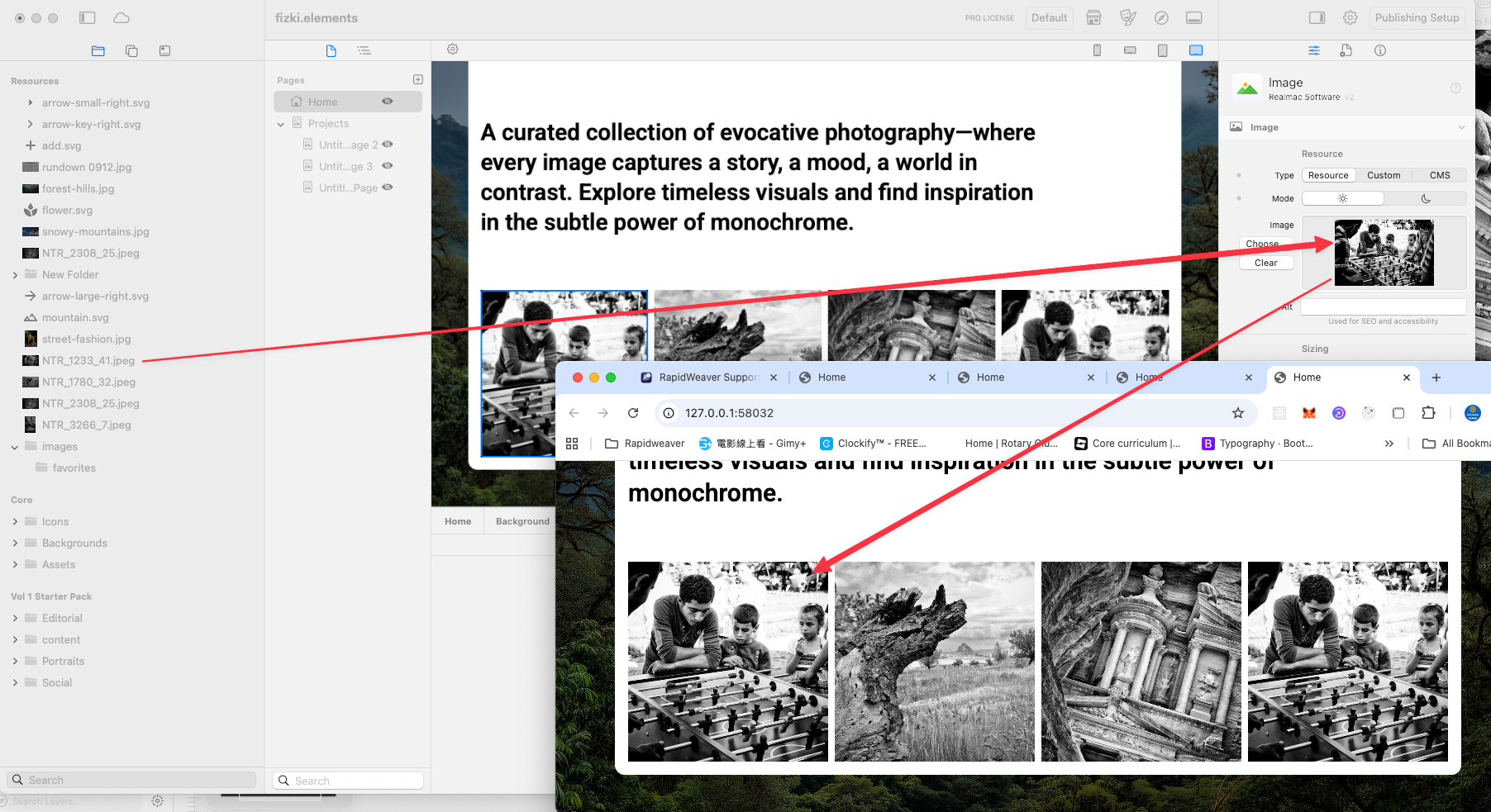
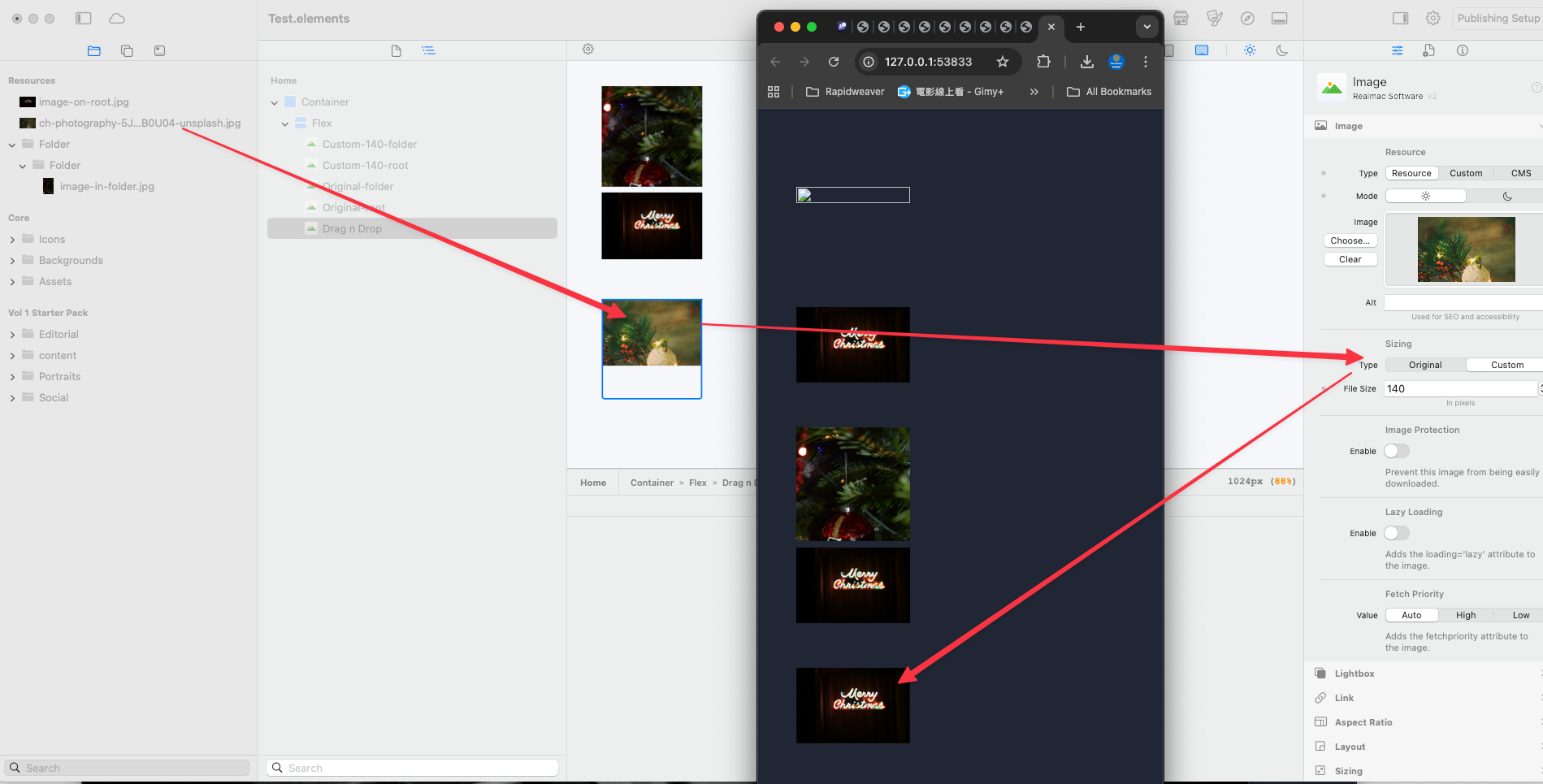
I hope you are all fine. Setting up my private webpage and stumpled over a bug. I am aware of the resource path required in components, but this is a different issue.
Haven’t done any Elements work for a few month, do to other projects. Did not find anything related to this in the forum and I am just suprised that no one reported this yet, since I saw the Resources beeing out for a while already.
And just upfront. I am using only build in components. No custom once.
Try putting your images in a folder on your computer. Drag that folder into resources. Drag the Gallery component (or Image Slider) into a Container. Drag the folder from resources into that Gallery component.
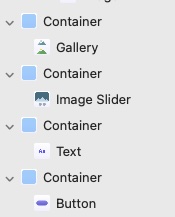
The drag and drop in your second pic only works for individual images. Your ‘tree’ should only have one gallery in the container like this, unless you have multiple galleries -
Thanks for the reply. But this is not the use case I am trying to solve. That issue appears with individual images. I do not use a gallery because I think in the Gallery you can not turn of the lightbox. But I am not sure of that, not behind my computer at the moment.
Also drag and drop the folder from the desktop I know. But what when you want to reorder images and create the folder in Elements?
I got for all of it a work around for now. But it appears to be a bug for me.
Btw. The Gallery in my post is a flex component. I renamed it.
yes of course it should all work. I am just wondering why I would experience it then. I try to reproduce that error with a small simple sampel. And that seems not to work. (aka all seems to work) …
That means what caused the behavior before? I will send you my current project, since the new sample one seems to behave right
This one is a bit tricky. Does not always fail. I got it reproduced after I change from Original to Custom and then try the drag & drop into the image.