I wonder if anyone can help.
Having an issue with the form. PhP is 8.3 and ive had the hosting comany check and they say there is an error on the submit.
Here is the screen shot.
Thanks in advance
Assuming your form is set up and configured correctly, the error getting thrown is a 400 bad request, so first thing I’d check with your web host about is if they have any security settings preventing the form from submitting. One example could be mod_security rules, which it seems your web host is using per their help article below:
Try disabling it per that above guide, retesting the form submission, and if that’s not the cause come back and let us know.
Hi Dan,
I have disabled Mod security for the domain. - The live page is at www.quantumgoddess.co.uk
Have i missed something on the form itself?
Chris
no still the same…. could it be a setting here?
Url is Contact Us
Where contact_us is the actual page?
Chris
You would be better off to set the folder to “contact” and the filename to “index.php”. Not sure if that is creating the problem though.
Hi @Cablecar69
I just tested your form and got an error back:
{
    "success": false,
    "error": "Failed to send email",
    "timestamp": "2025-10-01T06:35:01+00:00"
}
The “Failed to send email” suggests that your Form settings are incorrect — so likely an incorrect username, server address, server port, etc.
You can get more details about the error by checking the form logs. You should find a log file on your server in this location: rw/elements/com.realmac.corepack/api/logs/form_{form-id}-2025-10-01.log
If you could share that log file with us we can help track down the issue 
Hi, i changed the page name to index.php and its the same. Here is the log. Had to change it to .txt to post here.
form_rw4830A601_37F6_4E04_8330_077BFBEC0F9E-2025-10-01.txt (23.4 KB)
Log in details are all correct.
Chris
Thanks for the log, I can now see the underlying error:
SMTP Error: Could not connect to SMTP host. Failed to connect to server
This suggests the server details you have entered in to Elements are incorrect, you’ll need to check with your hosting/email provider that you have the correct details.
Also, if you haven’t yet, please run through our Form checklist documentation to ensure everything is setup correctly
Hi Ben,
Ive had the host check the settings and they are correct now….they changed the server address.
Here is the latest log as its still failing.
[2025-10-02T10:44:06.143374+00:00] form_config.INFO: Spam protection verification passed {"config_path":"../../../../contact_us/./backend/rw4830A601_37F6_4E04_8330_077BFBEC0F9E/config.php","provider":"honeypot"} []
[2025-10-02T10:44:06.143898+00:00] form_config.INFO: Processing email form submission {"config_path":"../../../../contact_us/./backend/rw4830A601_37F6_4E04_8330_077BFBEC0F9E/config.php","fields":["name","email","message","privacy[]","_metadata"],"attachments_count":0,"metadata":{"ip":"81.109.107.195","user_agent":"Mozilla/5.0 (Macintosh; Intel Mac OS X 10_15_7) AppleWebKit/537.36 (KHTML, like Gecko) Chrome/140.0.0.0 Safari/537.36","timestamp":"2025-10-02T10:44:06+00:00"}} []
[2025-10-02T10:44:06.143947+00:00] form_config.DEBUG: Preparing to send email {"config_path":"../../../../contact_us/./backend/rw4830A601_37F6_4E04_8330_077BFBEC0F9E/config.php","to":"contact@quantumgoddess.co.uk","subject":"New Form Submission","attachments_count":0} []
[2025-10-02T10:44:06.148698+00:00] form_config.DEBUG: EmailService: PHPMailer ready to send {"recipients":[["contact@quantumgoddess.co.uk",""]],"subject":"New Form Submission","from":"contact@quantumgoddess.co.uk","attachments_count":0} []
[2025-10-02T10:44:06.162220+00:00] form_config.ERROR: EmailService: Exception in sendFormSubmission {"error":"SMTP Error: Could not connect to SMTP host. Failed to connect to server","exception":"[object] (PHPMailer\\PHPMailer\\Exception(code: 0): SMTP Error: Could not connect to SMTP host. Failed to connect to server at /home/hikingho/quantumgoddess.co.uk/rw/elements/com.realmac.corepack/api/vendor/phpmailer/phpmailer/src/PHPMailer.php:2348)","formData":{"name":"burbburlb","email":"chris@cjlive.co.uk","message":"dkljdkljd","privacy[]":"privacy-agreement"},"options":{"to":"contact@quantumgoddess.co.uk","subject":"New Form Submission","template":"default","from_email":"contact@quantumgoddess.co.uk","from_name":"Website"},"config":{"from_email":"contact@quantumgoddess.co.uk","from_name":"Website","reply_to":null,"smtp_host":"s690.lon1.mysecurecloudhost.com","smtp_port":" 465","smtp_username":"contact@quantumgoddess.co.uk","smtp_password":"********","smtp_encryption":"ssl","smtp_auth":true,"smtp_debug":false,"smtp_timeout":30,"charset":"UTF-8","word_wrap":76,"priority":3,"confirm_reading_to":null,"allow_empty_to":false,"validate_addresses":true,"enabled":true,"to":"contact@quantumgoddess.co.uk","subject":"New Form Submission","template":"default","smtp_verify_peer":true,"smtp_verify_peer_name":true,"smtp_allow_self_signed":true}} []
[2025-10-02T10:44:06.165133+00:00] form_config.ERROR: EmailService returned false {"config_path":"../../../../contact_us/./backend/rw4830A601_37F6_4E04_8330_077BFBEC0F9E/config.php","to":"contact@quantumgoddess.co.uk"} []
[2025-10-02T10:44:06.165180+00:00] form_config.INFO: Email sending attempt {"config_path":"../../../../contact_us/./backend/rw4830A601_37F6_4E04_8330_077BFBEC0F9E/config.php","success":false,"to":"contact@quantumgoddess.co.uk","subject":"New Form Submission","form_data_fields":["name","email","message","privacy[]","_metadata"]} []
[2025-10-02T10:44:06.165213+00:00] form_config.ERROR: Email form submission failed {"config_path":"../../../../contact_us/./backend/rw4830A601_37F6_4E04_8330_077BFBEC0F9E/config.php","error":"Failed to send email"} []

Im not getting the error message from the form too...saying not sent or anything....it like submit isnt doing anything but obivously it is because of the log.

Theyve tested the server and its all fine.


Chris
Have you added a Form Error component, with some error content, to the Form? If you add a Form Error component with some Text, it’ll get displayed when an error occurs.
Unfortunately the error is the same, the PHP code sending the email is not being allowed to connect to the server details you’ve entered.
The error we’re seeing is: SMTP Error: Could not connect to SMTP host. Failed to connect to server
This error means the server details entered are either incorrect or the server is not allowing your website (or the server it’s hosted on) to connect to it.
I noticed that the smtp host is not the same domain as your website — this could be the issue! You’ll need to check with your email provider that they accept requests from your website domain.
SMTP Host: s690.lon1.mysecurecloudhost.com
Your Domain: quantumgoddess.co.uk
Hi Ben,
They have raised a support ticket. They had me change the mail address from the domain one to that address. It was originally set to the domain server but advised it to be changed.
I’ll keep you updated once i hear back from them just in case it helps others.
Thanks for the amazing work.
Chris
This is what my hosting company is asking:-
Thank you for the provided logs, but I was asking where in the website files is the SMTP configuration setup, so we can check the file directly. And also is there a way for us to try and replicate the error? Is it displayed when submitting the form?
Check your MX-Record in your DNS-Settings.
host -t mx quantumgoddess.co.uk
returns
quantumgoddess.co.uk mail is handled by 0 quantumgoddess.co.uk.
is this correct? should it be mail.quantumgoddess.co.uk
your TXT SPF record ist also not correct
It also fails with that as the server too.
The hosts have asked where they can check the code.
Thank you for the provided logs, but I was asking where in the website files is the SMTP configuration setup, so we can check the file directly. And also is there a way for us to try and replicate the error? Is it displayed when submitting t
Chris
Not sure what code they are looking for, perhaps they are looking for:
/backend/rw.../config.php
or maybe
rw/elements/com.realmac.corepack/api/vendor/phpmailer/phpmailer/
The contact form uses the PHPMailer script which is quite common, but some hosts don’t allow it. Perhaps ask your web host if they allow mail to be sent from the PHPMailer script.
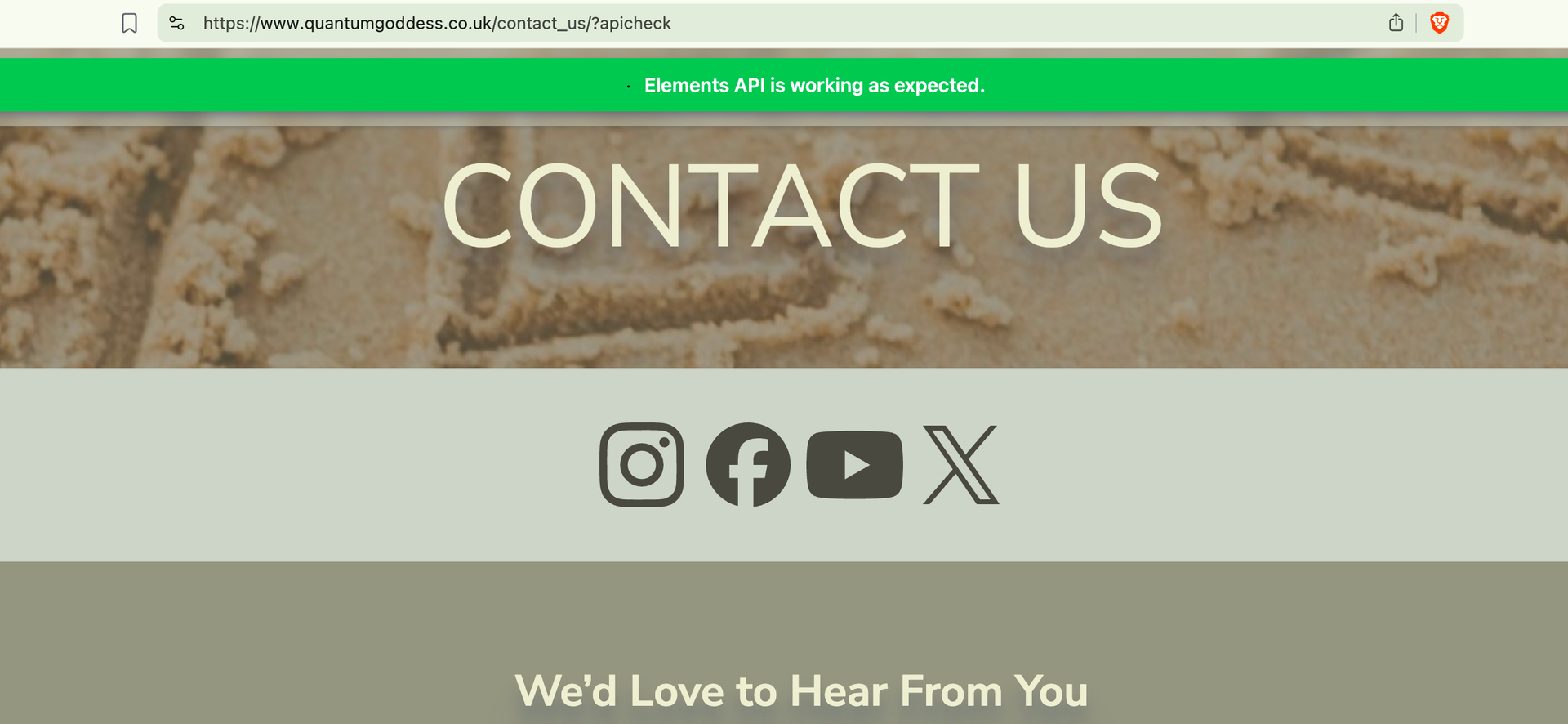
The API check is working as expected on your contact form:
So your web host would have to check the server logs and see why that error " SMTP Error: Could not connect to SMTP host. Failed to connect to server" is getting thrown.
Maybe try changing the Port field in your form settings to 587, and the Encryption to TLS, republishing, and trying again, making sure you’re email address and password are correctly entered in the form settings.
Yes, they can try to submit the form, they will see the error.
Ive sent the info to them but i channged the port to 587 and TLS and it worked fine… Thank you so much for working with me on this….i really appreciate it.
Chris
Nice, happy to hear those settings worked. 
You might want to let your web host know to update their help documentation since it seems port 465 didn’t work for you.
If you encounter any other problems let us know.


 ben
ben