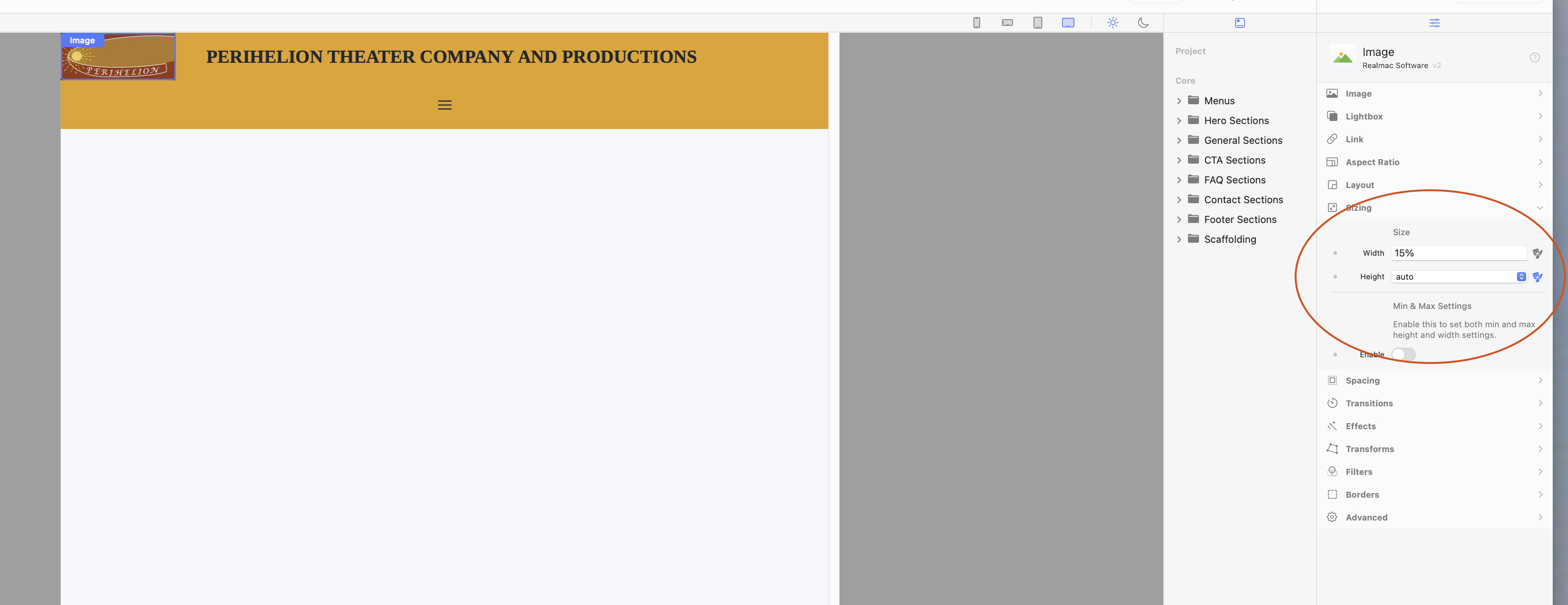
Someone on the forum created a header banner (at top of attached pic), but the logo was too small and I wanted to redo it with larger logo (beneath first header). I can’t get the title to be centered in text box, or add background color

.
I had already made the image larger.
The problem is centering the title within the text box, and adding background color to that text box, as in the example above, in same pic.
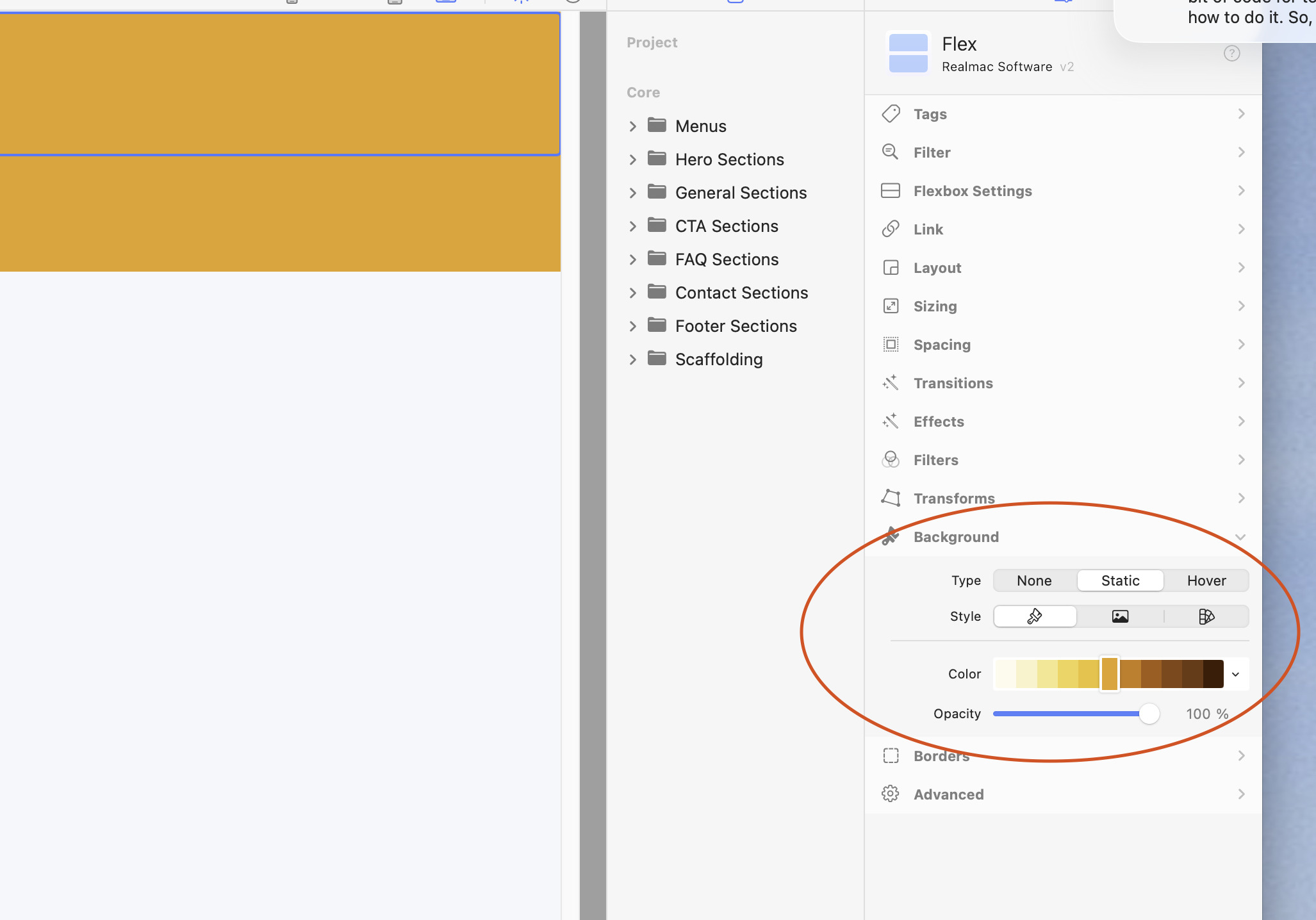
Click static, you will have background options then
That works.
If text box is just inside a container, can I still get Bgd color?
Yes. Select the Container (or Flex or Grid), then add background to it. The text box will pick up that background color.
There is no background option for a text component, yet??? In the video I added a bg-blue-200 class under the advanced for the text component
The flex provides background Color for the text otherwise
See if this works for you: elementsapp://downloadDocument/zrPGpfQSapCN
With a Flex box at 2 columns, how do I size the columns to be same width?
Sorry but you seem to be asking different questions
Is this something different now
Not 100% sure on that one. I can do that with a grid…
I think flex dynamically sizes itself…but check sizing property for the flex component
Click on the image, then click on link in the properties window, click on choose link, then select url, and edit to read mailto:InsertEmailHere
this should be in Elements not Classic
Because there is no user manual for elements, it is difficult for users to know what “thought” is necessary for many steps.
You sent me the menu for my website in attached. I would like to use this, but several questions about this.
How do I remove old menu box? You see that clicking “remove menu” has no result.
How do I delete “My Website” from your menu box?
How do I make text box for company name, at top, larger?
Click on Show Project Settings
Change or Delete what is in the title box
Not 100% sure what you mean here? For larger, do you mean larger size of the font??