Greetings, I’m trying to build my jazzvibe.com site using elements. It’s been a very slow process but I was making progress until trying to add an HTML youtube video section.
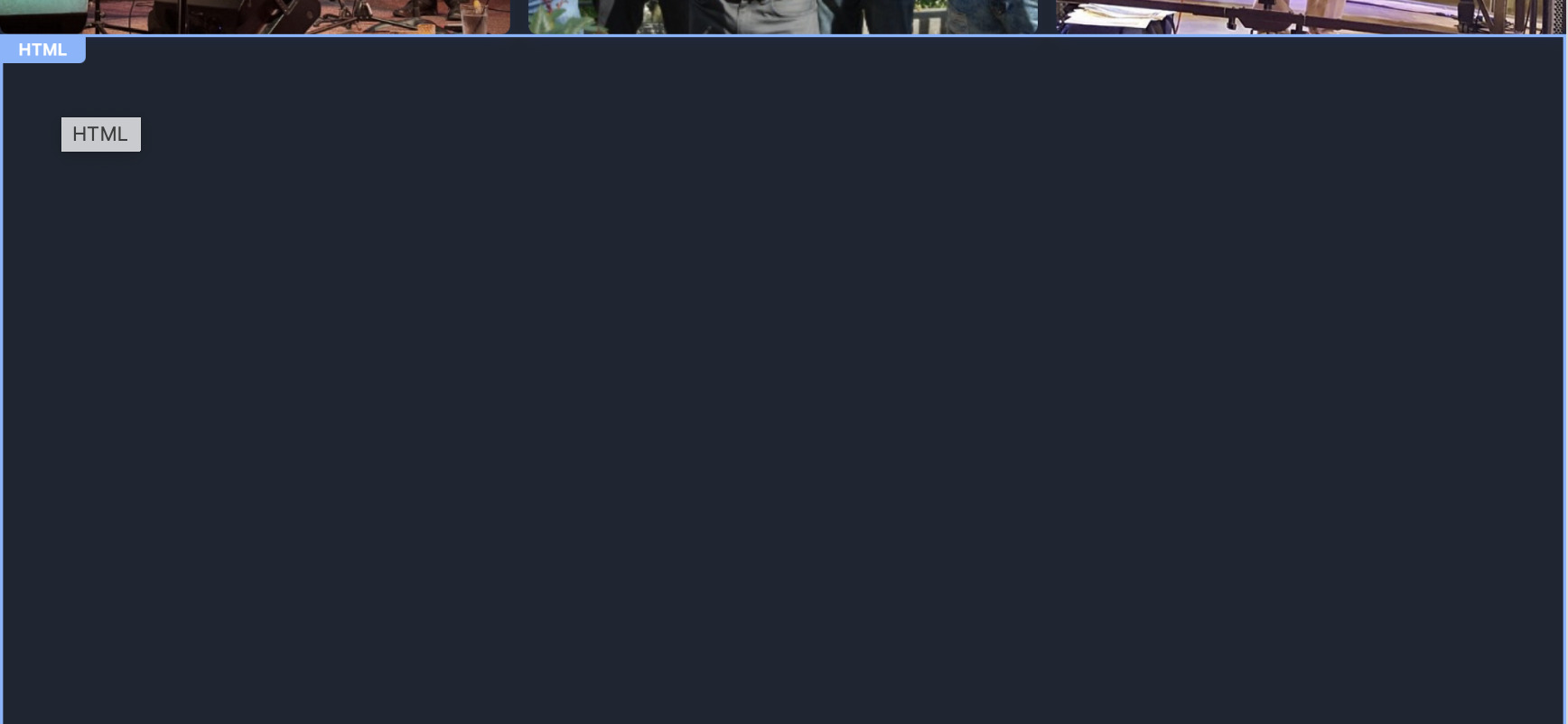
My Home page has three youtube videos. I tried adding a custom HTML section and embedding the videos. I could not get it to work and now Elements does not seem to recognize the HTML section I added. It recognizes the Gallery Section above and the section below but not the HTML. It’s just a big blank section I can’t do anything with. I can’t edit it, or delete it.
Any Ideas?
I’m using the current Elements on Sonoma, intel 2019 Mac
OK I was finally able to delete the section by clicking the HTML handle top left then delete. Now any idea how to get my videos to work? I read another post here on embedding video and tried the HTML with no luck.
The video component does not appear to be for embedding a video link from youtube. It appears to be for uploading a video resource file from your computer. If I’m mistaken about that let me know.
Thanks for the suggestion and the link. I followed the steps to drag the youtube urls of the three videos I want on my home page to the resources section then dropped them into three separate video components. I now have three static photos from the video but the videos don’t play within Elements. I checked and they do play when embedded in Classic. So I’m not sure if it’s working or not. Again the Elements web Browser Preview does not work for me.