🌟 Introducing "WONDER" Project, the successor to MARVEL Theme

Hi guys, here another great Layout for Elements!

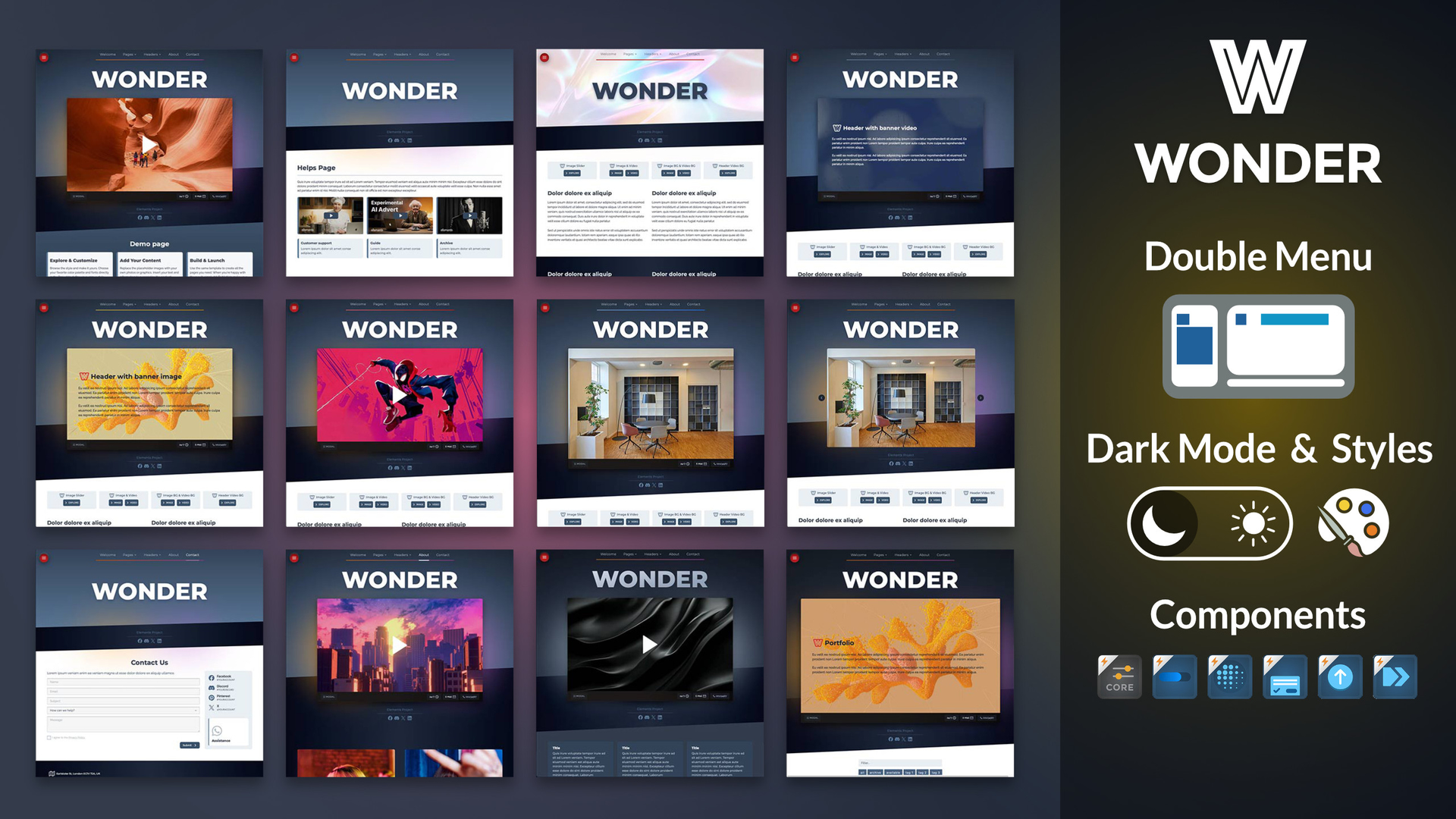
wonder is the next evolution of the MARVEL theme built with the Elements standard and packed with 5 components that let you build a complete, fully functional website.

If you’ve been planning to upgrade to Elements, this is the right project for you! :grinning_face:

wonder

Dark mode and styles are fully supported.

wonder_project_001

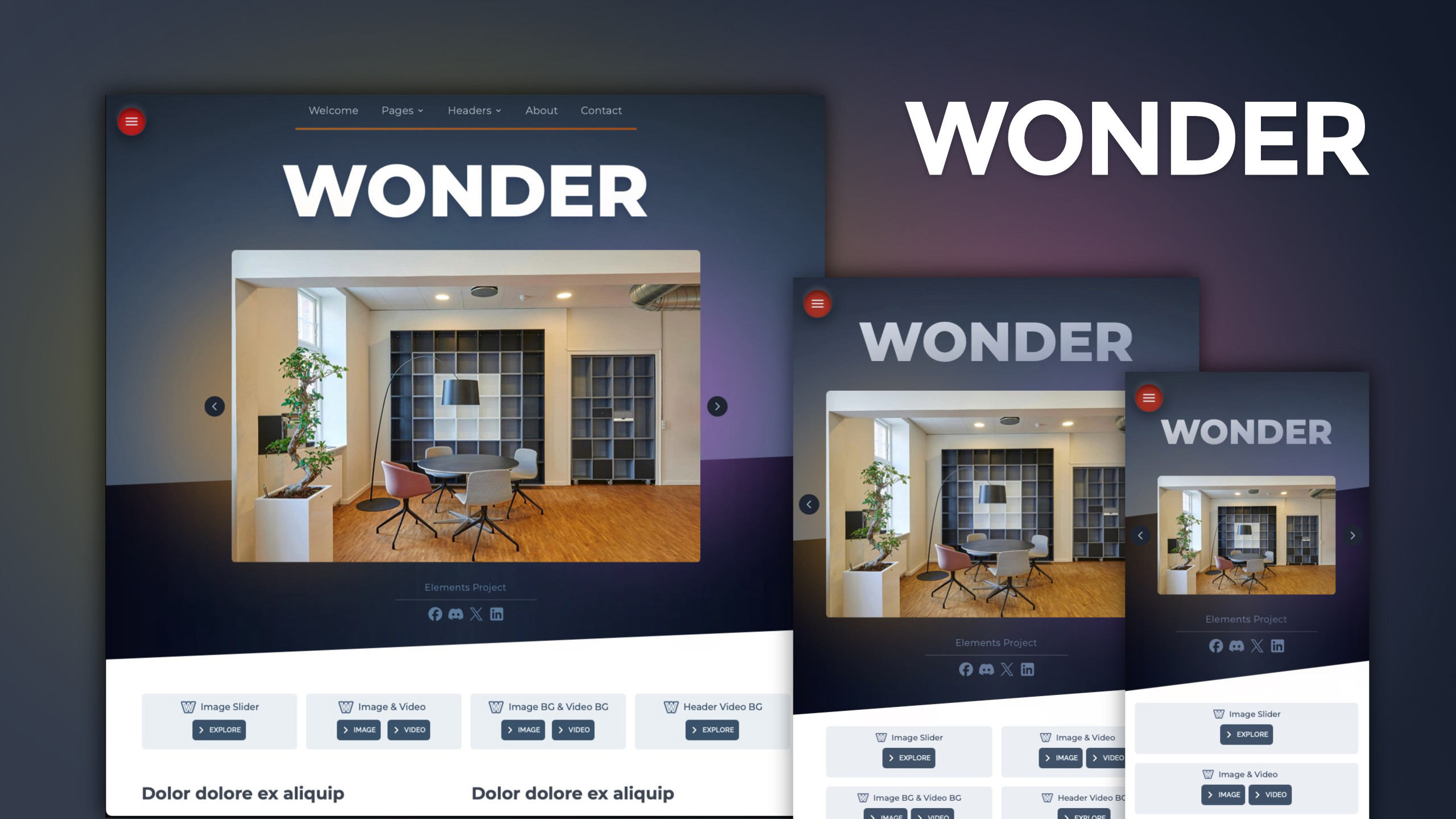
wonder comes with lots of header styles and ready-to-use examples. Everything’s clearly named, so you can find and tweak things fast. It’s all built to save you time :hourglass_done:

Wonder Headers: Slide image / Text Content / Image / Banner Video / BG image & Video
wonder_project_009

Custom Components

Back to top button, Scroll Bar, Banner Parallax, Fade-In BODY and Breadcrumbs.

Take a look

wonder_project_components_

wonder_project_collage
Wonder is a modern and versatile Project, engineered for impact. Showcase your vision with a video banner.

Project pages:

Home, Pages, Contact, Banner Image / content / Slider image / Video, Gallery, Helps, About, Dark ( dark mode simulation) ‘Starter Page’, your starting point to launch your website!

Check out the live preview to see it in action!

Here a coupon 25%Off for the Project

wonder25


and another thing :slight_smile:

Introducing the “Trilogy Bundle
A collection of three remarkable designs now together in one powerful offer.

trilogy_x
Expose, Ascent and the new Wonder

Here a coupon 20%Off for the Bundle

trilogy20offprojects

Thanks!

2 Likes

Really great work! The components stay active for any other website? That would be great :+1:

I like this a lot

1 Like

when I view on my iPhone the screen shifts to the right, must be the reveal areas

there is another theme that exhibits this on the marketplace I did comment on that one not sure it was corrected

excellent theme, couple of headings are really light in dark mode

1 Like

Hi Michael and thanks

I think I’ve already answered the question. Yes, all ‘custom components’ can also be used in other projects. Just copy them from the project and paste them into your new project.

If you want to have the same settings on all pages, just convert the custom component to a global one.

thanks! :vulcan_salute:

… fixed :rofl: This is the only page missing in the demo project since it only illustrates the components installed in the project. :grinning_face:

1 Like

Stupid question :man_raising_hand:

Do all your themes with custom components?

Didn’t know that about your themes…. If so…

Thanx

Michasel thanks for your question, this gives me the opportunity to respond not only to you, but to all new Elements users.

My experience with RW Classic products has taught me what’s most useful for users.

The most important thing is the ability for them to freely manage their own tool landscape, so all my products have the same features. If one product is updated with a new component, all the other products will be updated as well (at no cost). and this over the years!

my X account for news and updates

I just added the “Breadcrumbs” component to my other projects, I’ve already updated Ascent and Limi in the Marketplace and I’ll ship the update for the remaining ones soon.

The philosophy is to offer consistent products, and I’m working on this for components as well, not just projects

1 Like

PURCHASED THE BUNDLE!!!

Thank you so much….

stinks that the dollar is worth so little against the euro :euro_banknote:

But really wanted these!!

Thank you for supporting my work!

I’ll take a look at € issue sorry

Not your fault - no worries…

1 Like

I’m very excited to use your features, progress bar and back to top, etc

Thanx again :wink:

You shouldn’t have any trouble understanding how they work; the panels are designed to be just the most useful options :grinning_face:

A couple of notes:
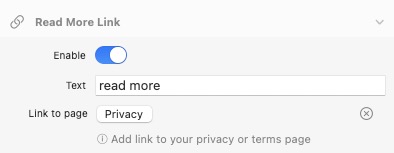
In the Privacy Policy pop-up custom component, you need to link to your project page.

For the Breadcrumbs custom component, you need to set the site root; if you publish to a subfolder, you can move the top level. My demo is 2 levels under the root

Info on the page

Extreme Value for the MONEY!!! :slight_smile: WOW

The Trilogy is JAM PACKED with stuff to use on my other sites!

Just Copy and Paste your content into which ever page you choose - very simple!

Really Impressed with the amount of work here… you did a lot!

You get an A+ Coming from a 34 year teacher…

:folded_hands:
Thank you very much, I worked hard to build consistent product like I do for RWclassic

These components are essential for building a site today, feel free to use them wherever you want

You are really kind, I appreciate it a lot and it is an incentive to continue and further raise the level of the products, thanks a lot!

BTW: Just updated the Ascent Project with Breadcrumbs ‘custom component’

These were some of my favorite Classic themes. Thanks for giving them life on the new platform!

1 Like

@chet thanks for your purchase!
My work to bring Classic content to Elements continues and your support is a motivation for me. :folded_hands: