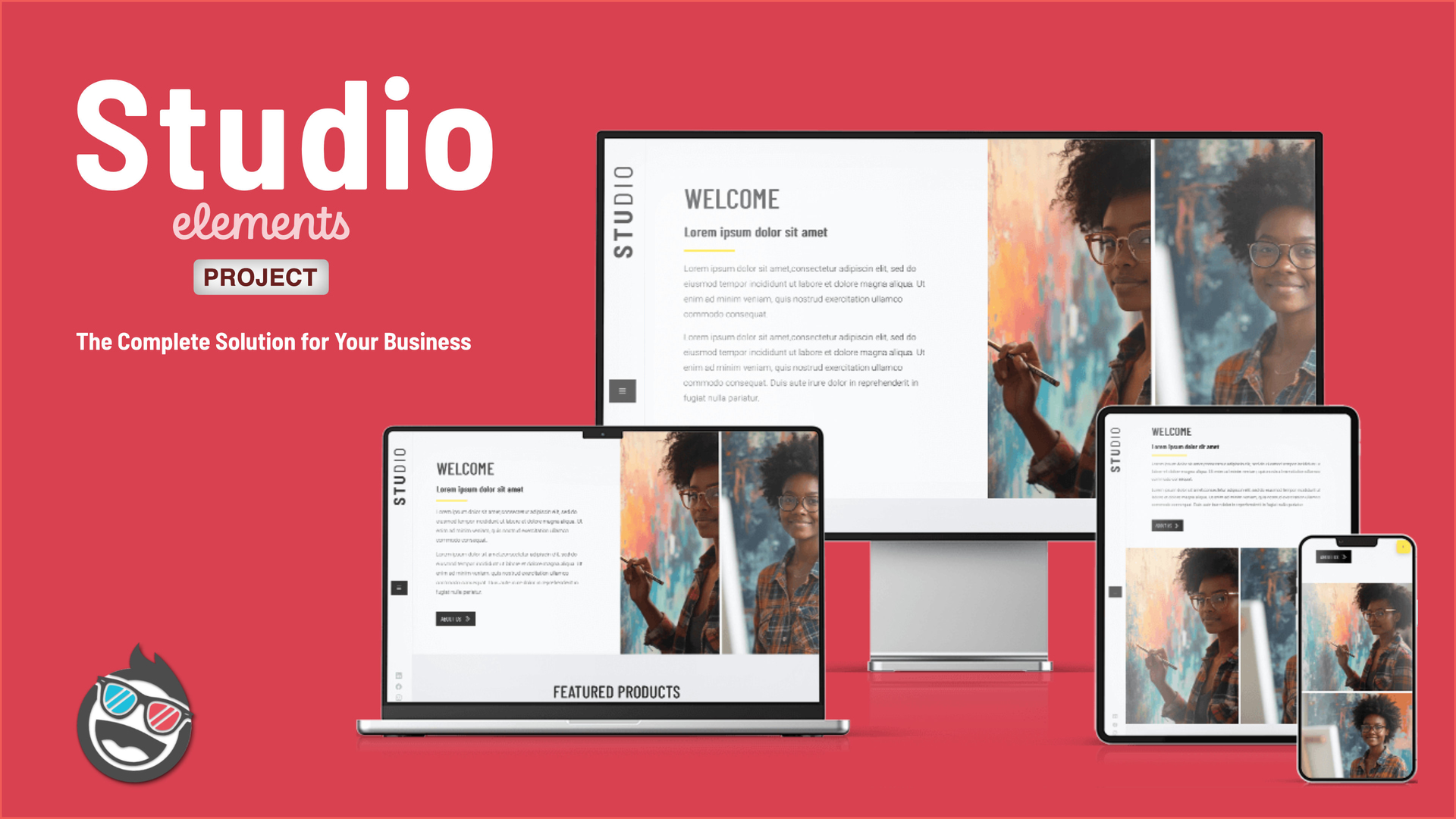
I just released today another template I am working for some time now. I call it Studio, it is a complete solution for small, privately owned companies. It includes all you need for a professional presence. The initial design is made for an Art Gallery but can be easily adopted to other businesses e. g. Furnitures, Cafes, Bakeries, Florists, Craft Shops and much more.
The template includes all essential functions: A portfolio system to showcase your work, a company events section to keep customers informed, and an online shop for direct sales. The blog feature lets you share expertise and connect with your audience, while showcase areas highlight your projects and success stories.
What sets Studio apart is the personal touch throughout the design. The template features a distinctive sidebar menu that offers a more elegant navigation experience compared to standard top navigation bars. This design choice maintains an authentic character while delivering a professional appearance.
Studio is completely developed with the fleXon design library. The coming version 1.4 of fleXon will include the complete set of sections.
The blog in Studio is currently not made with the Elements CMS. As soon as it is a bit more mature I will add that functionality. Currently the blog is made manually
Thanks @sbchasin for supporting here and triggering me.
Hi @Michael1, thanks for purchasing the template. Please have a look at below screenshot. Go to the Sidebar Modal, select it and then see the right side of the screenshot, select show modal. You are now able to change the names of your pages manually and also the links which are textlinks.
With the template there was also an instruction included. Please also have a look there, there is a description about some important things you should know when you work with the template.
In one of the next versions I will improve the sidebar handling, but for now it is a manual process (but you have to do it only once as it is stored as a global.
@WeaverPixel
Hi, the Theme looks great and ist online. But the Form for the E-Mail did not work. In rapid weaver 8 I can write my E-Mail address in “general” and it works. Unfortunately I can´t do in elements something like that. How can I configurate the Contact Form so that I receive E-Mails?
Thank you.
Yours Michael
Hi @Michael1,
to set up the form properly, you need to click on the Form Component. There you should find all the settings you need. Below is a screenshot showing what to click and what you see then.
Hi @Michael1
within the second container there is the Form Component. It can be sometime tricky to select it in the Editor Screen. Best will be you open your Node Browser to locate it. Have a look at the below screenshot. The Form is marked there in blue.
 I like your nice and clean


