Page replaced by big empty image container

Comes up with a big blank image - nothing else. I’ve rebuilt the page and it’s still the same. Anybody got a clue ? Dan it’s tin the file I sent you - previews fine (as prints for sale) but shows nothing but a big empty image box

Sure I must be doing something really daft : )

elementsapp://downloadDocument/khPHf8hIm9dA

This page is also doing something similar

This page too just comes up as a big empty image box

If you look in the Safari developer console I see;

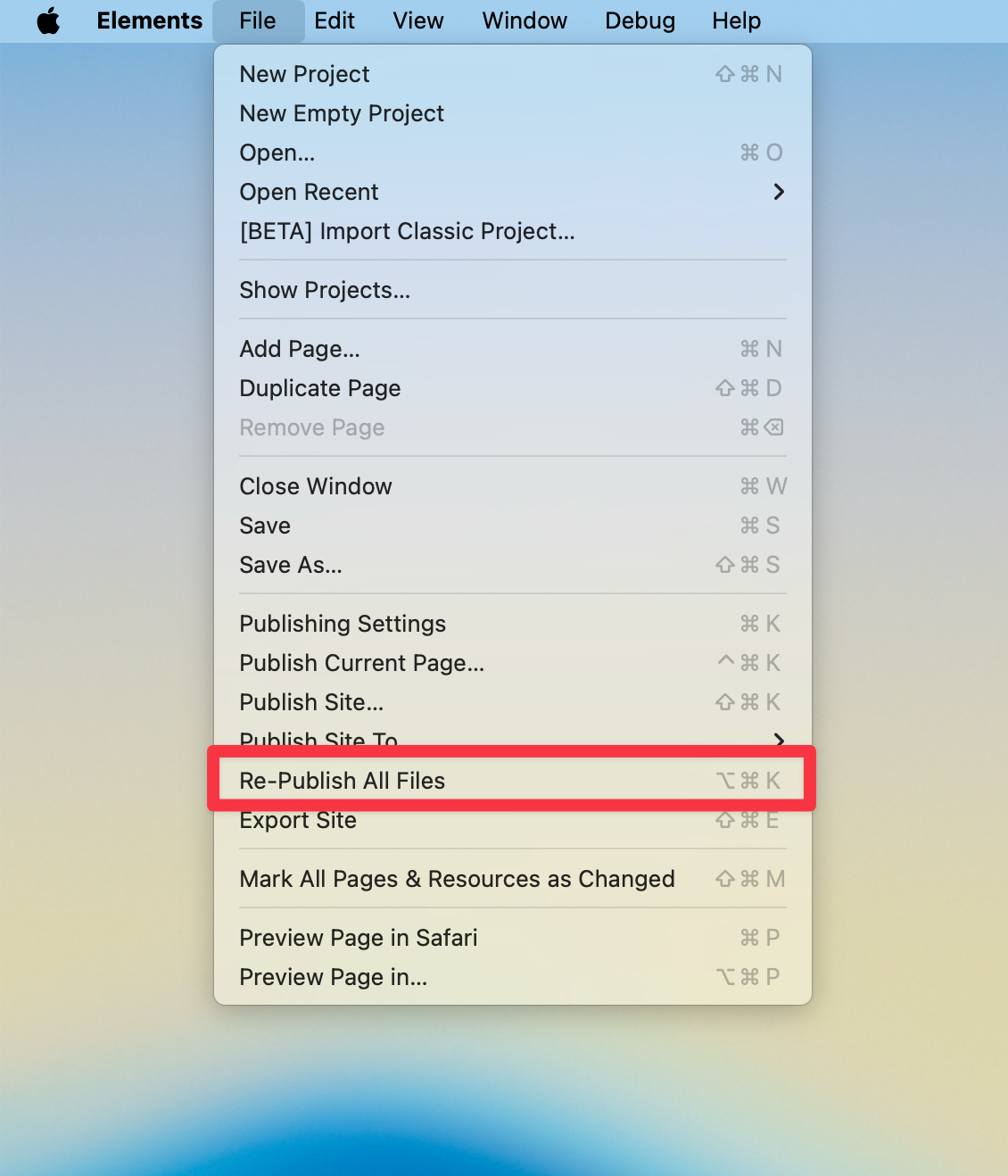
Perhaps all the files haven’t been uploaded. Try using the “Re-Publish All Files” option in the File menu to see if that resolve the issue for you.

OK - thanks all … I am however purposefully deleting everything in /2025 and re-upoloading the lot every time … just to be sure.

Something is not uploading though - I think you’re right !

Thank you for your input

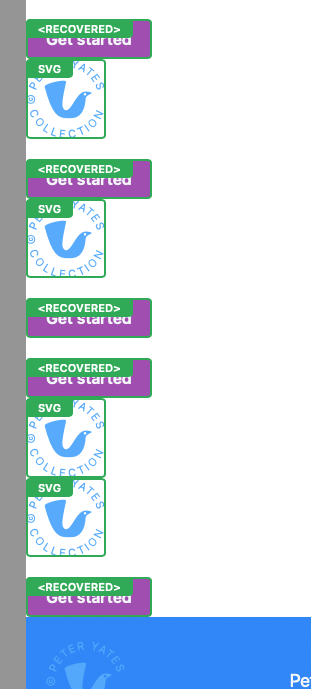
When I reopen the file - I’ get the following … could that be connected ?

… So many missing parents : (

Bunch of unwanted ‘recovered’ Sturf in reopened file

Very difficult to delete

Unlink them from the global and you should be able to delete

Thanks Steve … yes I can do that, but why are they there ? There’s hundreds of them

And when I reopen the file again I get more ‘gifts’

I know it has been covered before in the forums. I think one of the devs commented on it regarding cause, but I don’t remember exactly. I know they are aware.

Thanks for your input Steve !!

1 Like

Dan - I’ve tried what I can. If I ‘export site’ to a folder on my hard drive … and preview my questionable files (eg: print_shop.html) … then all necessary files should be available. They are clearly not as I get this empty image block and nothing else. FTP’ing files to the server at (…/2025) confirms this. (ie ../2025/print_shop.html)

Additionally (and there may be a clue here) - The header (a global) is missing its lower (4 part) image on all but the index.html page. [This image was added to the global after the event]

Thanks, Jol