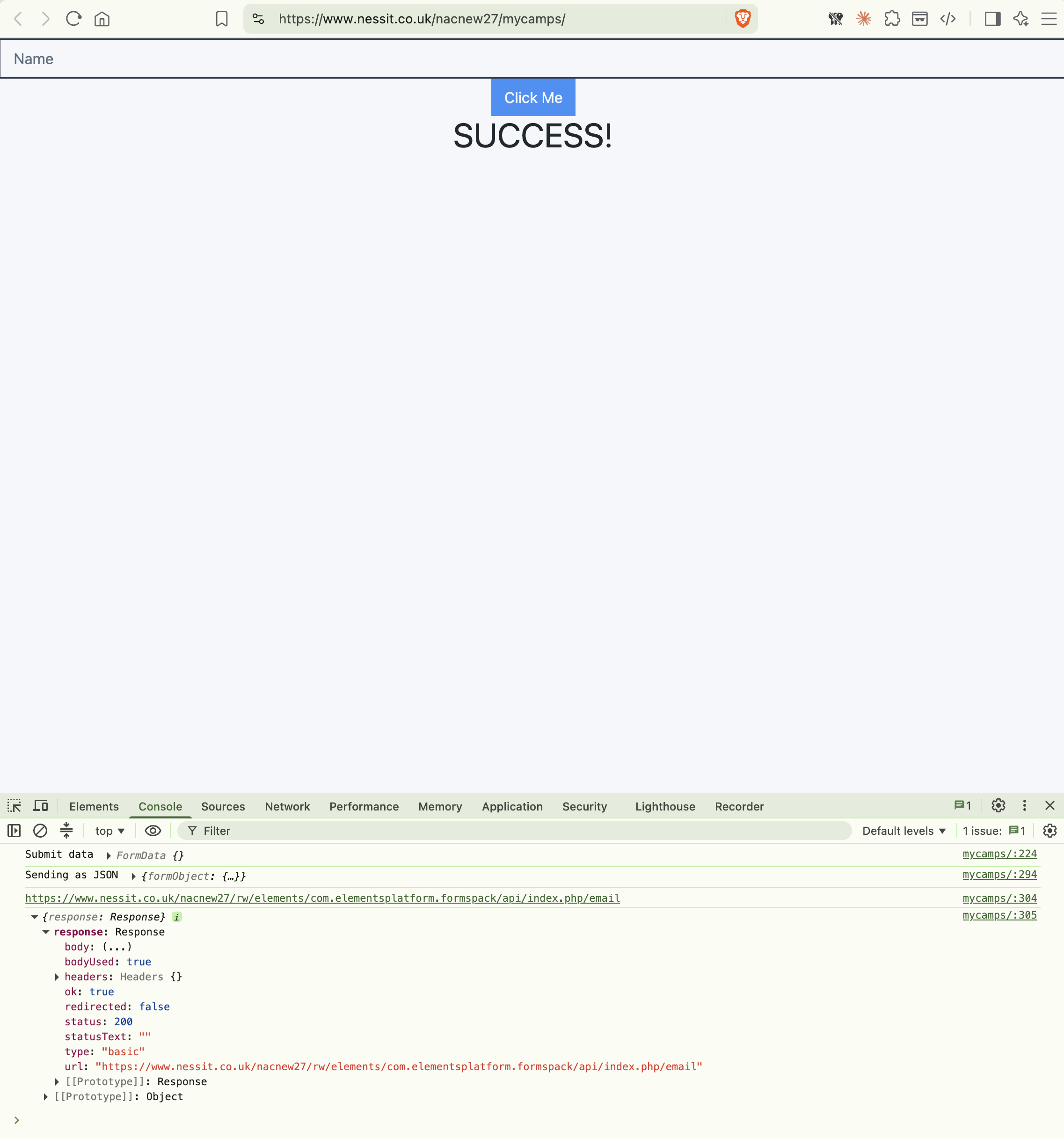
Since the update all my previously working form webhooks PHP scripts have stopped working. I don’t have a high level of technical knowledge but I have checked everything. What has changed with this version? Can anybody please help?
Nah just the link to a contact page. Strange it’s giving a 200 response code which is what we’d want to see, and the response is saying the form was submitted successfully. It’s not erroring out or anything.
Right I know, can you download (3.0.18) from our release notes page and revert to that last version and re-publish your site to test? It shouldn’t hurt anything, just trying to see if that last version worked since you said things stopped working after updating to 3.1.0
I’m not sure, 3.0.18 was the last version before 3.1. If your webhooks were working fine in the last version 3.0.18 then I’d expect them to continue to work fine after republsihing with that version.
Can you republish that test page mycamps with 3.0.18 so I can compare the results of the two?
So what’s not working exactly? You can select to receive the contact form submission via either the PHP mailer script, or have it submit to a webhook of your choosing. Don’t think you can have it do both.
OK Dan. I did receive the normal form Email AND the PHP script email (which sent our a response email to the Email address in my form), so I received both. However, I hope perhaps it’s something you might look into a bit more as I need this for my business. Thank-you, Roy
Did you have some kind of custom solution set up with your webhook? I’m not sure I understand how your contact form was working. You are saying normal email and PHP script email, but I don’t know what that means. Can you clarify a bit about what happened when someone submitted your contact form? That would help with troubleshooting.
You mentioned this, so I’m wondering if you had some kind of automation set up with your webhooks or something.
When someone submitted a Form I received an email with all the form field data. My PHP script (located in the same folder) then sent out an email response to the email address submitted in the Form. There was no other setup. It was all done in the Form Component settings.
Originally (when your custom PHP scripts were working), did you have the Email option selected in Elements, or did you have the Webook option selected?