Dear Community, I am non-technical but impressed with Elements (upgraded from RapidWeaver). Am slowly building a site based on a FastSpring template. I just uploaded the project to the cloud, link below.
One observation is that Safari Preview does not match the Elements Preview. This usually occurs for colors, not layout. For a specific example, see Typography text on page “In Focus” which displays white in Elements, but blue in Safari. I have tinkered with the colors but cannot get them to match. (It is a google font–not sure if that matters.) Thank you
It’s not an error. You can set colours independently for light and dark mode in the editor…
I think you have the editor set to dark mode and you’re previewing the site in light mode.
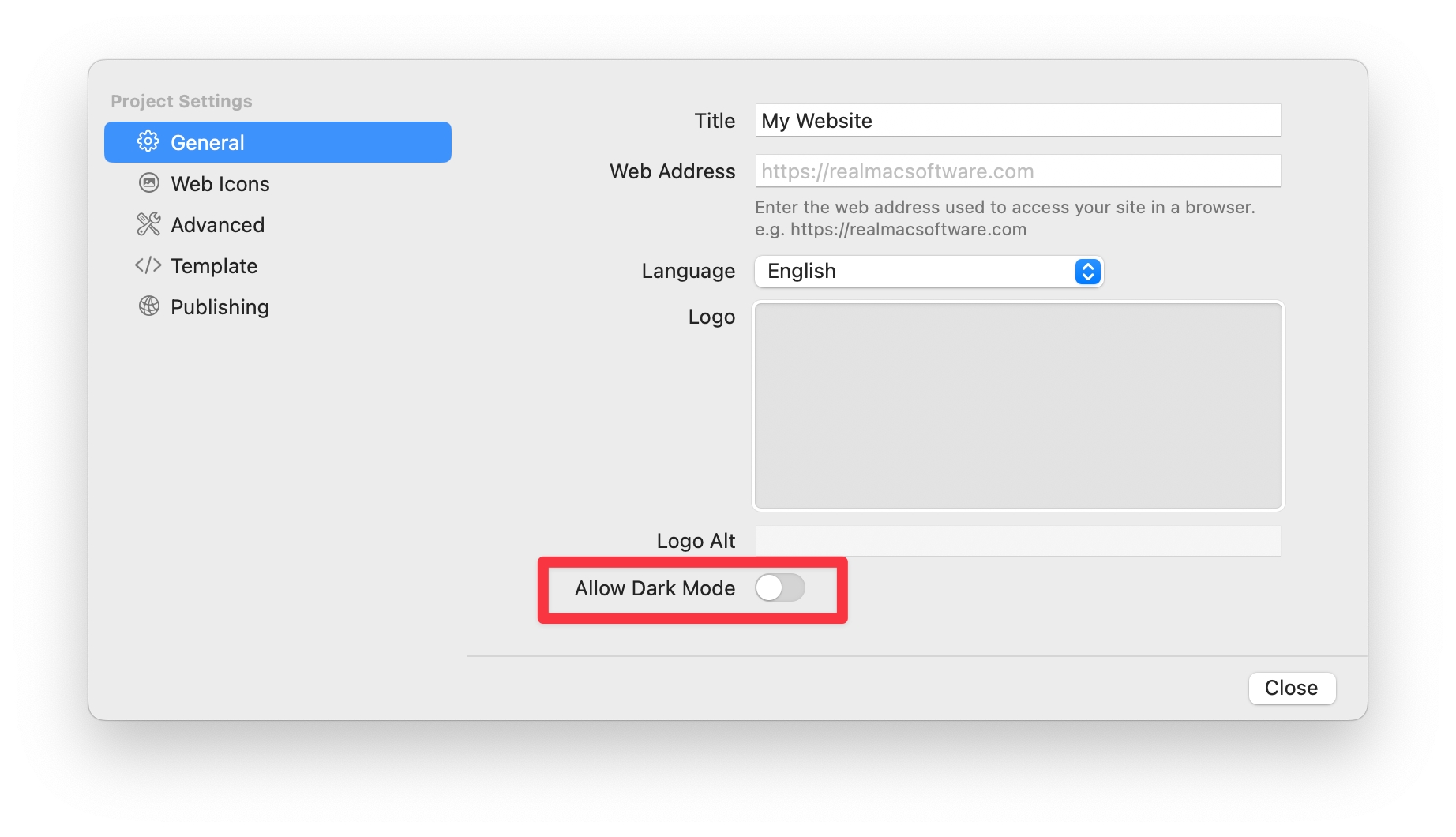
If you don’t want dark mode on your website, you can switch this off in the Project Settings. Please note, this will hide the UI option to toggle between dark and light mode, and only preview and export the light mode version of your website.