Can anybody point me in the right direction for a ‘scroll-down’ to content and a ‘back-to-top button.
… Ideally smooth scrolling
Thank you !!
Can anybody point me in the right direction for a ‘scroll-down’ to content and a ‘back-to-top button.
… Ideally smooth scrolling
Thank you !!
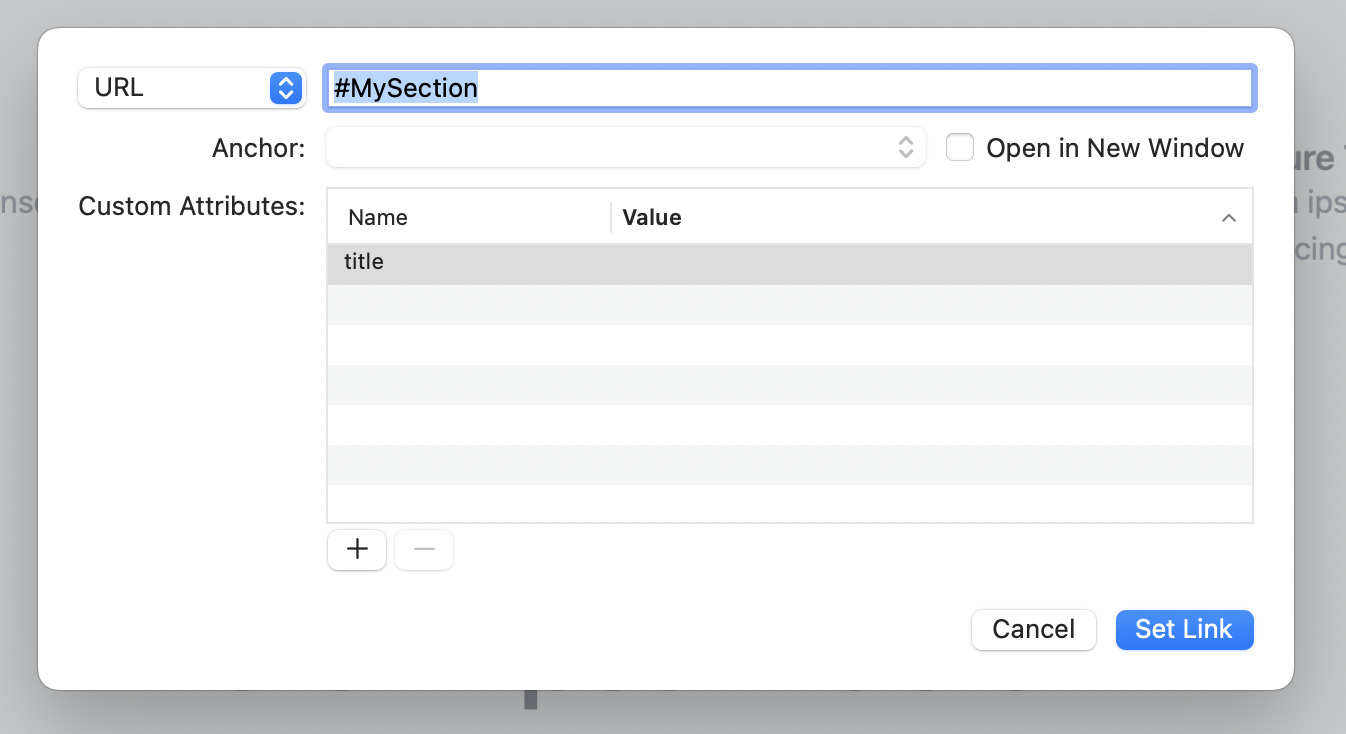
You can use the Anchor link feature to do scroll down to a section, and in the next update (due later today) we’ll have a “Scroll to top” button template. Here’s how to do both of these things…
Hi Dan - no that doesn’t work here.
When I hover over the link it says “Go to #MySection on this page” … but it doesn’t seem to do it
: (
Jol
However - the ‘Back to top’ button works perfectly - thanks Dan !!
… hmmm
odd
If it’s still not working… you’ll have to share your project again so I can take a look at what you’re dong wrong 
elementsapp://downloadDocument/xLHI9fTuFLIe
I’m prolly doing something daft : P
Fab - thank you Dan !!
Back-to-top button feedback
Love it - but you need to be at page end to use it (or wherever you placed it)
Perhaps it should appear once you scroll down ‘below the fold’ … then it should just stay in the bottom right corner of the screen, ready to use whenever you need the ‘top’ again.
ie: like the elements badge, it would stay in the corner of the screen no %^!-king matter what : )
You could use this custom component, it hides and shows as you scroll up and down!