I have a mac that has been updated to v26 and elements that has been upgraded to v1.3.3 and now the .elements files error saying that they cannot be opened. How do I get the elements app to open my sites?
Perhaps try right click on elements file then choose open with - then choose elements
Welcome BTW 
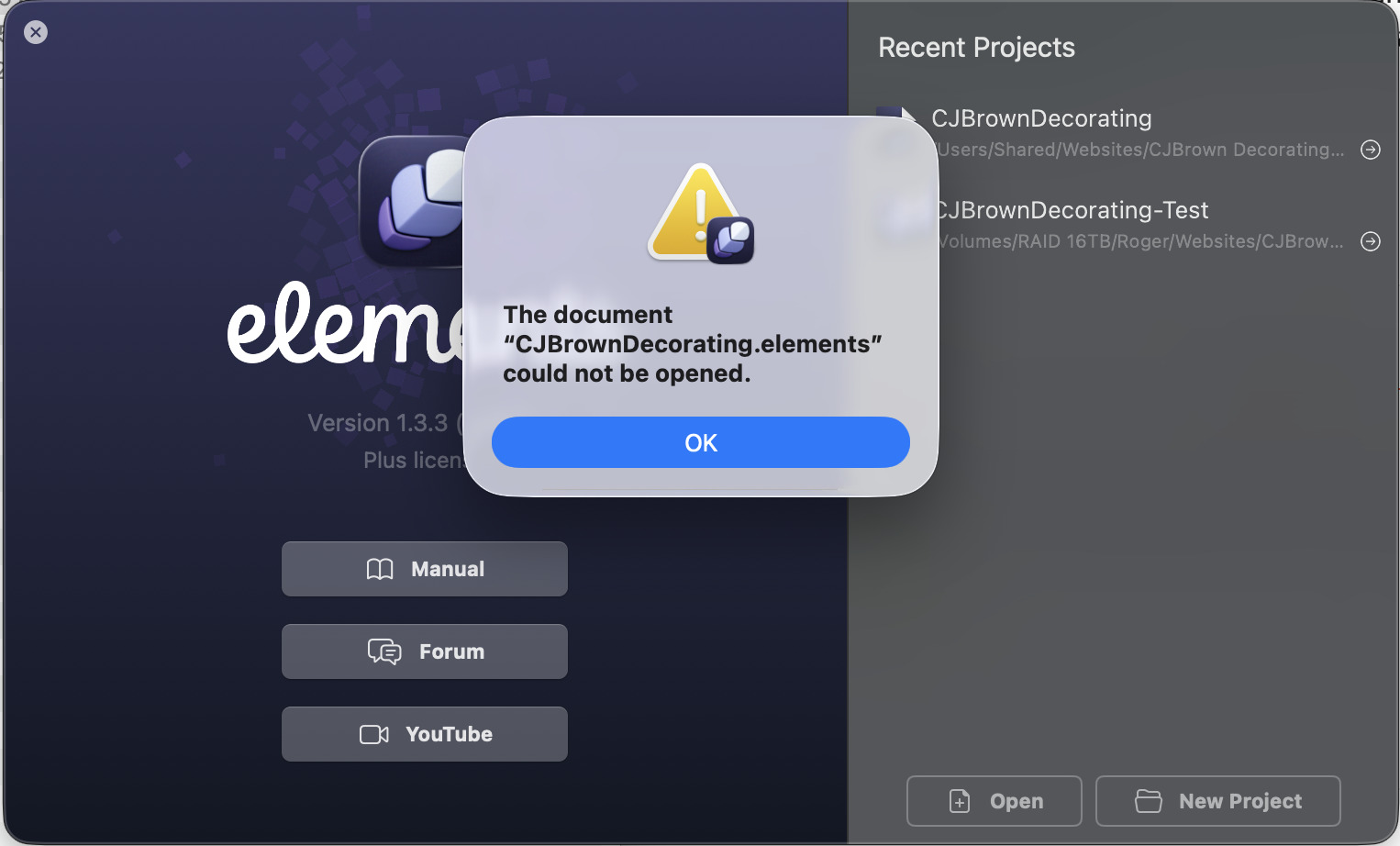
Where are you storing the file?? Locally, cloud…??
These are long shots - perhaps try repair disk permissions?
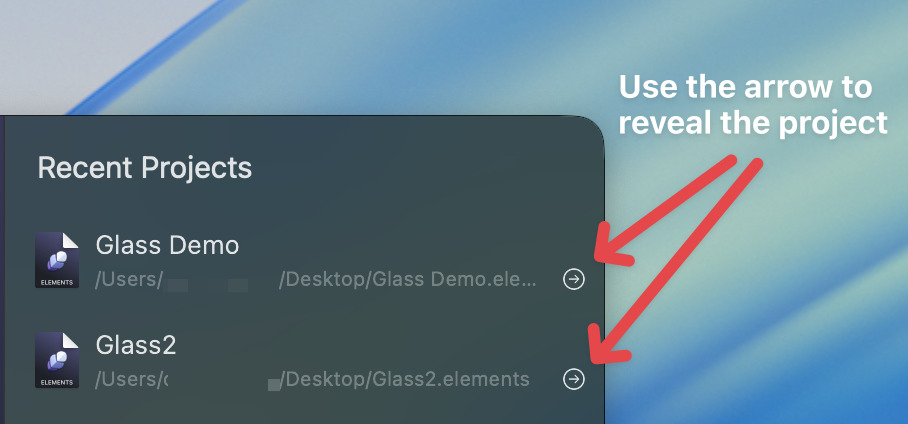
Hi, thanks for the suggestion, I had tried that. Please can you confirm where I send the file(s) to and if you only want the .elements file or need the whole site to ensure everything is OK.
To confirm the files are all stores locally on the internal drive of a Mac Studio.
Send the just .elements file (zipped) to forumsupport@realmacsoftware.com and we’ll take a look!
Hi @Lemmings72,
Thanks for the project, it opens just fine here, so perhaps it’s your Mac misbehaving.
 Click this link to open the project in Elements.
Save it your Mac, and try opening it again
Let us know how you get on.
Hi Dan,
Thank you, not sure what happened but after downloading it, I opened it OK.