The buttons are not working. The only way out of the dialog box is to press the Escape key.
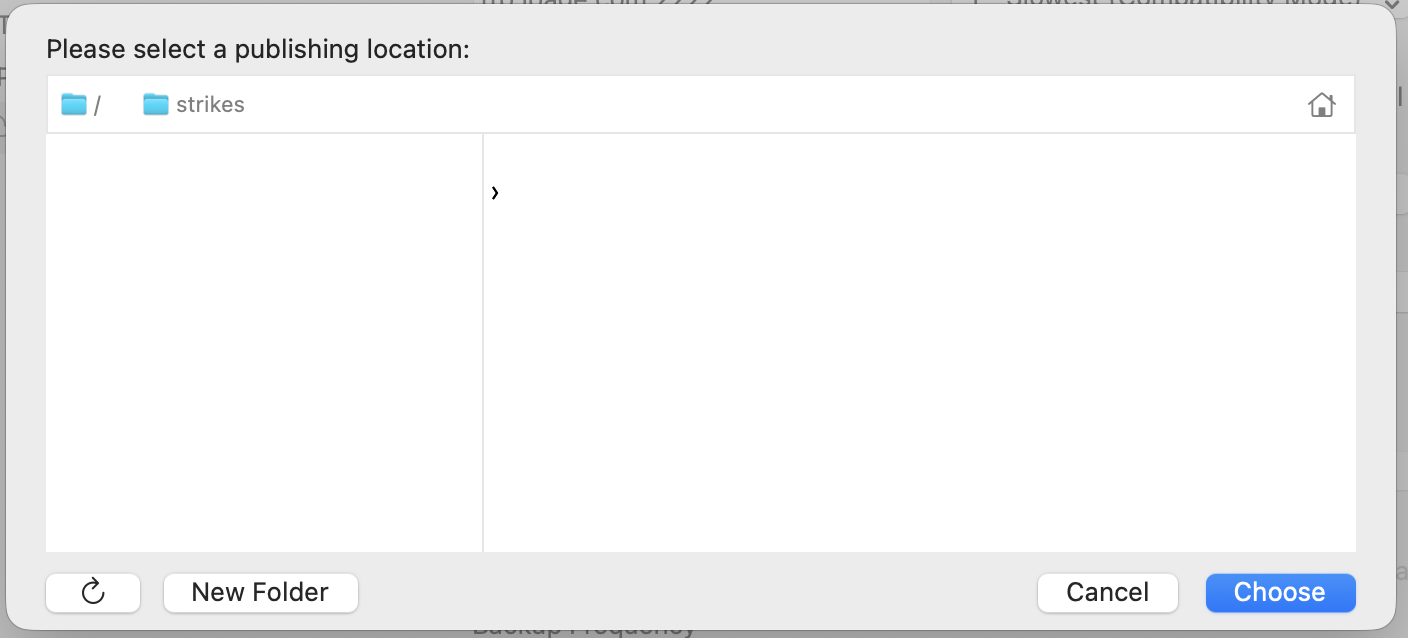
Hi @bruce
Tested here and the buttons seem to be working.
Can you post a screen recording of what you’re seeing on your end?
I am also suffering this - buttons not working
Huh that is strange.
Can you click on that folder icon next to “strikes”? How about the folder icon before that (the home folder)?
Those don’t work.
Double:
This seems to behave on more buttons in the publishing area…
Wonder if it’s a macOS Tahoe issue.
I’m still on Sequoia.
Tahoe 26.1 here.
I have the same behaviour, many dialog boxes only close with keyboard esc or enter, not clicking on buttons
Fixed with Version 1.6.0
Thanks