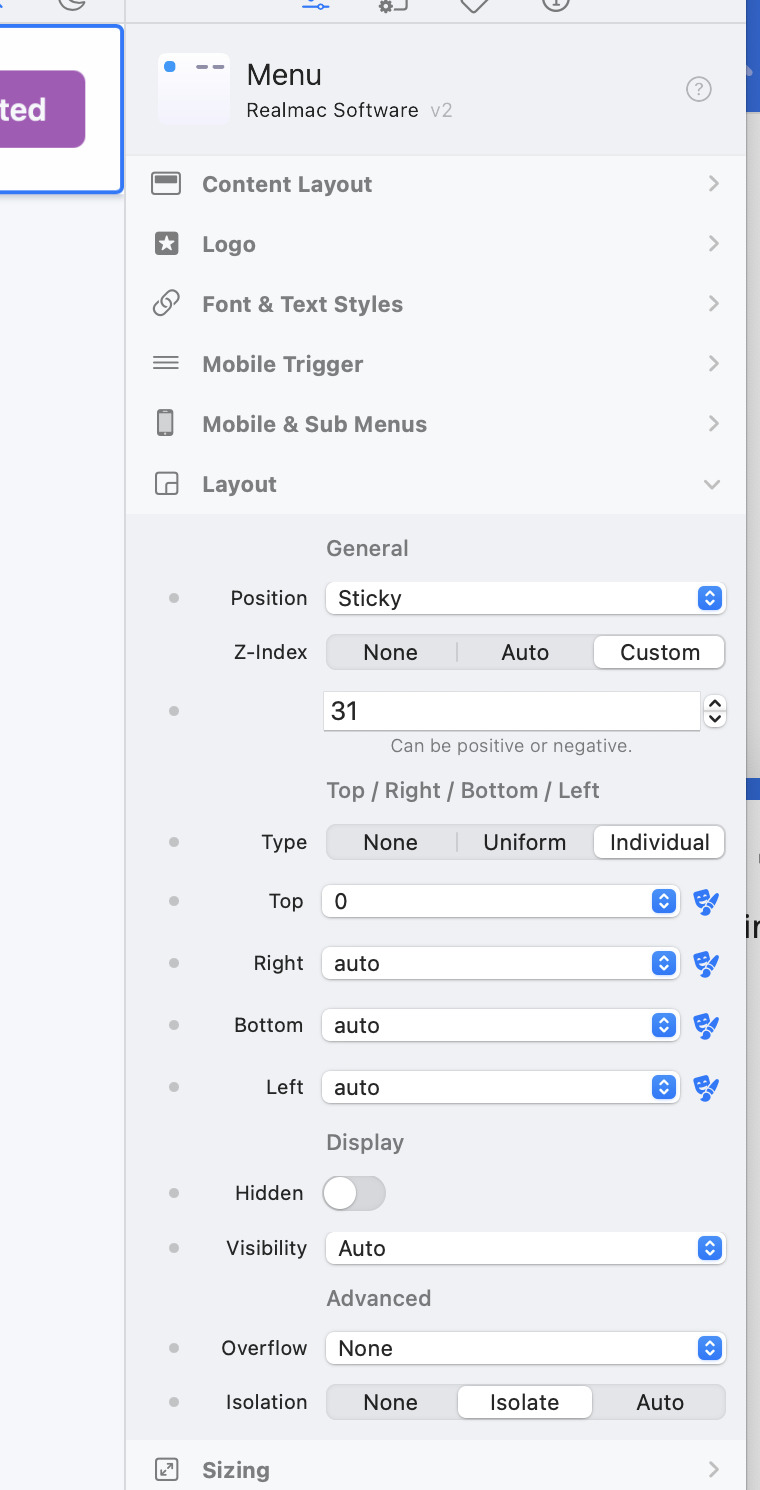
Hi Dan, I got a problem with the background feature. As long the background is part of the Wrapper the sticky menu works fine. Trying to style a fixed background I can’t design a sticky menu any more. I tried it with the first page on the attached document (elementsapp://downloadDocument/VRR8FAPXhgIi). Any solution for that?
I still don’t understand quite what you want to do (sorry)…
However, if you want other components to be “sticky” you’d need to give them different settings, like we have applied to the menu component, like this.
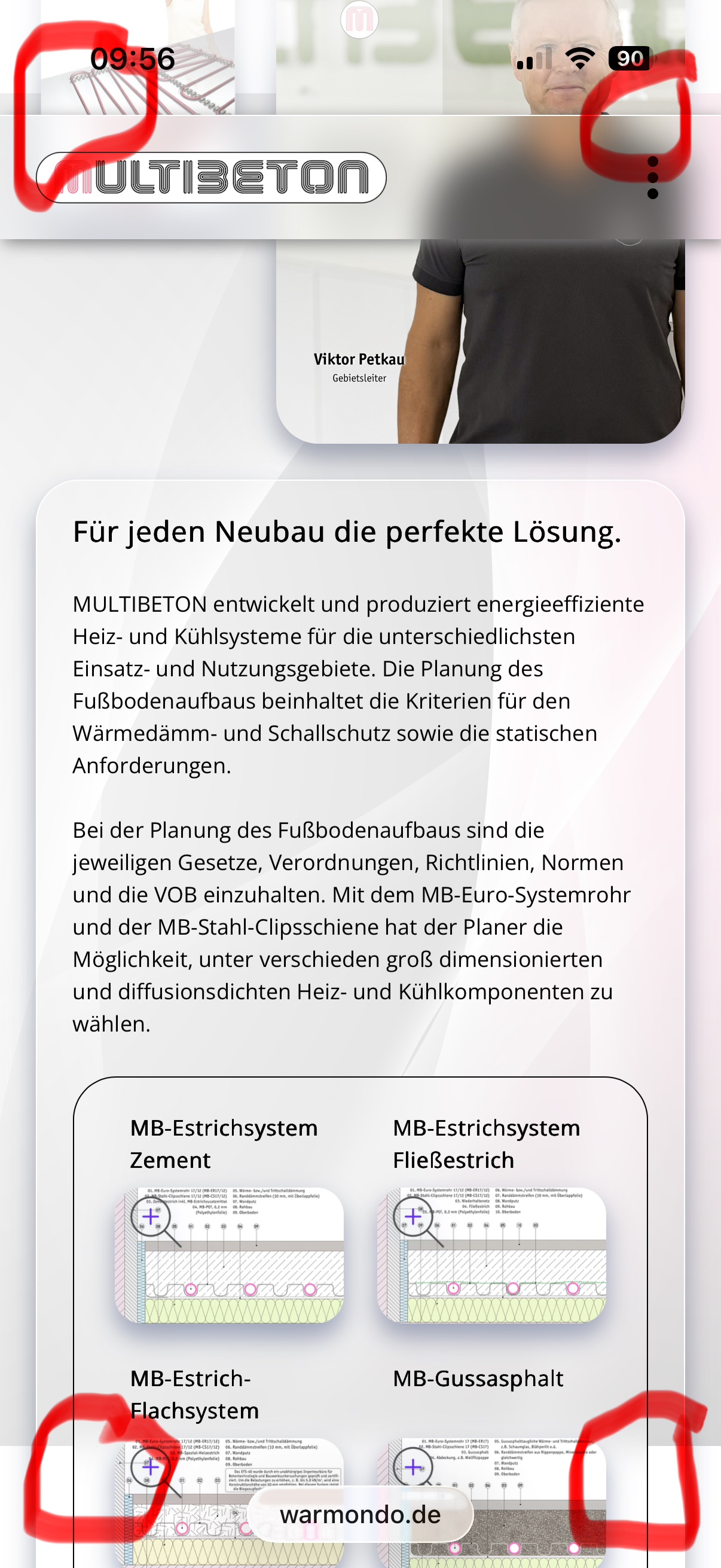
Thanx. I managed it on this one (elementsapp://downloadDocument/I9CvwhIEchDK). But only for the first two sites. The next problem is, that on the iPhone the background isn’t visible on the top of the camera and below the domain at the bottom. Do you have any idea?
I managed the problem. But only on iPhone, because the background is fixed, you see on the top and bottom the contents scrolling over white background. Is it possible to release the fixed state when it comes to the top or bottom? Or any other solution?
I’ve noticed a similar issue — my menu bar is also sticky.
I usually use the Vivaldi browser (which is Chrome-based) on my iPhone. When I use this browser, my sticky top bar disappears while scrolling. However, I don’t have this problem in the Safari browser.
Now I’m wondering: is this more of a browser issue, or can it be fixed within Elements?