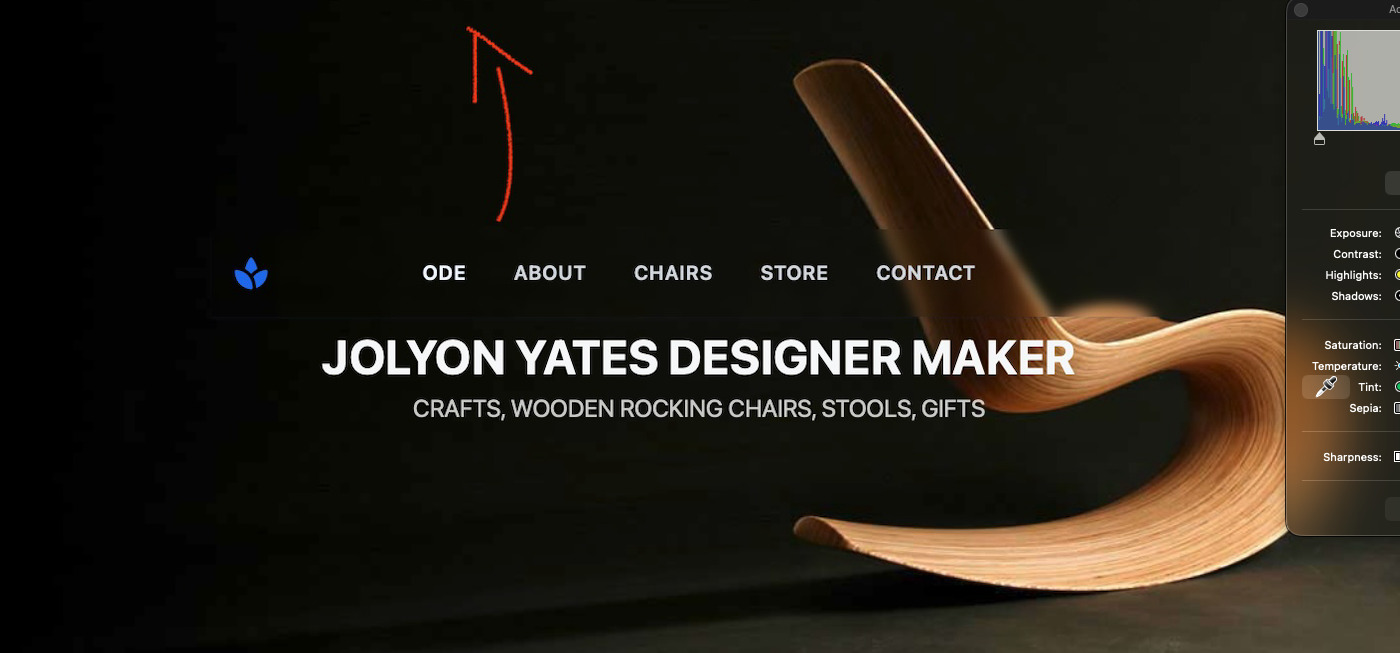
How do I get a transparent ‘sticky menu’ to sit at top (and on top) of a photo header ?
To be clear …
… I got it to sit right in the middle of the image - but how do I get it to sit at the top of the image
How do I get a transparent ‘sticky menu’ to sit at top (and on top) of a photo header ?
To be clear …
… I got it to sit right in the middle of the image - but how do I get it to sit at the top of the image
Do you have a padding set to container contains header? Or do you have it in a wrapper container if so just take it out and have a container on top of container rather than in one.
I’m sure it’s teh easiest thing in the world to change … but it’s stumped me !
If I have understood correctly, look at the Photo Banner Component and check the Spacing > Padding.
When I drag that Hero Template > Photo Banner template into my project, I see the Spacing > Padding is set at 60. Unlink the top and bottom padding by clicking on the vertical blue dotted line between the two 60s and then just alter the top one. 
Does that do what you want?
I think it looks like you are trying to use the sticky Manu in the photo banners content, dropping it just above it’s existing content?
This won’t work even if you did manage to align it to the top of the banner, as it would only stick until the banner scrolled out of view, because it’s inside the banner container.
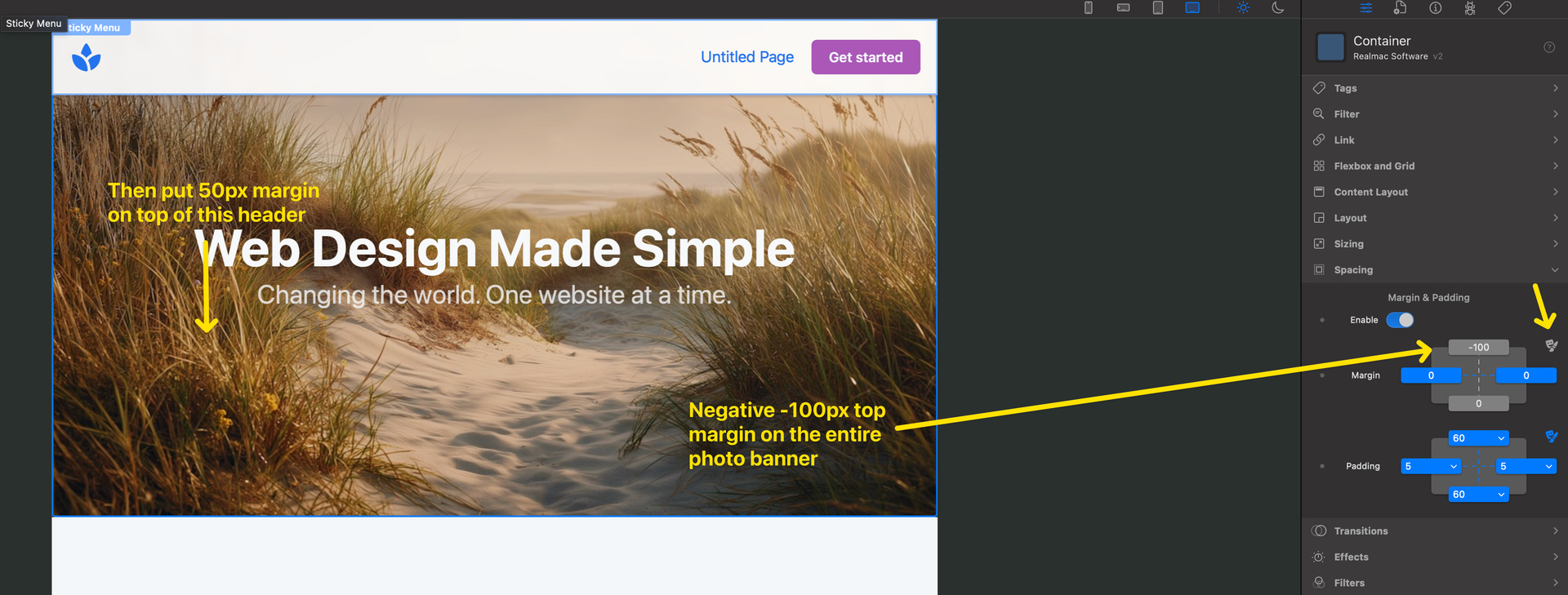
You need to put it above the banner, and easiest way to do what I think you want is put negative top margin on the photo banner of about -100px.
Them about 50px margin on top of the main heading inside the banner to balance it out again.
Doobox - you’re right - I’m a damn fool sir.
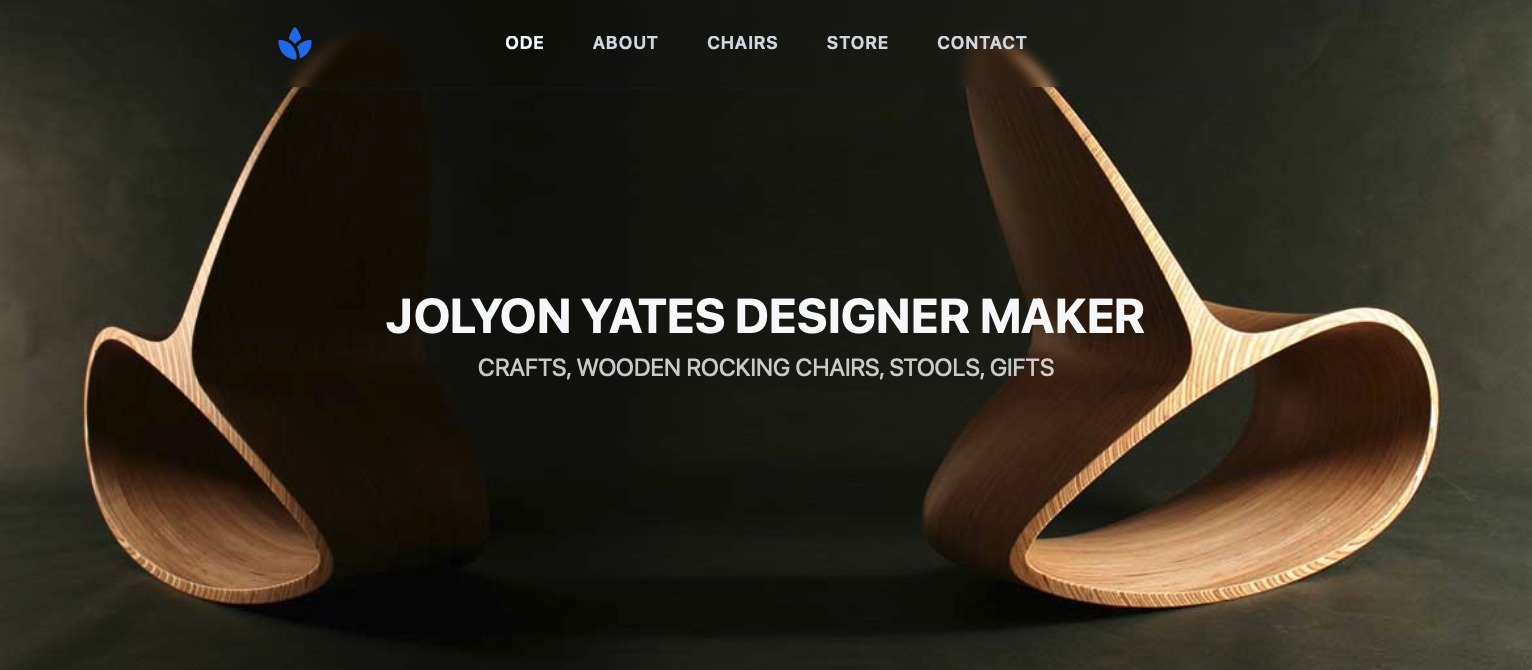
Then how do I get the menu text to sit ‘on top of ‘ the photo … rather than above it ??
Oh - ok I read your reply again … I will have a play … thank you so much Doobox … thank you everyone.