When using a sticky menu what is the easiest way to get the background hero image, slider, or any content to be behind the menubar at the top with no negative space? I did figure out a workaround but I’m curious is there is a simple setting I’m missing. I’ve figured out how to accomplish a ton of complex layouts in Elements and this one thing is irking me that there isn’t a simple solution…or is there?
You change z index to something like -34.
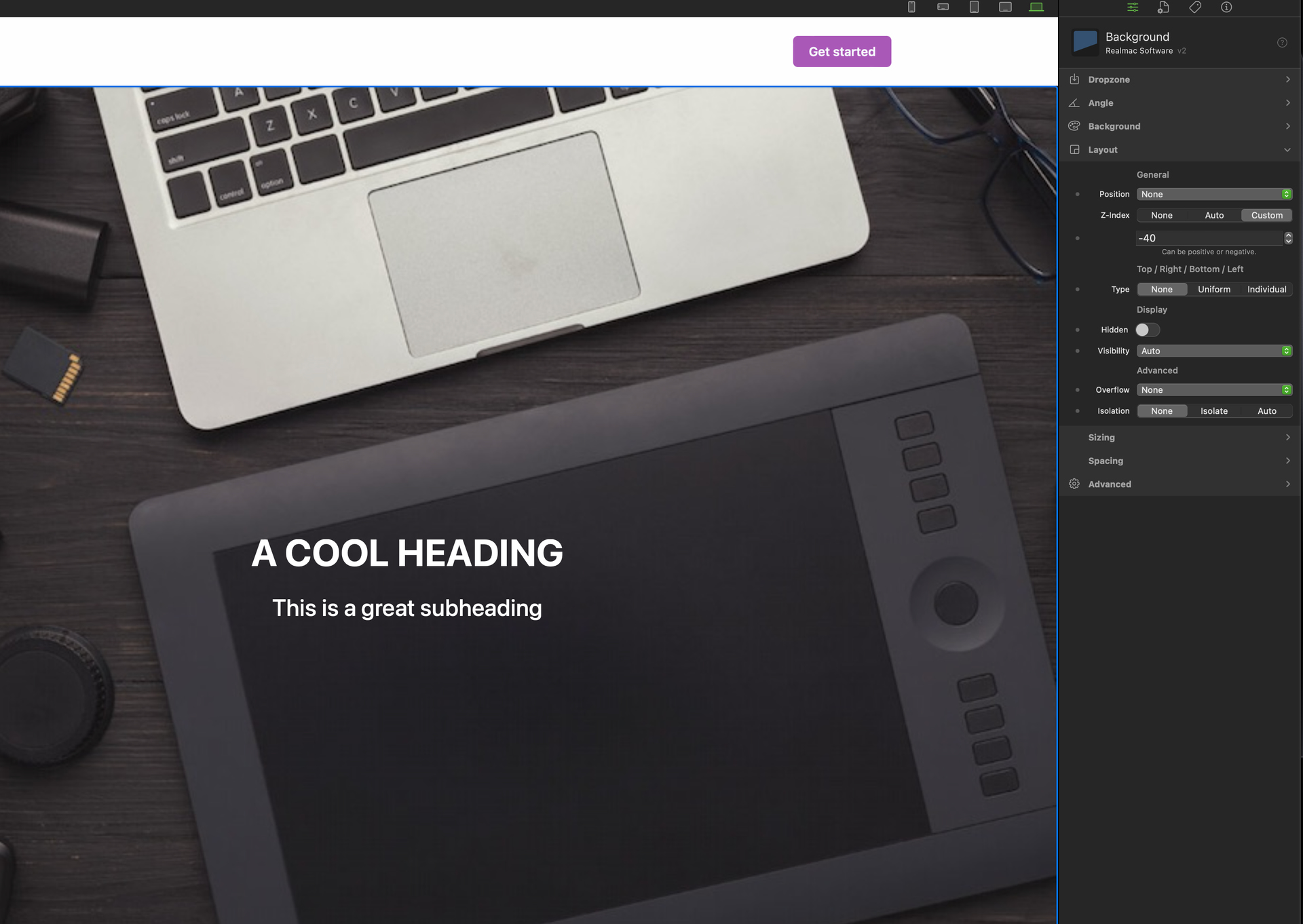
I quickly made this to demonstrate…I threw a sticky menu on top and then a background with a screen height image fill. I set the Z-index to -40 and the sticky menu is white until you scroll down and then the image is in the background of it… I want to always show the image behind the menu without having to start messing around with positioning up.
Sorry I think I misunderstood do you want menu to be opaque so you can see image? if so the you go to background and reduce opacity, also make it a global once happy and just put it on every page.

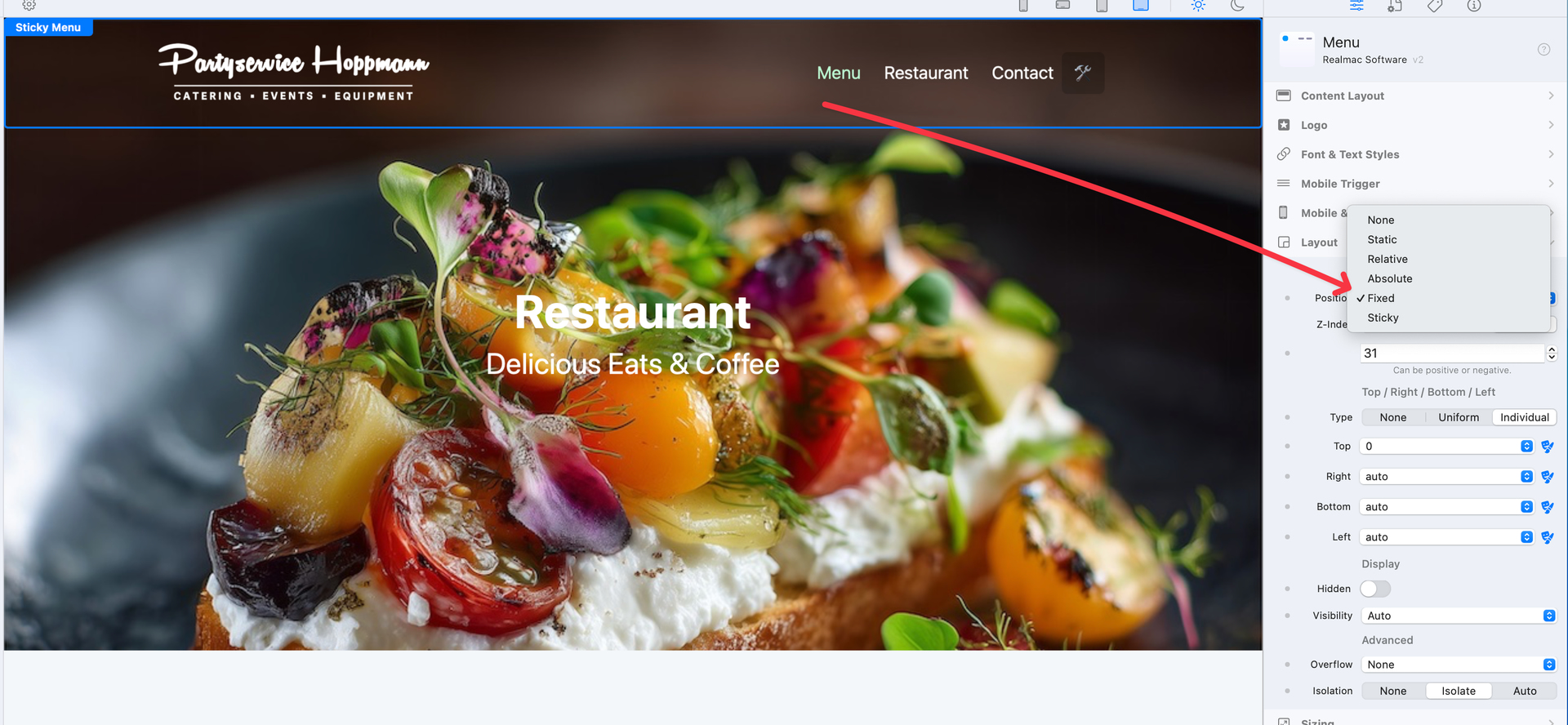
I´m also trying to build a Sticky-Menu like this, on our Classic-Site https://partyservice-hoppmann.de
but I can´t figured out how to setup the Menu settings 
Yes…I’ve built a lot of layouts in Foundry using video backgrounds, etc…with a sticky menu at the top. Trying to find a simple solution in Elements without having to start vertically shifting everything upwards. Thanks for any guidance.
Okay, I had a bit of play and came up with this solution…
It uses the menu component plus a little custom component to apply the magic scrolling effects.
Wow. Excellent. Thx Dan 
I just started looking at the Custom Components and how they work.
Super….that just made my life so much easier!!! Thank you!!!
Thank you Dan! So essentially it accomplished the sticky menu effect but allows the full background to show through…exactly what I was attempting. I’ll have to start learning more with Tailwind coding. I originally built sites with straight HTML a bazillion years ago code and then lost a lot of my code skills once I started using products like Adobe Muse, then RapidWeaver, and now Elements. I really appreciate the video. Thank you.
No problem, always happy to help 
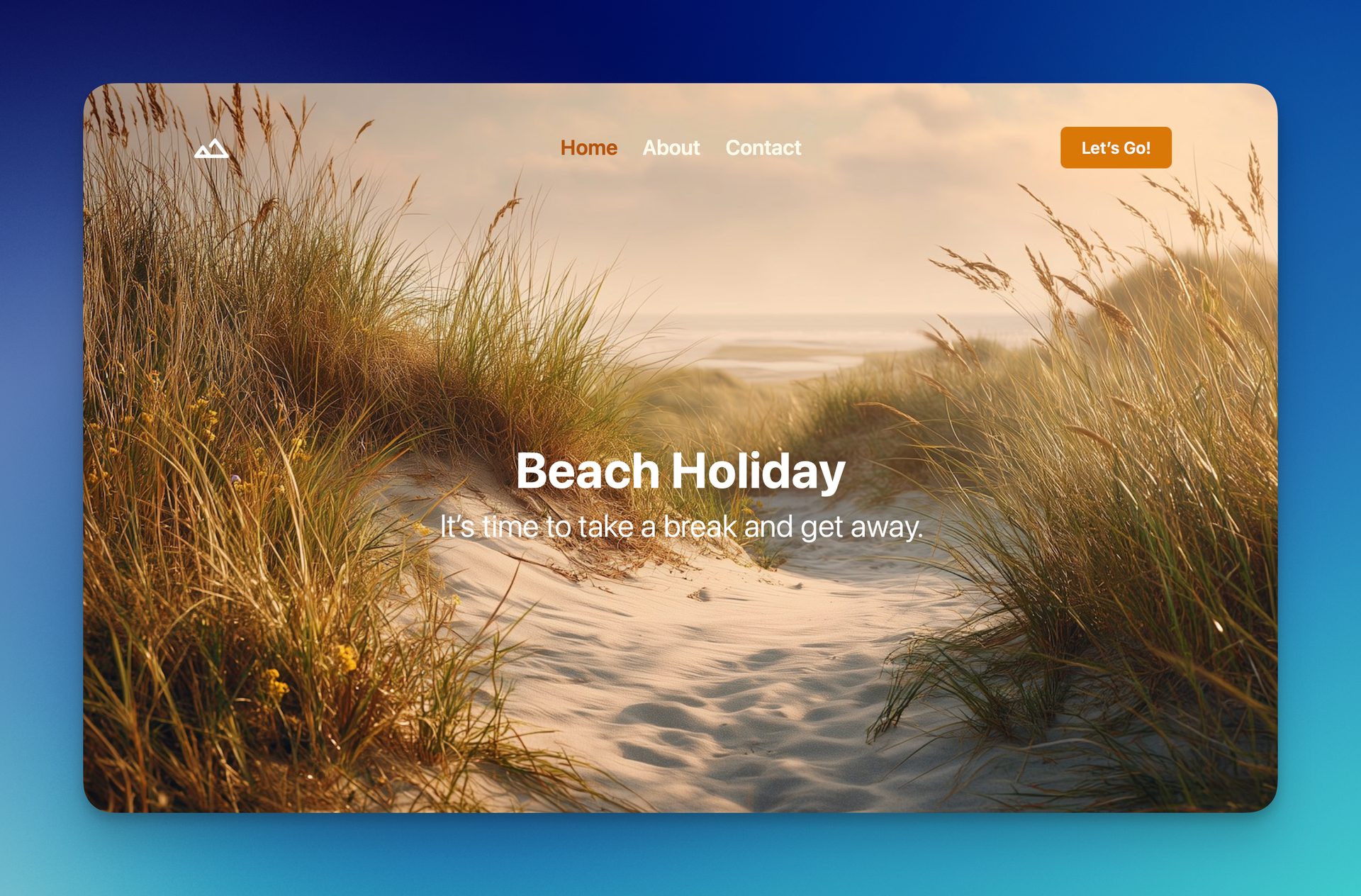
The next build of Elements will have a Fixed Menu included in the Templates area…
Now that I know that simple fix I’ll be great moving forward. But for a lot of other people that haven’t discovered that tweak, this new menu will make life easier. Thanks again.