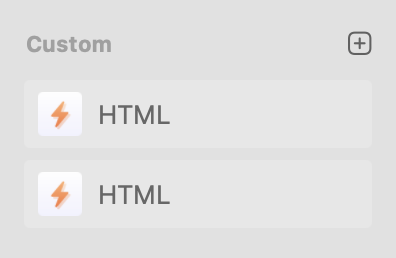
When trying to rename a custom HTML component, I only get two options to duplicate or delete it. I can rename it once it has been placed onto page.
The problem comes if I need to create two or more different HTML components with different code. I can’t tell which HTML component is which when considering adding one of them to a page.
Is there a way to either rename or put a description with that HTML component to know what code is in them?
Are you naming them when you create them in the code editor?
Clicking on the title in the code editor allows you to change the name.
If you are talking about changing the name when the component has been added to the layout, you can also do that in the node tree. Just click on the title and hit ENTER.
You will not want to be changing the name in the component list unless you want to change it for all instances of the component.
This is the issue I have. These won’t rename. If I drag one of these onto the page layout panel, I can rename them. However, what good is having two HTML custom components if you can’t know what is inside them.
When you create a custom component and drop it in a layout, when you click on it you can then enter the code editor to add or edit your code. If the code editor is not open clicking on the icon in the toolbar, as shown below.