Today’s update brings a slew of fixes and additions to the built-in components, all of these additions are based on user feedback from the forum. Enjoy
What’s New in Elements 1.3.2?
Added option to “Remove Recovered Nodes” in Help menu
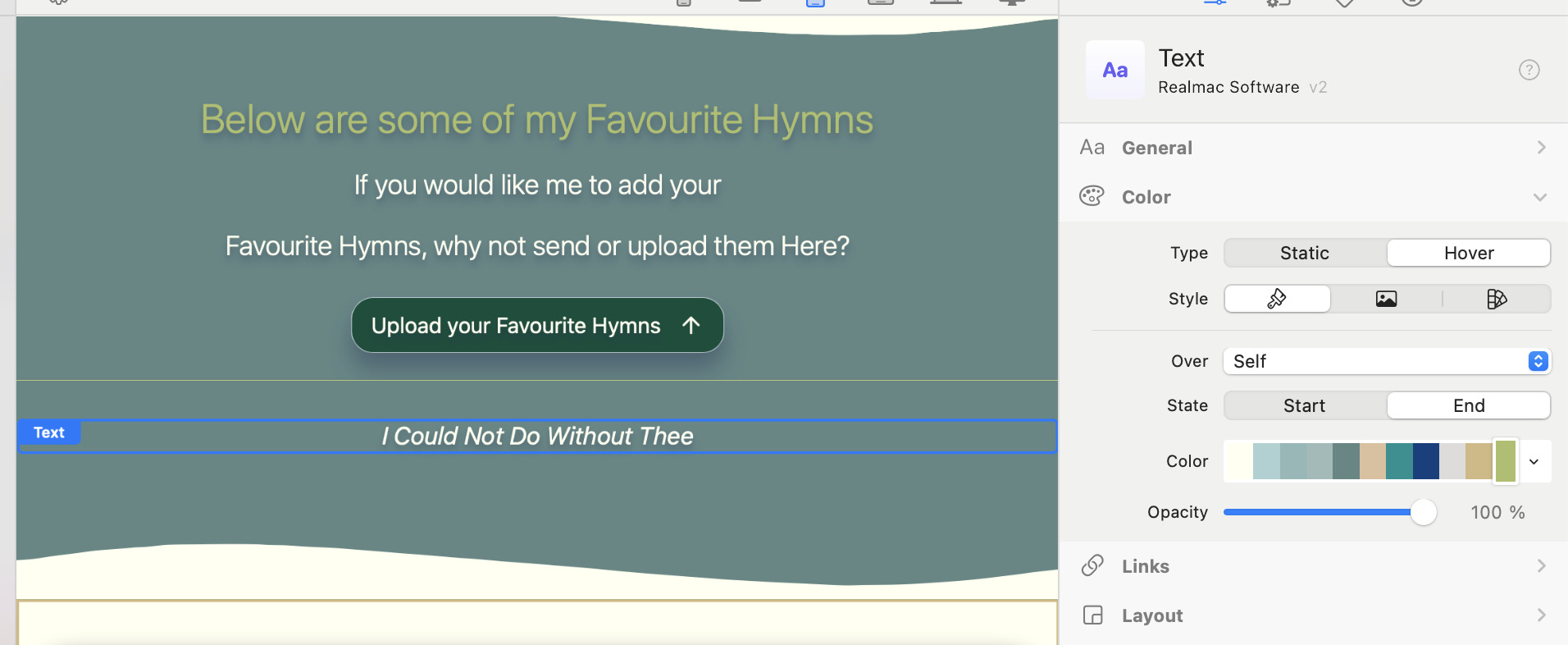
Added support for text colour change on hover to the text Component
Tree Component now supports active/selected pages
Tree Component now supports setting the depth level
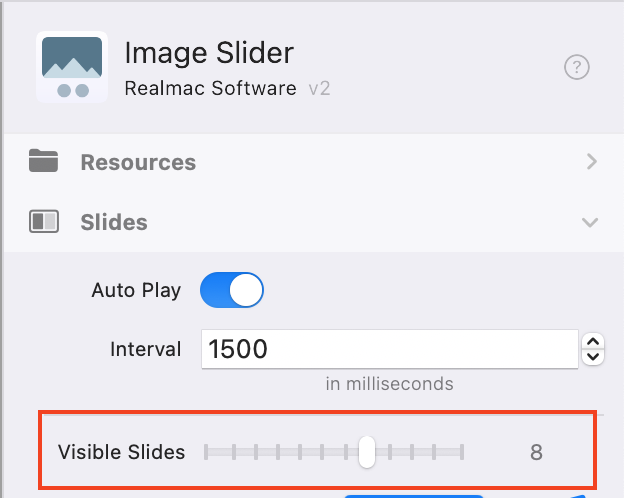
Added support displaying up to 12 slides at one time on the Image Slider Component
Added support for moving the mobile close button in the Menu Component
Added plays-inline tag to background video
Added a quote SVG to the Core Resources
Added SVG dividers to Core Resources
CMS now correctly uses author name in Markdown Frontmatter
Include index.php in the API requests (fixes the Form on certain shared hosting plans)
Elements should prompt you while it’s running to let you know there’s an update. If it doesn’t, you can select the “Check for Updates…” menu option from the “Elements” app menu.
If you are running a licensed copy of Elements, please post all feedback in the Feedback Forum. You can use the Elements > Send Feedback… menu item to automatically pre-fill the build number into a new topic.
I like the new slider. Is it possible to set different Visible Slides for mobile, tablet, desktop etc? I don’t see a grey/blue dot. Any CSS code? @dan
When using many slides … 6 and above, the photos are very small on mobile. Perhaps 2 for mobile, 4-5 for tablets, 6 and up for larger screens? Haven’t tested all options yet.
I’m aware that I can place the Slider in a Container and hide it for mobile, then unhide it for desktop.
Here is the link to the webpage.
Scroll down to favourite Hymns; the title should change to the same colour as the text link in upload your favourite hymns here.




 nice improvements