The Image Slider now works seamlessly with CMS images from your markdown files, allowing you to dynamically populate your image sliders with content managed through the CMS.
What’s New in Elements 1.4.2?
Slider Component now works with CMS images
Further under the hood changes to make way for the built-in store
Elements should prompt you while it’s running to let you know there’s an update. If it doesn’t, you can select the “Check for Updates…” menu option from the “Elements” app menu.
If you are running a licensed copy of Elements, please post all feedback in the Feedback Forum. You can use the Elements > Send Feedback… menu item to automatically pre-fill the build number into a new topic.
we are aware of a bug where “non-related” items are being displayed when they shouldn’t be. We’re working on a fix for this!
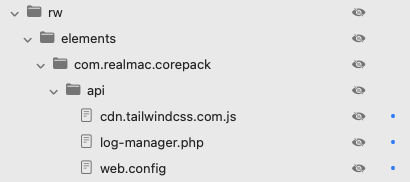
This is required for the styling to work on the current version of the Log Manager page. You’ll need to update your server settings to allow the script to be loaded, if you want to use the log manager!