Here is my try:
elementsapp://downloadDocument/r55ggtFTCzRA


Doesn’t seem to work for me…
did you change the page names from html to php - home and post
Ahhhh nope 
Each one that has {{item.xyz}} ???
elementsapp://downloadDocument/WsJ15DaUW48F
Latest Version - Changed to PHP 
Name not working, image not working, Date is funky
I took a look at what you have, and it appears to be mainly working. Please note that the CMS displays dates in reverse, in the format YYYY-MM-DD. I made the change in your MD file, and it worked fine.
I also changed the display of the date to filter out all of the time info at the end of the date, this is what I changed it, too.
{{item.date_published|date("Y-m-d")}}
Next, I looked at the Author value and got that to work by removing the .name, so it looks like below.
{{item.author}}
Now the author displayed just fine.
I didn’t test any further than that, sorry.
Thank You - Got it working! Changed to “m-d-Y” United States style LOL
Still can’t get the image loading from author under cms - but closer - thanx to you!
Appreciate it very much…
Aloha Michael,
I found several other errors that were causing some of the functionality not to work correctly. On the main blog page, you were displaying the entire contents of a post, where typically you would only do an excerpt. This also meant that there was nothing to click on to navigate to the post detail page.
Your author file had some frontmatter called “bio:”, which is precisely the type of thing that should be placed in the body of the MD file, making it easy to retrieve. You should be able to use your bio frontmatter, but it would be much more compatible and easier to deal with in the body. Over time, you could embed other information there that would be difficult to include in the front matter.
The other issue I found was that the “post detail” page DID NOT have a folder name, so it was pointing to index.php, which, in theory, is your home page.
Plus, this page would not have displayed an image because the file for the author IS NOT the file that would be sent to this page. You need a separate page for the author, and then you point the collection to that page for the author page template. Once I added an image to the welcome.MD file, it displayed a picture, no problem on the detail page.
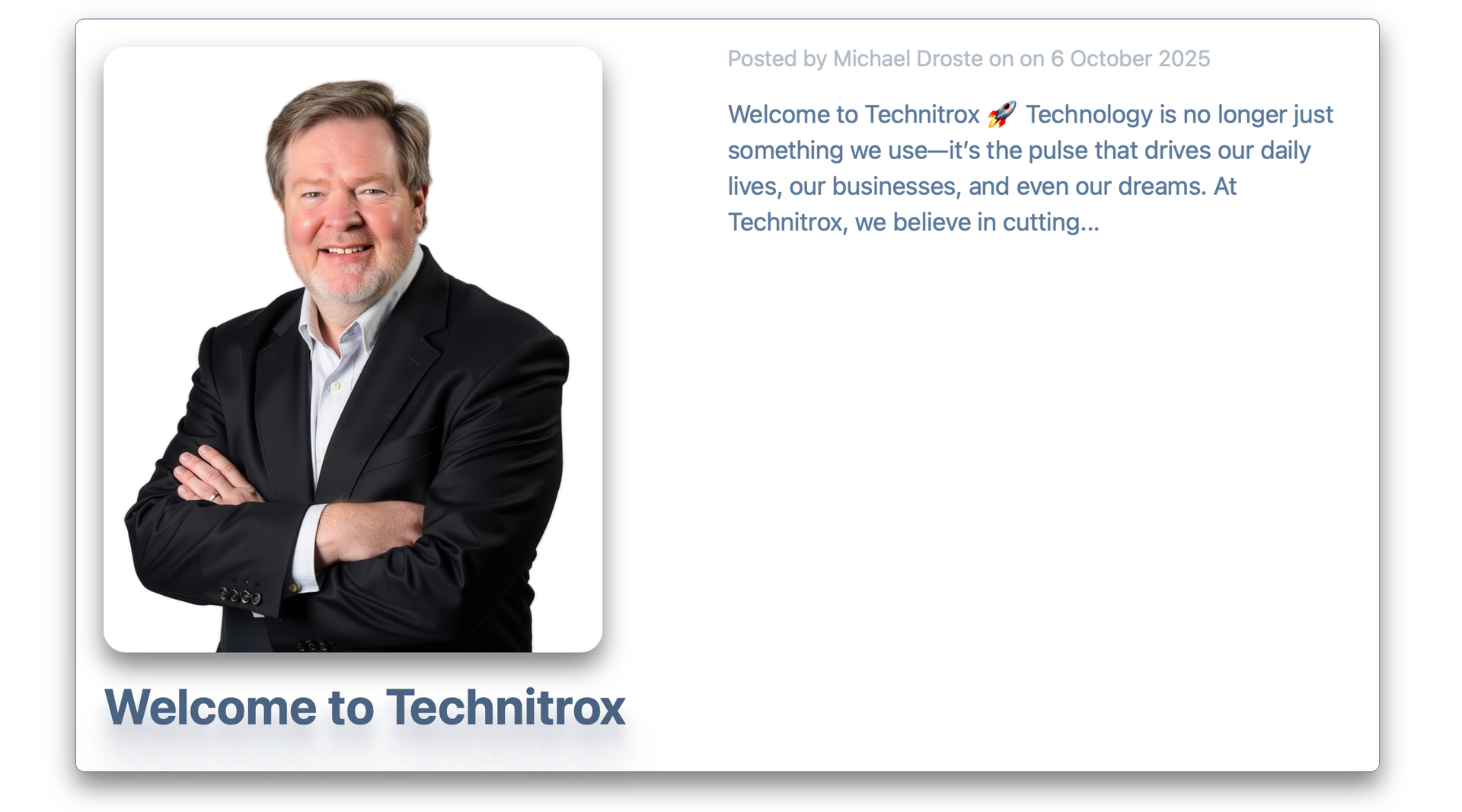
I added your PNG to the welcome.md file and got the following displayed on the main page.
I hope all this makes sense!
I forgot to add that your author page should be named all lowercase with an underscore between the words. Elements will convert everything to lowercase when you publish so it is best to do it that way upfront.
Wow - thank you for taking the time to look - share and explain….
I was playing - and saw the {{item.body}} tag and was just trying it out…
I had thought that everything in the meta section in markdown had to be in quotes - now I know it doesn’t
I couldn’t get the image to work until I referenced the .md file and put: image: Graphics/MichaelDrosteSM.png in the meta section…
And changed the {{}}
I’ll read over all your help later - gotta drive the wife to work now…
I don’t know what I’m doing yet, but I’m a quick learner…
I would like the homepage to display the most current post and up to 20 clips of posts
So I do want the content {{item.body}} on the homepage
I’m still deciphering your message and rewatching the video again…
-Mike
Not a problem to display a full post, but bear in mind that when you are using a collection, you are creating a template for it to populate. To achieve your desired outcome, you will need to use a combination of templates: one for the full post and another for the list.
The downside to this approach is that you will then have to manage the full post version. It would be nice if the CMS would add an option for a “featured post”, which would then allow you to accomplish what you want without needing a two-pronged approach.
Yes! A featured post or most recent post would be very good!!!
I keep making tweaks and watching the video…
When they release more features and the template example file - things will be much easier - swap my menu in change a few things - and done
There are definitely many areas for improvement.
One that you were running into was when you have a template that includes an image, but your MD file does not have one specified. This should be handled more elegantly, as it stands now you HAVE to include an image if you have one specified in your template, otherwise it will complain.
Yes going to make a separate folder for blog graphics…
deleted
Yes, you have to be extremely careful that the formatting is perfect otherwise you can have problems.
Regarding “featured posts”: you may wanna try adding
featured: true or featured: false
to the heading lines in your Markdown files.
Then you can use the “Featured”-option in your Collection element.
you have set it to “both” which may be the default and shows all your posts.
Everything else should be self-explaining.
I am always more than suprised how far Ben, Dan and the other developers have already thought and what they already prepared.
You will have your “featured post(s)”-feature right now!!!
Good catch! Yep, YAML can be picky about colons. Wrapping the title in quotes is the way to go, so instead of this:
title: OpenAI’s Stargate Data Center Strategy: Power, Politics, and Paradigms
Do this:
title: "OpenAI’s Stargate Data Center Strategy: Power, Politics, and Paradigms"
This will keep the frontmatter parser happy.