I have a problem with the footer on phone.
The names of the pages are horizontal. Because of this, only the first two pages are visible.
In Classic (RW8) these are vertical.
How can I fix this?
In RW8, in the menu, has the block with the name of the active page a background color. Do you know how I can do this in Elements? In Elements, this block only colors when you hover.
HI @Lalla
I used the standard Elements menu, which doesn’t support backgrounds for individual buttons. I added the background animation to emulate the original theme, but it only works on hover. I’ll see if it’s possible.
@ben could the menu component be updated in future?
Adding backgrounds for buttons would allow everything to be done natively, It would also allow for better-looking menus
Aha, thanks for the explanation. I’m not in a hurry, so if there is a chance that it become possible somewhere in the near future, we probably better wait.
Hopefully Ben is willing to update the menu… ;-).
I’ll try to be more specific.
The project has a custom component that acts directly on the NAV’s LINK (standard menu) elements, and in my tests, I can identify the active link. However, I haven’t yet been able to do so on folders, which don’t contain links but pages.
It would indeed be nice if this function in this project would work with the native elements.
I know little about building websites and that’s why I chose a standard theme in RW8. I thought switching to Elements would be easy by using the same project (thank you so much for making this!), but I still find it quite difficult…
I would find it a pity if the button of the active page could not have a background colour in an easy way. This is so nice in this RW8 theme.
I’m trying to rebuild my Engineer Classic site in Engineer Elements, but I’m running into problems again.
Now that I’ve got the footer for mobile working correctly and the background of the buttons in the menu, I’m working on the text.
I find it inconvenient that the default font for the text component is the wrong one. This also applies to the headings. I would have expected a project in Elements to automatically have the correct font: Raleway for headings and Lato for text.
I’m also having trouble getting the font weight right. With Raleway, I can only choose 2 of the 9 weights, and with Lato, 3 of the 9. Aren’t the other weights included in the project? If I use the theme’s default font, all 9 options work.
Perhaps a separate theme could be created for this standard project, so that everything is correct by default? That would make it easier for users like me to make the switch. Now, the “Build” theme is used for Engineer, if I’m not mistaken.
The project doesn’t mention anything about how much you have to do manually to get it like the Classic Engineer theme. For me it’s a lot of hassle. I’m not a programmer .
Elements works differently from Classic. The layout offers a similar structure, but font management (which must be offline 100%GDPR ) must be done manually. I haven’t included built-in fonts in the free projects.
I can improve it, though, and thanks for the advices
BTW: All commercial projects with classic layout provide all resources, including fonts in an effort to make the product as similar as possible.
This is the difference between Classic and Elements. In Elements, everything must be done manually because the layout (what was the theme in Classic) is merged with the content.
Just to be clear: I’m really happy that you recreated the old RW8 theme in Elements as a project! Thank you so much for that.
When I saw that the Engineer project was available in Elements, I bought Elements. The plan is to rebuild the old site using new technologies so it can last for many years to come. However, the club doesn’t want the look to change, so I’m trying to recreate it as accurately as possible…
I’ve since discovered that I can override the font settings in the theme editor, so I now get the correct font for the body and heading by default. Unfortunately, I can’t set a default for the text color there.
I’m also going to try adding the two Google fonts locally to the project, hoping that will give me more font weight options.
I’m not sure what you mean by “font management must be offline 100% GDPR,” but I might figure it out sometime .
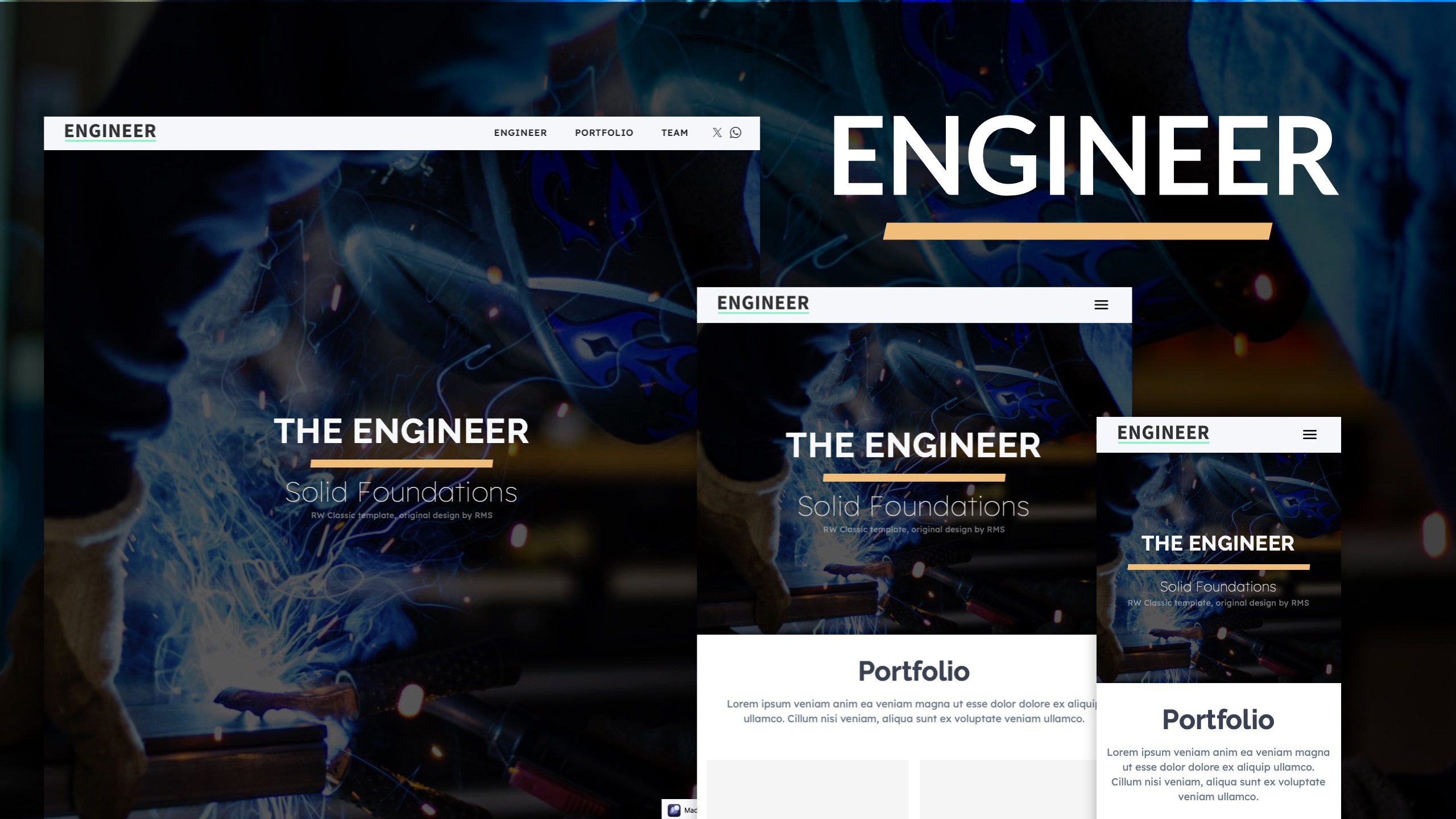
 Here you ca find all free “Classic” projects
 Preview
 The other project looks great


 ?)
?) .
.