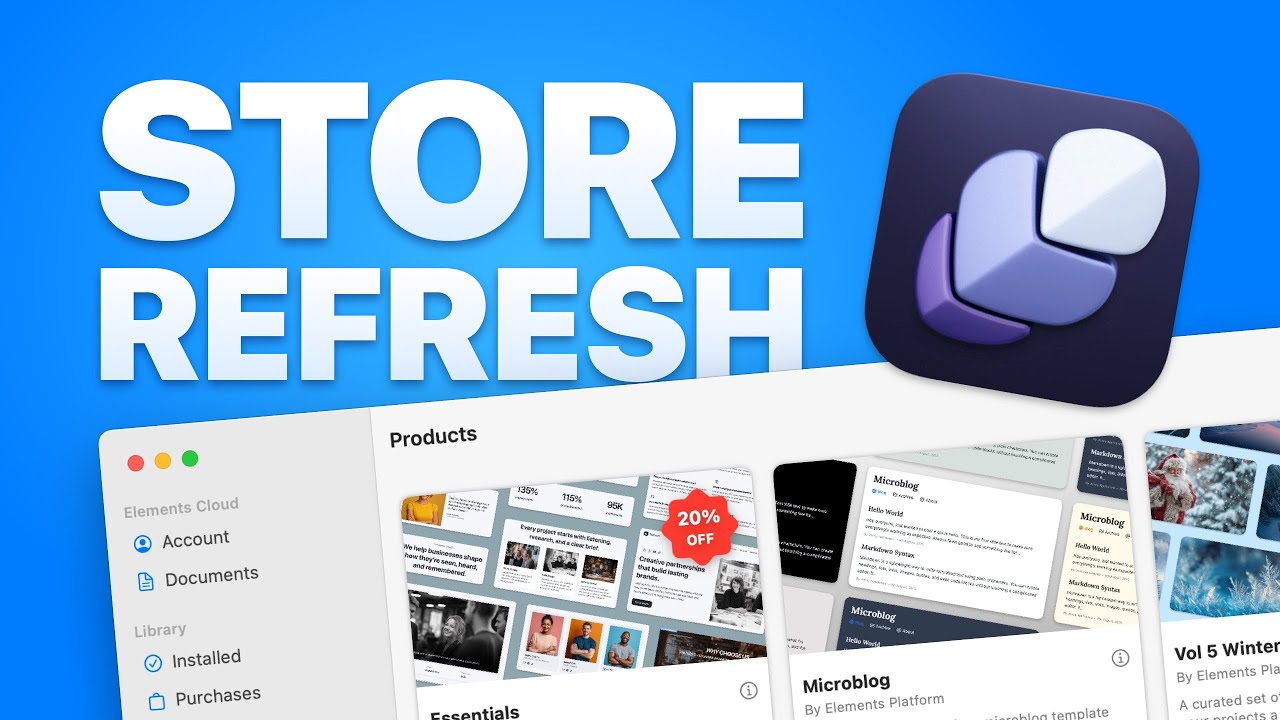
It’s Thursday, which means the Elements Store is down for a refresh. We’re busy behind the scenes getting the Store polished, tuned, and sprinkled with new products and updates.
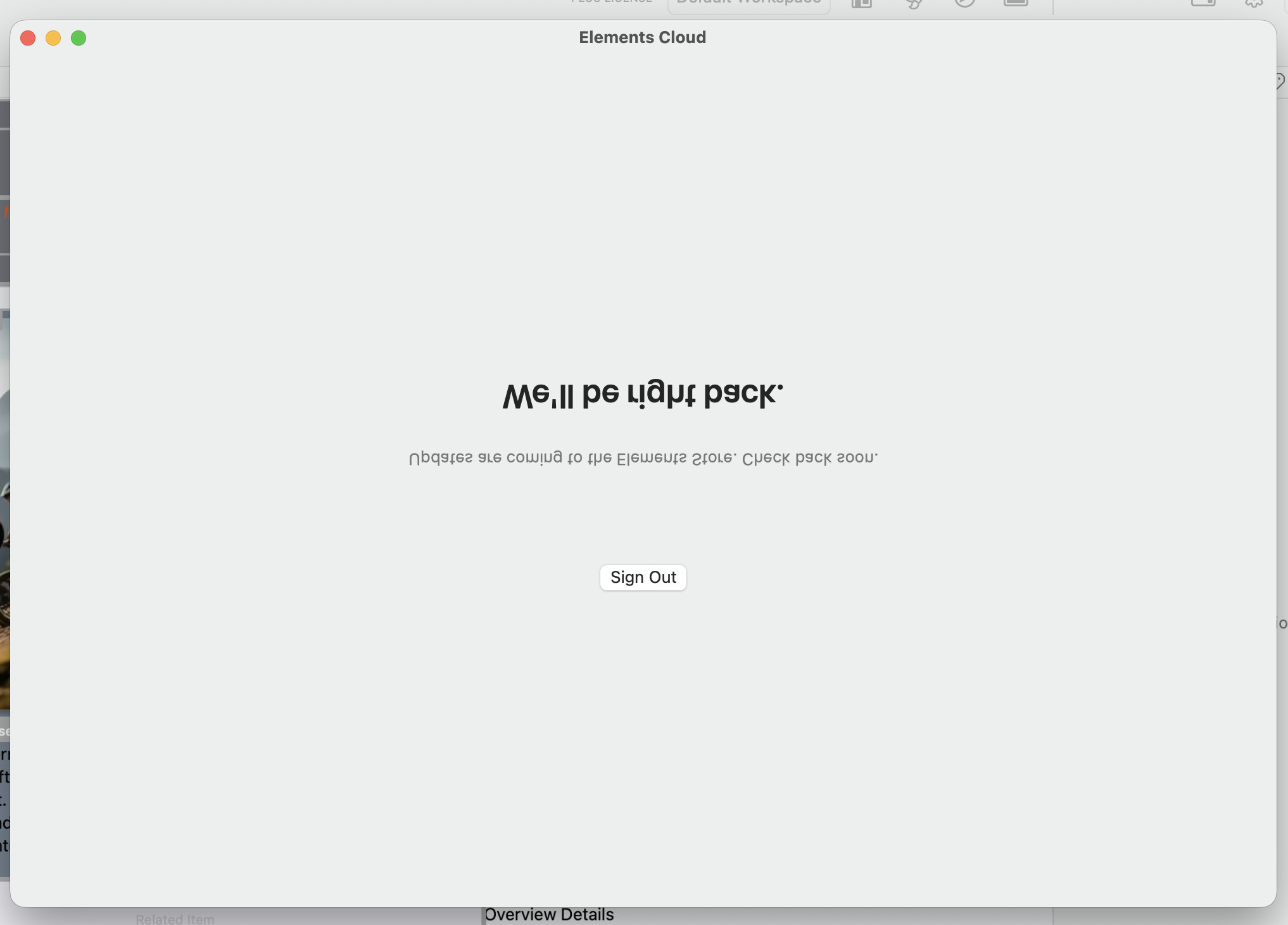
If you try to visit the store right now you’ll just get a polite “We’ll be right back” message…
Give it a little time and it’ll pop back online with fresh updates In the meantime, feel free to grab a coffee, refresh the forum, or speculate wildly about what’s coming next.
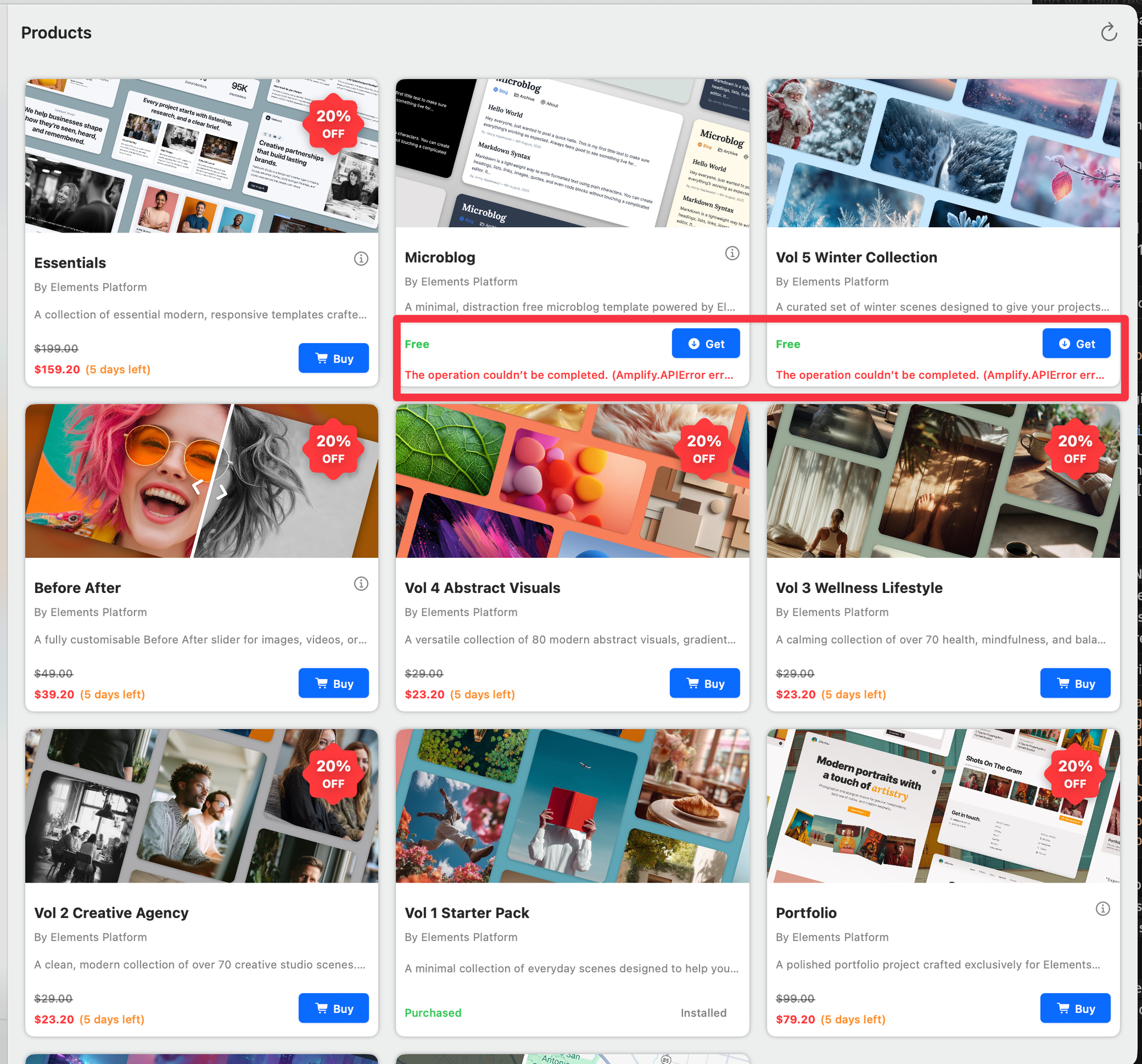
Small issue, I have installed microblog and Vol 5. After restarting the Elements, I see its still says ‘Free’ and when I try to re-download it, getting an error.
I can’t duplicate it, but I pulled up the Microblog, started editing the About title, it jumped to the left (changed placement), I did a Control-Z to revert and ended up with all pages in the project being blank. Had to quit to recover. I don’t know if it was the position shift, the revert, or the combination that produced the problem, but it was severe enough for you to know about.
This error is often caused by an issue with your network connection. Sometimes just restarting Elements and re-opening the store will resolve the issue.
It’s worth checking whether you have anything installed that filters or blocks traffic, tools like Little Snitch, Radio Silence, or certain antivirus packages can quietly block app requests and cause odd behaviour like this.
If you’re running any of those, try temporarily disabling them or adding Elements to the allow list. You should also ensure the network allows outbound (and possibly inbound) traffic to/from the following domains:
.amazonaws.com
.amplifyapp.com
.elementsapp.cloud
If you’ve experienced a network interruption, or are still having issues connecting to the store, please restart Elements and try again.
Your details are tied to your Stripe/Link account so you should be able to enter a business name there. FYI: The Store (Elements Platform Ltd) is not VAT registered (yet), so we don’t add or charge any taxes.
The short answer right now is, you can’t. However…
We’re currently working on the detail view for products. Soon you’ll be able to click on a card and get the full description, screenshots, and release notes.
Hope to have that feature live very soon, before the sale ends
Cool. But in working some more I discovered a related issue. In a typography component if you’re trying to select the leftmost character in the box to edit, you get into a fight with Elements over which thing is selected. More often than not it selects the component in which the text is embedded, and if you hit the wrong key, the entire component gets deleted. Then, of course, Control-Z doesn’t return things to normal…
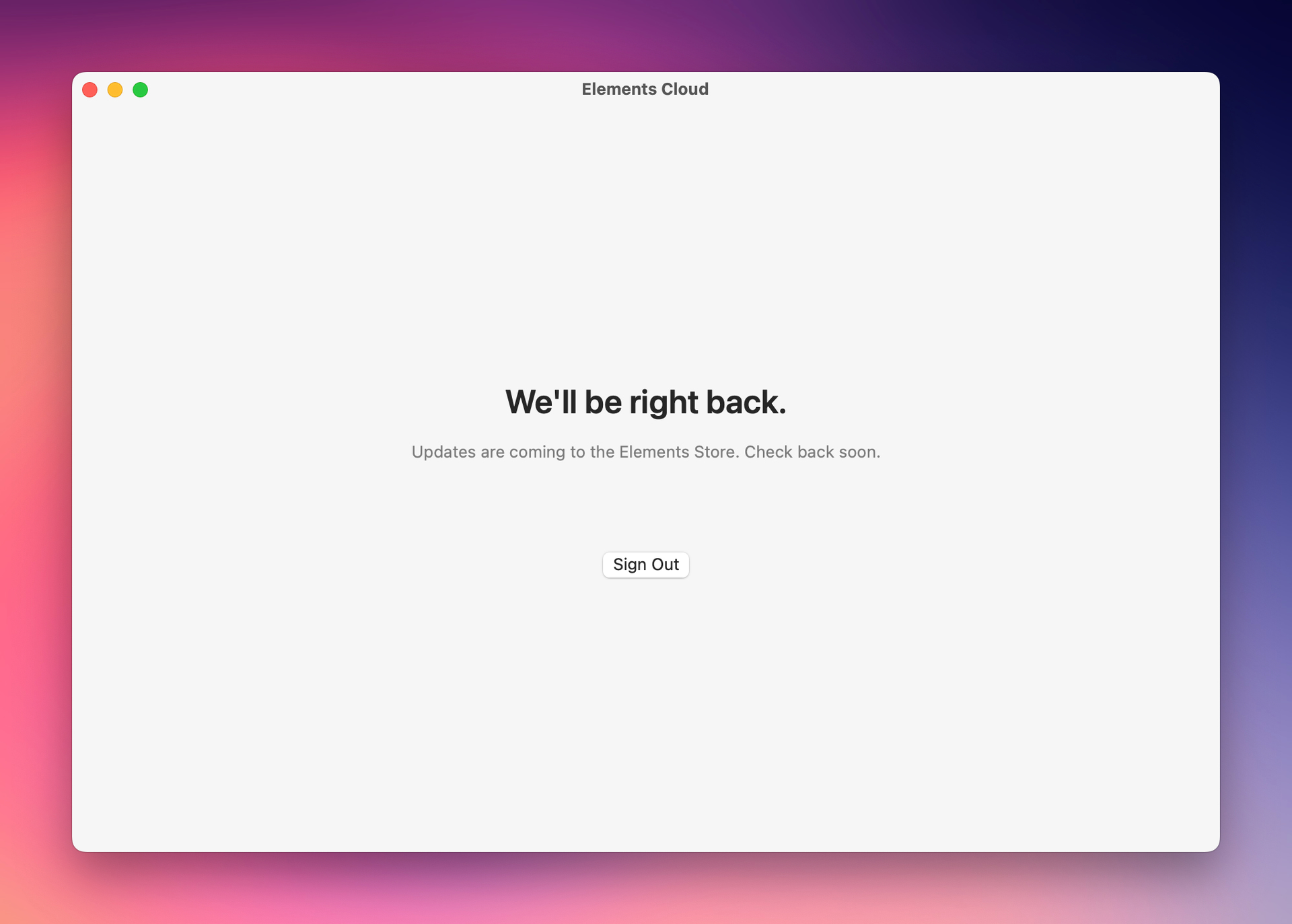
 In the meantime, feel free to grab a coffee, refresh the forum, or speculate wildly about what’s coming next.
 That’s very fun!!