Builders Notes (optional):
I had never built a site with Elements before, but I took a leap of faith and decided to use it for this project—even knowing it had to be completed from scratch in just one week. I was pleasantly surprised by how intuitive and efficient Elements was, and it allowed me to deliver a fast, professional site for my client. There are still a few animations and finishing touches I want to add, but overall I’m extremely happy with both the progress and the experience. I’ll definitely be upgrading to the Pro License.
Thank you @upssjw and @PLM. I meant for that “Our Services” to be just a place holder but it’s acting as a page. I guess I need to create some content for it…lol Good catch!!!
I fixed it by putting the pages in a folder. I don’t think its a bug. If you wanted the Services to be a page, you would do what I originally done, only build the page out.
I have run into this scrolling problem. Ben was taking a look at it, but I don’t know if anything ever came of it. There is an easy fix. If you look at the settings for the mobile and sub-menus, you want to take a look at your position settings. If you are set to UNIFORM, try switching to INDIVIDUAL and then make sure the BOTTOM value is not set to AUTO. I set it to 0 to fix the problem.
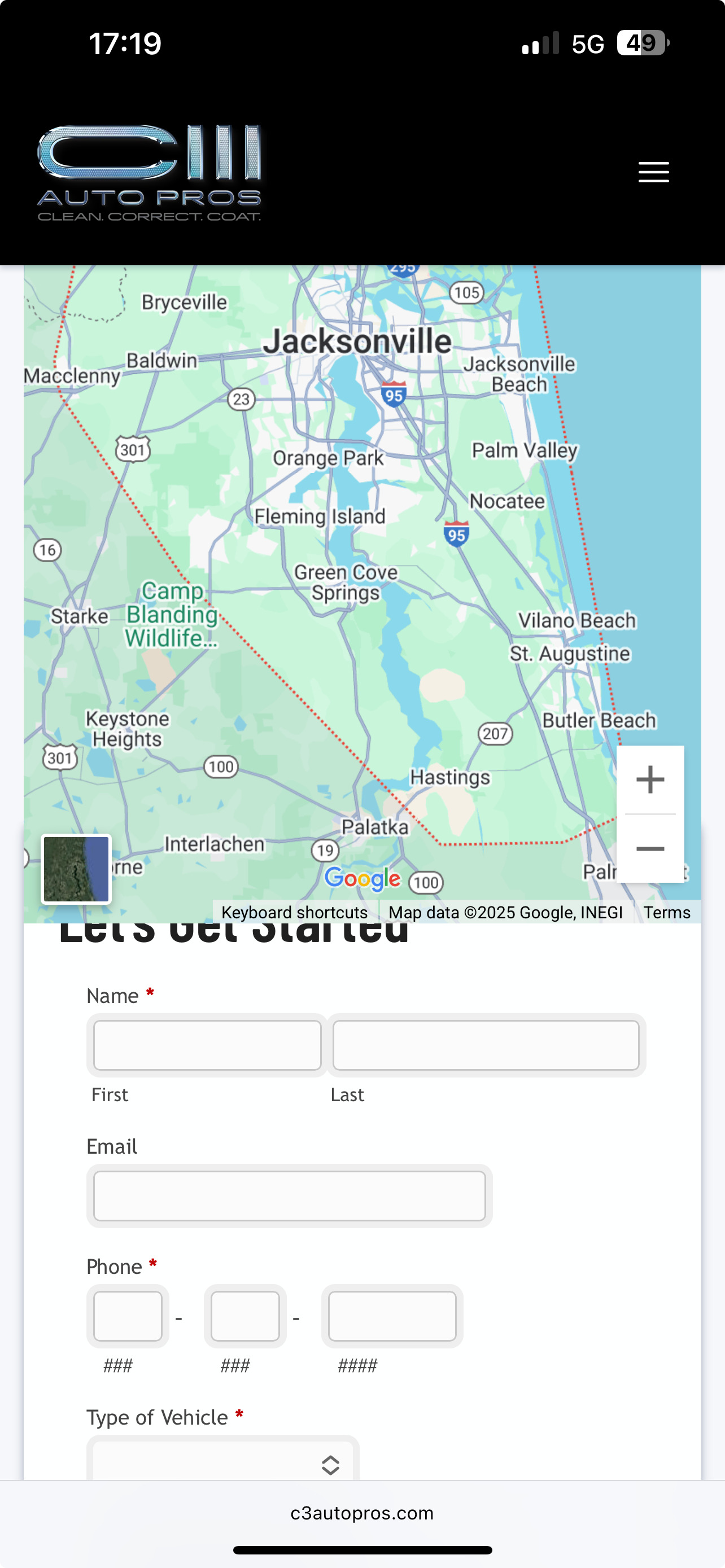
I beleive I found what was causing the contact form and map to overlap on mobile. I appreciate everyone taking the time to provide feedback pointing out things they see that need to be fixed. I’m learning quite a bit on this first Elements build. But, if I’m being honest it is quite humbling, just when I think I flushed out all the bugs someone finds something else…
 Mobile Detailing Business
 Built with Elements by ASJ Designs
 Visit the site: https://c3autopros.com/
 Builders Notes (optional):