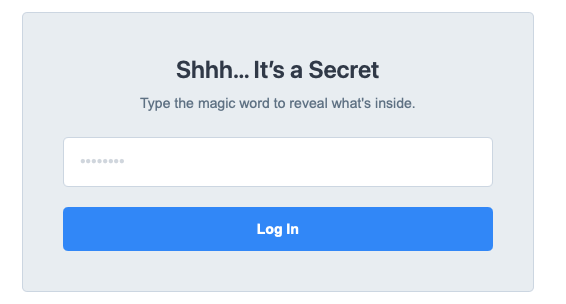
Spent a lazy Sunday afternoon vibe coding a page lock component. It was just a half-finished thought that somehow turned into this little project. Nothing fancy, just tinkering for the fun of it, and it shows just how quickly third-parties will be able to populate the upcoming store with solutions like this
The Page Lock Dev Pack allows you to add simple password protection to a page or a bunch of pages. Watch the video to learn more:
This example is for learning purposes only, I don’t really recommend using it on live websites.
I can confirm that the text
“Shhh… It’s a Secret” can be modified in the editor, but Preview still shows the original content.
Same wit the text “Type the magic word to reveal what’s inside.” which I can modify in the Editor, but Preview shows the original content.
However I can not modify the Unlock-button text and not the Log out-Button text.
This makes it impossible for me to use it with non-English websites.
Positively mentioned: component settings (colors, font type) are bound to the Theme settings
I like the base idea and concept of this component.