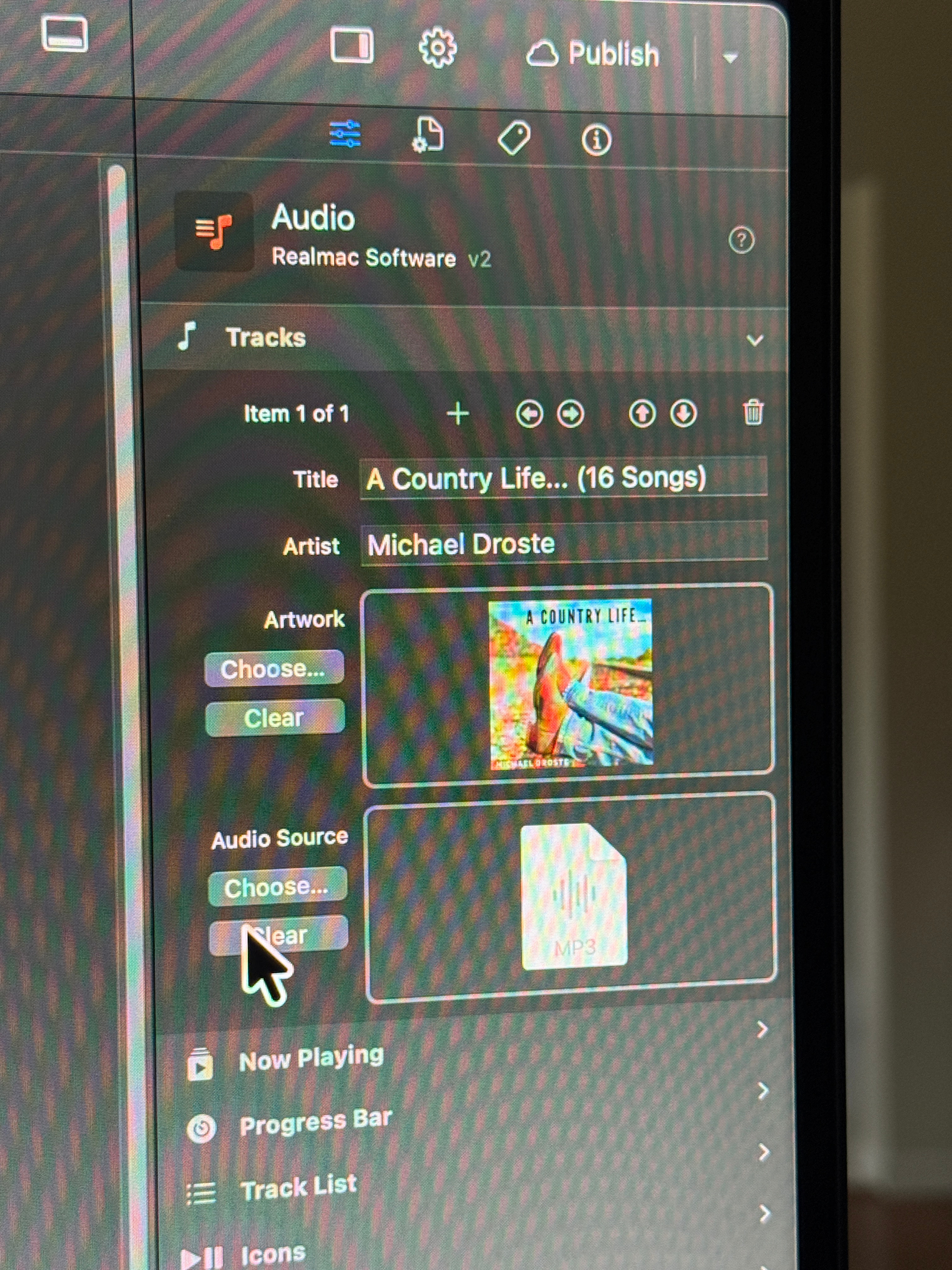
What audio formats does the Audio component support? I can’t select my .mp3, .wav, and .m4r files from the folder—it only seems to allow .mp4 files.
Also, I don’t know any code or programming languages; I chose Elements precisely because it lets you build a website like you’re putting together LEGO bricks. So, I have a small request: Could you possibly add a feature to the Audio component that allows users to download the audio file? It would be great if it could both play the audio and provide a download option for visitors.
Thank you for your reply. I see now that it works with drag-and-drop; I had been using the choose button to choose the file from the folder.
I took a look at your website. I want to build a page similar to yours, but with a separate download button for every audio file. The only problem is that I don’t know any coding.
Our third world countries can’t access Google Drive, but we still hope the audio component can provide a download button. I see that the audio component can customize buttons, but only limited to the few buttons provided by the developer.
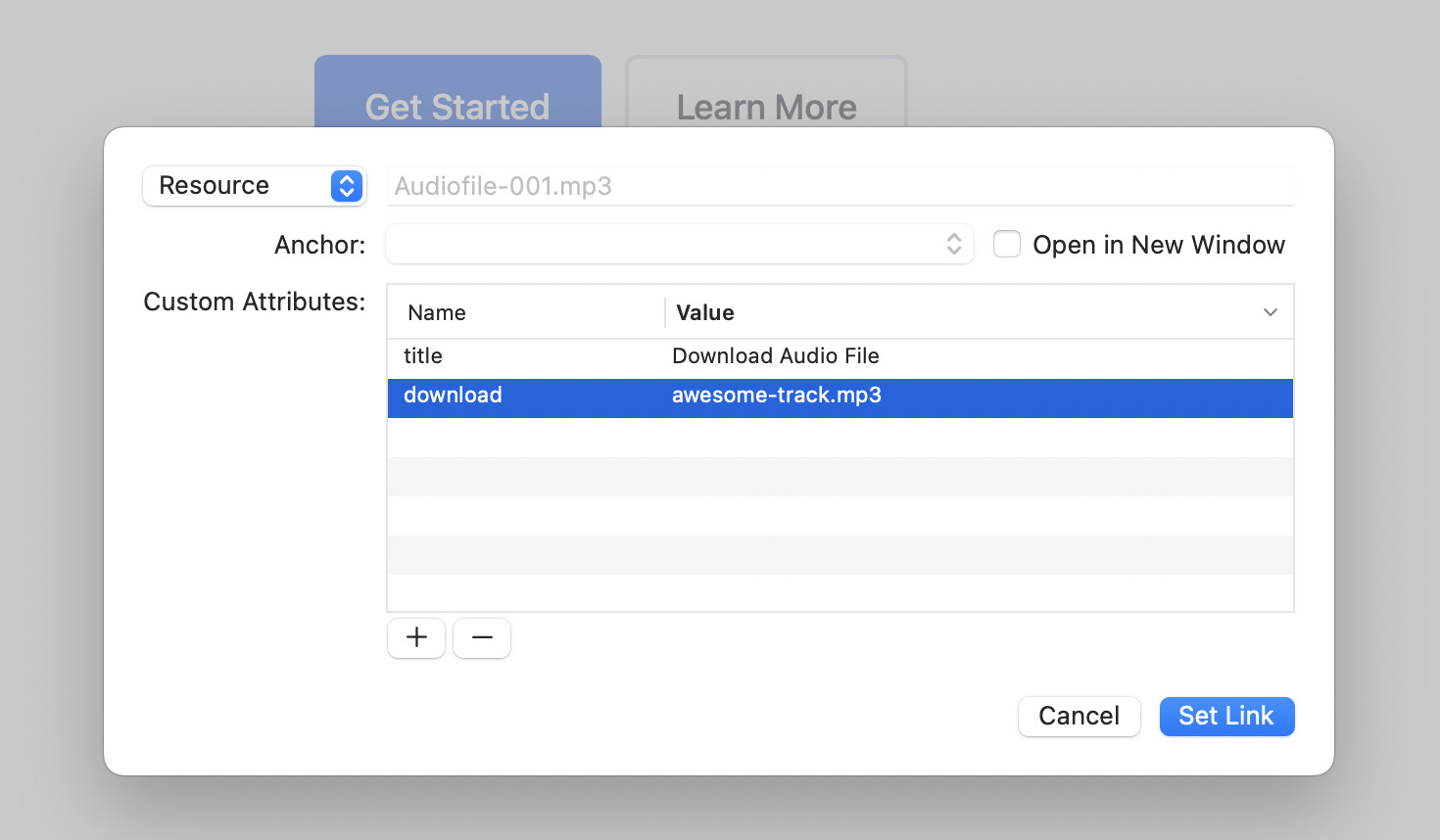
Just add a link or button below the player, you can then link to any resource in your project.
Under the custom attributes, add a new attribute and name it “download”, this will tell the browser to download the file, not open it. You can also give it a custom value and that will be set as the download file name.