Hello, My favicon icon shows on safari tabs and I have uploaded all files I think. Google suggests that the file should be at the root folder, or that I should add some code to the header
Can someone take a look to see if I have gone wrong - I added the website to google search console and it says it has crawled the site. I have also uploaded a robots/sitemap file etc.
I’m not an expert on Search results + Fav icons, so I asked Chat GPT, here’s what it came back with:
1. Google doesn’t guarantee favicons in SERPs.
Even if everything is set up perfectly, Google may just not show it. Their systems choose when to display a favicon.
2. Google caches favicons heavily.
It can take days or even weeks for Google to refresh. If the favicon was added recently, Google may still be using an old cached state.
3. Google expects a very specific setup.
If any of these are off, the favicon won’t appear:
A valid <link rel="icon" href="/favicon.ico"> or PNG must be referenced.
The file must be reachable at https://www.domain.com/favicon.ico.
File must be 48×48px minimum, square, supported format (ICO, PNG, SVG).
No redirects or blocked resources.
4. Your favicon markup matters.
If the theme or CMS injects overly fancy favicon links, Google often ignores them. It wants the simplest, cleanest <link rel="icon"> in the <head>.
After doing a little more digging, people say Google strongly expects and favours a .ico file in the root (not something Elements does currently).
So, I’d suggest creating a favicon.ico of your logo and uploading it to the root of your webserver, then add the following line of code to the template of your project.
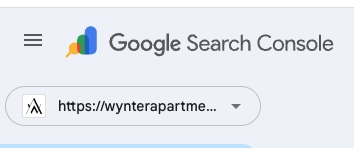
I found I have the same issue. I have two sites, one used the other as a template. The favicon settings are exactly the same in both. Oddly, only one shows the favicon in Google search, or DuckDuckGo for that matter. No idea why but I had the non working site open so threw that bit of code in and republished. Went to get it re-indexed and this is what the Google Console was showing me this with a working favicon -
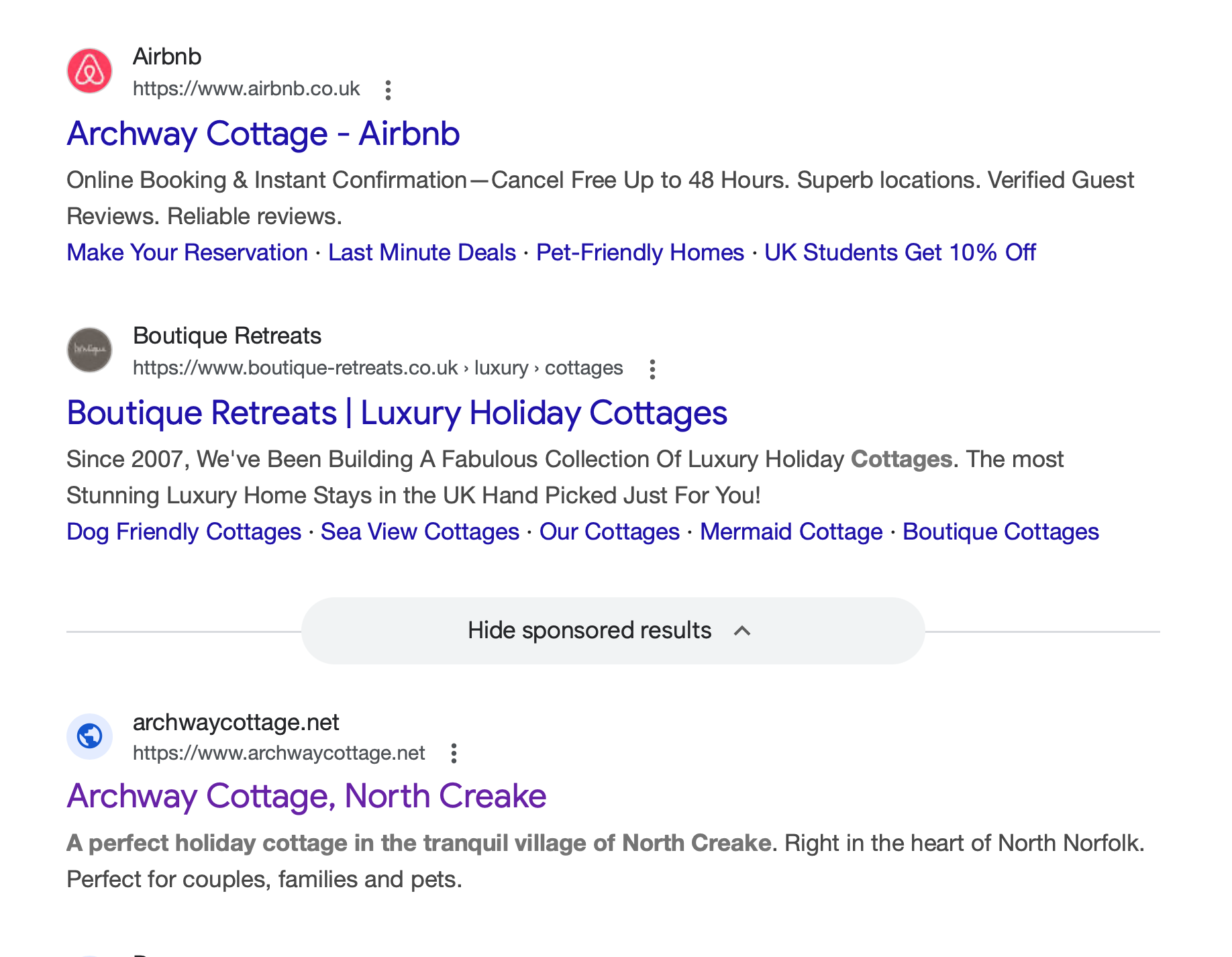
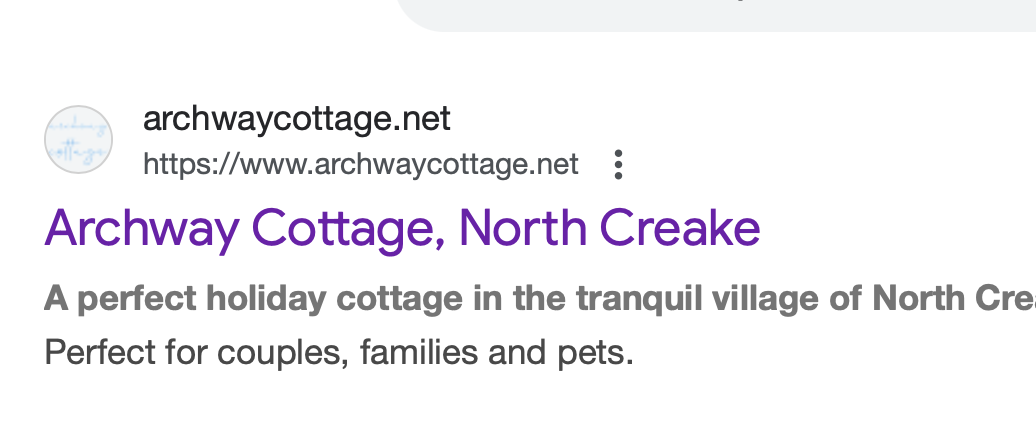
OK - I uploaded a favicon (this one https://www.archwaycottage.net/favicon.ico) and updated the robots file as suggested. I now have a logo showing on the SERPs but its using one that I did have uploaded on the site but have since changed as its unreadable that small. I assume it will naturally update in time?
I would just double check that you don’t have that old favicon somewhere in the settings of your site then I would possibly resubmit to Google and give it a few days. Looks like even though the old one was not showing Google had cached it away and used that when you made a request?
You mentioned updating the robots file although that is not mentioned in this thread, it was adding a line of code to the template?
After following the process outlined above it took four days but my missing favicon is now showing on the results page so it should work for you.
EDIT - Looking at your site on an iphone the hamburger icon pushes everything off to the left so you have a border down the right hand side and none of the images are full width. Typo in nesstled as well.
I have been working on updating my own Favicon app. It’s a free app, so am able to let you have the .ico generation part if you want it to get the classic favicon.ico working in Elements project settings > web icons.
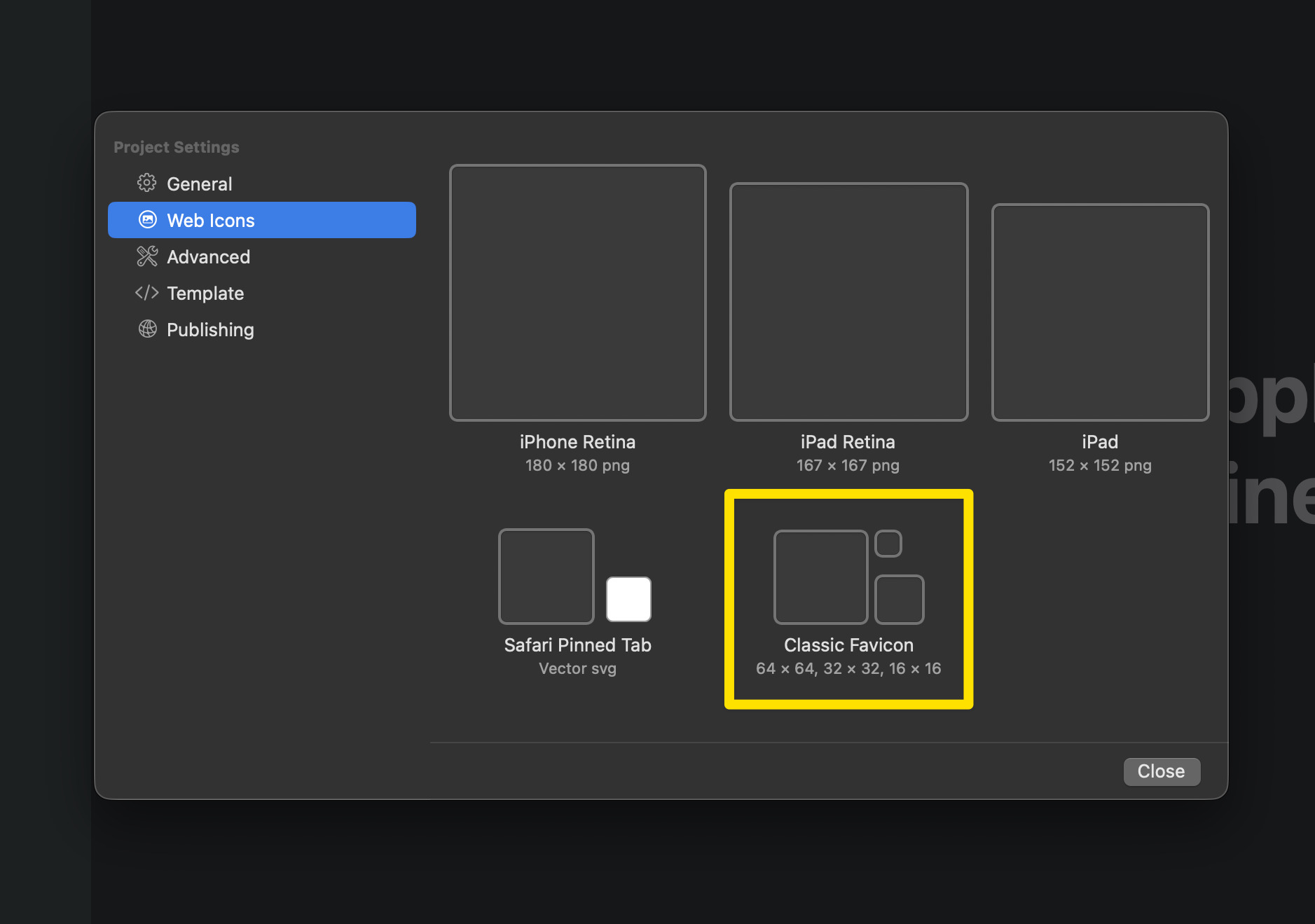
I have tested the classic favicon in elements, and it does not “appear” to do anything at all apart from add the three images to the resources. favicon.ico file appears in the root nor is it linked to in the head markup.
With this you “could” reduce the classic favicon wells to a single image well. and pass it through this function.
func createICO(from image: NSImage, sizes: [Int]) -> Data? {
    guard !sizes.isEmpty else {
        print("Error: No sizes specified.")
        return nil
    }

    var icoData = Data()

    // ICO Header: Reserved (2 bytes), Type (2 bytes), Count (2 bytes)
    icoData.append(contentsOf: [0x00, 0x00, 0x01, 0x00, UInt8(sizes.count), 0x00])

    var imageDataArray = [Data]()
    var offset = 6 + sizes.count * 16 // Initial offset after header + directory entries

    // Closure to resize an NSImage
    let resize: (NSImage, NSSize) -> NSImage? = { image, targetSize in
        let frame = NSRect(x: 0, y: 0, width: targetSize.width, height: targetSize.height)
        guard let representation = image.bestRepresentation(for: frame, context: nil, hints: nil) else {
            return nil
        }
        let resizedImage = NSImage(size: targetSize, flipped: false, drawingHandler: { (_) -> Bool in
            return representation.draw(in: frame)
        })
        return resizedImage
    }

    // Closure to convert NSImage to PNG data
    let pngData: (NSImage) -> Data? = { image in
        guard let tiffData = image.tiffRepresentation,
              let bitmap = NSBitmapImageRep(data: tiffData) else {
            return nil
        }
        return bitmap.representation(using: .png, properties: [:])
    }

    // Closure to convert UInt32 to little-endian Data
    let littleEndianData: (UInt32) -> Data = { value in
        var littleEndianValue = value.littleEndian
        return Data(bytes: &littleEndianValue, count: MemoryLayout<UInt32>.size)
    }

    for size in sizes {
        guard size <= 256 else {
            print("Unsupported size: \(size)x\(size). Skipping sizes larger than 256x256.")
            continue
        }

        // Resize the input image to the target size
        guard let resizedImage = resize(image, NSSize(width: size, height: size)) else {
            print("Failed to resize image to \(size)x\(size)")
            continue
        }
        print("Resized image to \(Int(resizedImage.size.width))x\(Int(resizedImage.size.height))")

        // Convert resized image to PNG data
        guard let imageData = pngData(resizedImage) else {
            print("Failed to create PNG data for size \(size)x\(size)")
            continue
        }

        imageDataArray.append(imageData)

        // ICO Directory Entry for each image
        let width = UInt8(size == 256 ? 0 : size) // 0 represents 256 in ICO format
        let height = UInt8(size == 256 ? 0 : size)
        icoData.append(width)                         // Width
        icoData.append(height)                        // Height
        icoData.append(0x00)                          // Color Palette (0 for no palette)
        icoData.append(0x00)                          // Reserved (always 0)
        icoData.append(contentsOf: [0x01, 0x00])      // Color Planes (1)
        icoData.append(contentsOf: [0x20, 0x00])      // Bits Per Pixel (32-bit)
        icoData.append(littleEndianData(UInt32(imageData.count))) // Size of the image data in bytes
        icoData.append(littleEndianData(UInt32(offset)))          // Offset where this image data starts

        // Update offset for the next image data
        offset += imageData.count
    }

    // Append all image data sequentially after the ICO directory entries
    for data in imageDataArray {
        icoData.append(data)
    }

    return icoData
}
Pretty sure that’s the crux of it though, clearing your browser cache, you will see that you see any new icon you deploy, so cached locally. SERPS obviously cached on Google servers.
Highly recommend Gary and all his work, I have the original app for yonks and App still works but now he has surpassed himself with this upgrade. I commend this app to all and its great to see contribution Gary does for this community!

 Mine still works as I told you from years ago!