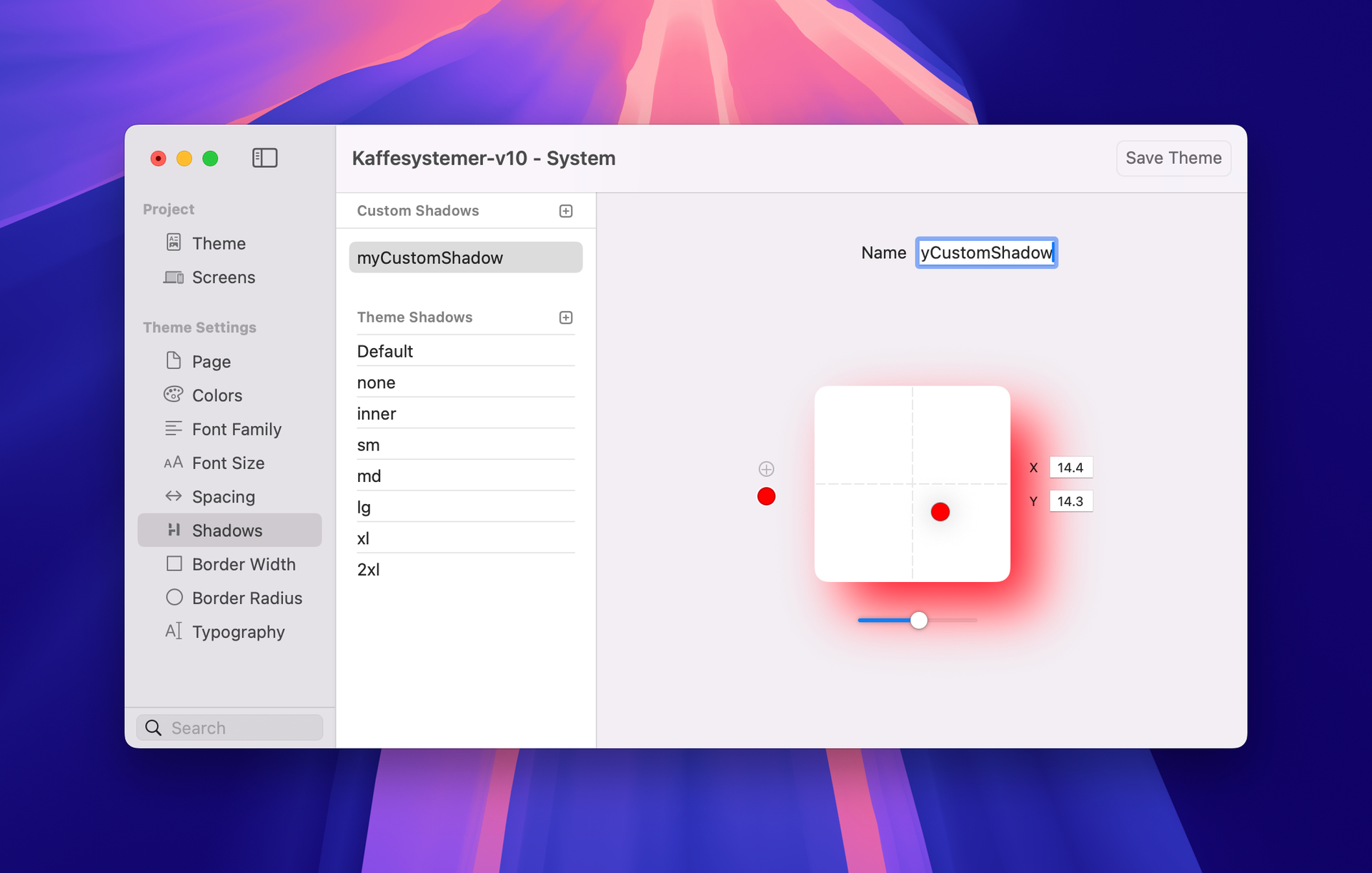
just tried gambled around with shadows and found something what is not working. When I want to give a container a shadow, it works with the pre-defined ones (e.g. xl, 2xl etc.) but not when I am creating a custom one. No matter what I create as a shadow, nothing is shown
@upssjw I was wondering why the 2xl shadow was so small also on my side, but I thought it is the definition. Your example shows that also with the pre-defined shadows something is not correct.
There are 3 containers in a Grid. The first 2 have under Filters a 2XL drop shadow. The 3rd one has a Custom Shadow. No matter what I am doing with the custom settings, I can’t see the shadow changing on the container (in the setting box I can see it).
Also with the other drop shadow pre-sets, there seems something wrong. The 2XL shadow is a bit small for a 2XL. That’s what also @upssjw was mentioning.
Top one is a custom component, using the Element’s shadow ui control, you can see the size of the 2xl shadow, if we choose custom you can see the pink shadow show and it can be controlled
Bottom one same circle created with a container, the 2xl shadow seems less defined, if you select custom the controls appear but no shadow appears
Hi @upssjw, just tried it and yes, with “Effects” the “Box Shadow” is working as intended. Maybe that is the correct or better way to implement a container shadow.
But for what is then the “Drop Shadow” in “Filters”?
The only thing what should be improved is that the “Blur” slider is the only one which has only a slider and not a value field. That field is really missing.
Text: Drop Shadow: Custom: The Backdrop filter is difficult to use. The other Drop Shadow filters don’t do much. Is there a better way to make a text shadow?
Ok, it works better in the Theme studio, when I reduced the opacity of the black color to 40-50%. I still think you need to have a look at the text shadow settings in Elements such as Default, they don’t do much now.
The Slider belongs to the Drop Shadow (it has nothing to do with the “Backdrop Filters”), it controls the blur amount, not the opacity. You change the opacity in the colour picker.