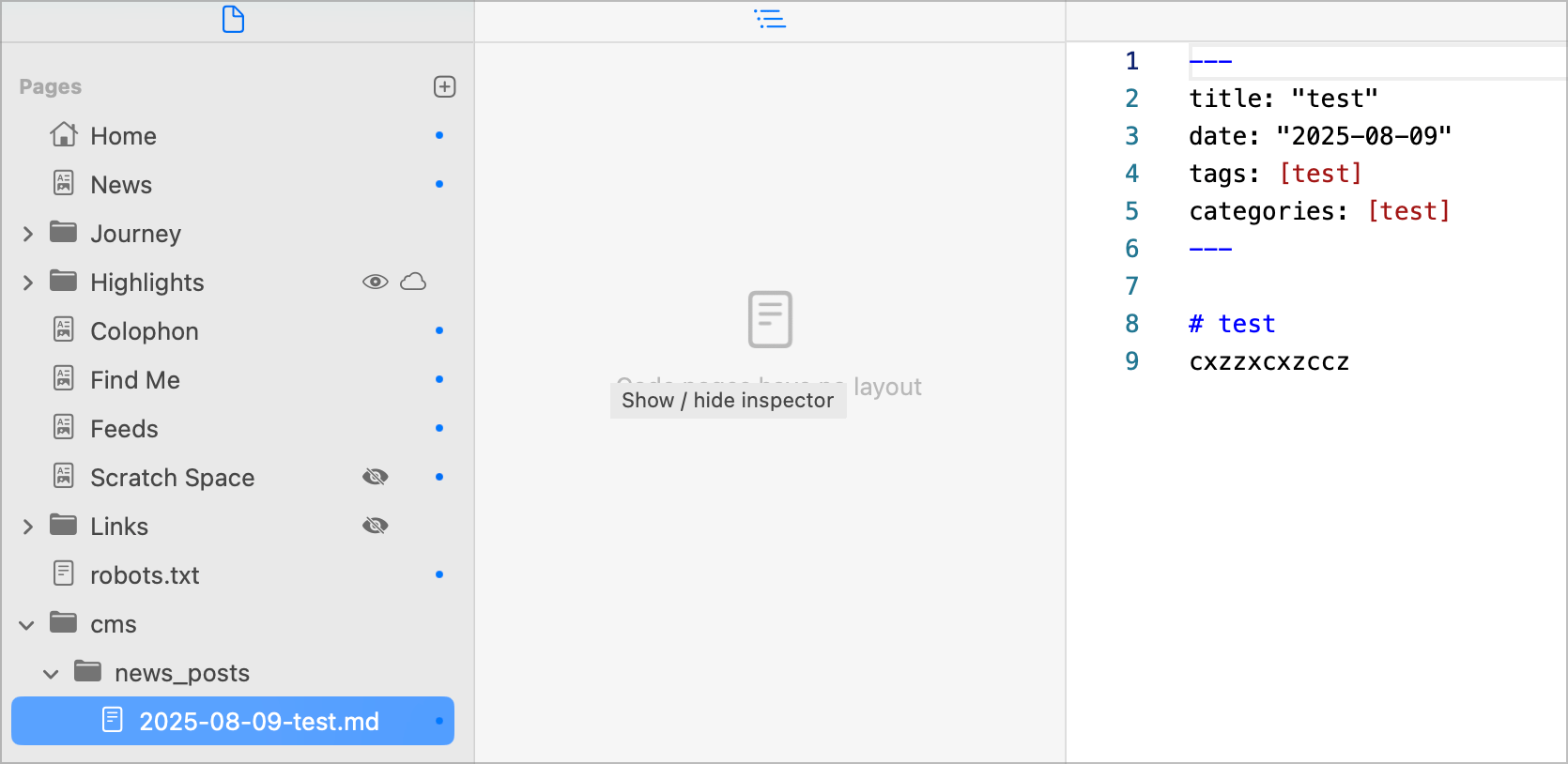
I’ve created a CMS folder (could have been any name), and a subfolder for blog post.
Created to .md files inside the folder. Then created a collection and set the item to {{item.body}}.
Then this. See video. What am I missing?
I’ve created a CMS folder (could have been any name), and a subfolder for blog post.
Created to .md files inside the folder. Then created a collection and set the item to {{item.body}}.
Then this. See video. What am I missing?
Is your “Advanced” project setting set to php instead of html?
make sure you have the same markdown frontmatter in your .md-files
they are still different
As @Pegasus states, the front matter needs to be consistent for all the markdown files: see - Fatal Error - Missing Frontmatter Tag? - #4 by ben
I have found the solution: .php was indeed required AND the {{Item.body}} should have been in lowercase {{item.body}}
Your video showed two! 
Glad you got it sorted. 
yeah, for testing purposes, I removed one to see if the issue would disappear using only one file.