@dan How does one instruct a textArea property to display more than one line?
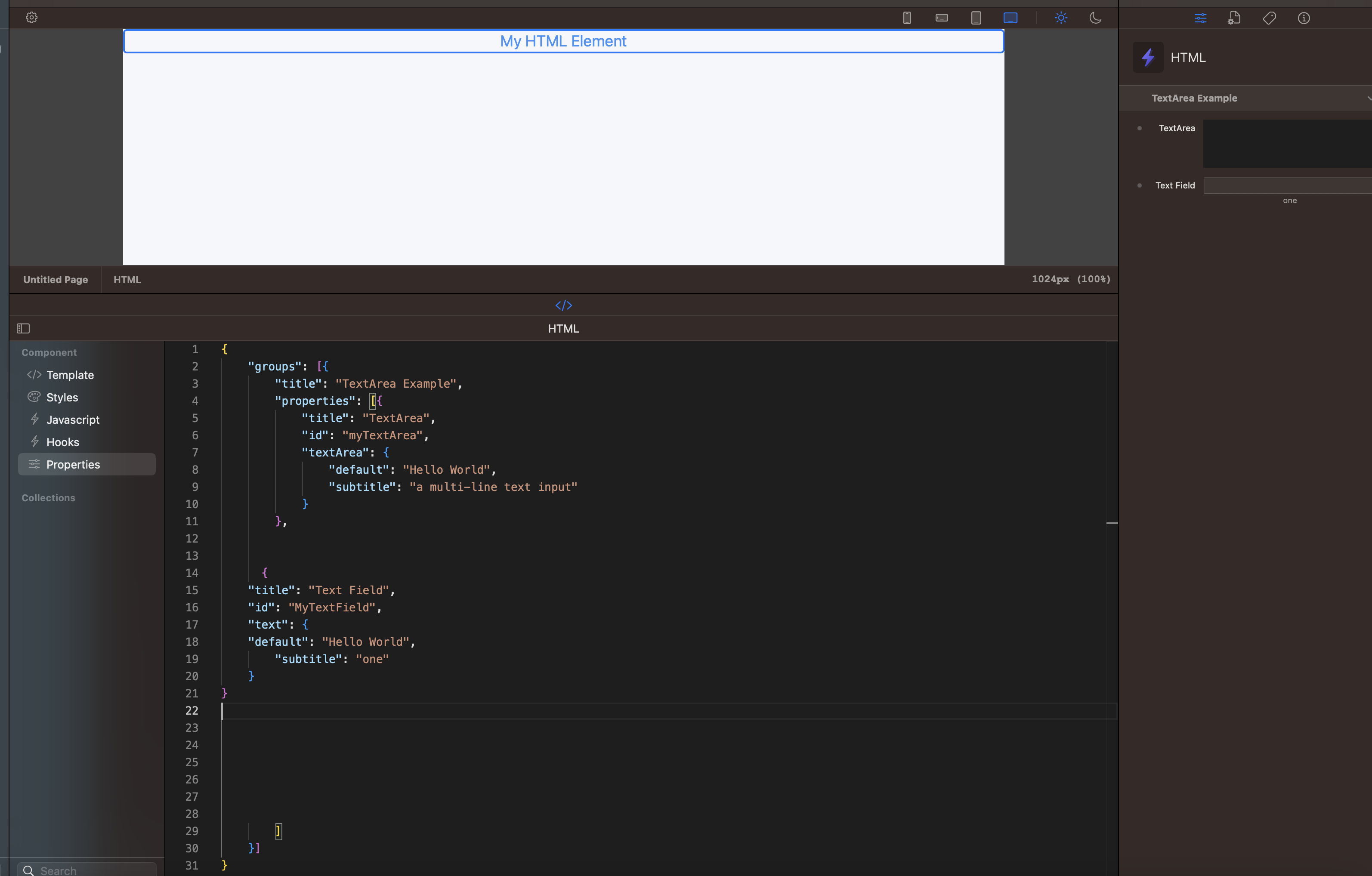
You can use the size property, like this
{
    "title": "TextArea",
    "id": "myTextArea",
    "textArea": {
        "size": 20,
        "default": "Hello World",
        "subtitle": "a multi-line text input"
    }
}
Text area doesn’t support subtitle yet, but we may add this in the future. I’ll add a ticket for it.
Is the value the number of lines that the text area will display?
see the manual has been updated great, but still showing subtitle
as per @handshaper what does this do

Oh! So it is! I need to whip that out of there… for now.
@tpbradley I noticed that when I set this, the actual area displayed in the inspector only goes to 4 lines; anything greater causes a scrollbar to become active in the text area. Is this the correct behavior?


@tpbradley This is what mine looks like, I have the number of lines set to 10 in this case.
I’ll see if I can create a simpler test project to show off what I’m seeing.

Yes, you’ll need to pre-process new lines in a hooks file, replacing them with something like a <br> tag. Something like this should do it.
const transformHook = (rw) => {
    const { myTextArea } = rw.props;

    const processedText = myTextArea.replace(/\n/g, "<br>");

    rw.setProps({
        myTextArea : processedText
    });
}

exports.transformHook = transformHook;
thanks that works