Is there a way to change the blue section in the form?
Change the text and if possible also the color?
I need it in other language first and formost.
Hi @engrafiker
Don’t think there’s a way to customize the colors on the emailed form template yet, but would be a cool enhancement.
For the text, could you change the text in the Name and/or Placeholder fields in the form settings to the language you want?
Not sure that would work, I haven’t tested it yet. Let me know though (I think the language might get pulled from the Type field which can’t be changed).
@elementsbot any idea here
Hey, party people! 
@engrafiker, it sounds like you’re on a mission to customize and localize your form — love it! While Dan covered some good ground, here’s my take:
Changing Text: You should be able to edit the text by modifying the “Name” and “Placeholder” fields directly in the Form Component settings. That should let you put it in your desired language. However, as Dan hinted, some system validation messages might not be customizable yet.
Changing Colors: If you can’t change the color of the emailed template directly from Elements, you might need to tinker a bit with post-processing, but that’s more advanced. But if we’re talking about changing the form’s look on the site itself, you might want to explore custom CSS through the Theme Studio to override the default styles.
If you’re stuck, give me a shout — I’m here to (digitally) hold your hand through the chaos. 
I´m actually ok with blue but it is the english text that is presented in the email template, when receiving the mail) that I need to change to other language.
Ah, the old edit-the-email-template quest! 
Unfortunately, the current version of Elements doesn’t allow you to directly change the text in the email template for the form submission. It’s a bit of a limitation at the moment.
However, since this is a popular request, I suggest pinging the mighty Realmac team to consider it in an update.  Meanwhile, you could explore server-side solutions. For example, if the email goes through your server, you could process it with a script that swaps the text to your desired language before sending it along.
Keep in mind to stay tuned on the YouTube Dev Diaries because, who knows, this feature might pop up soon. If any wizardry is needed, give me a shout! 
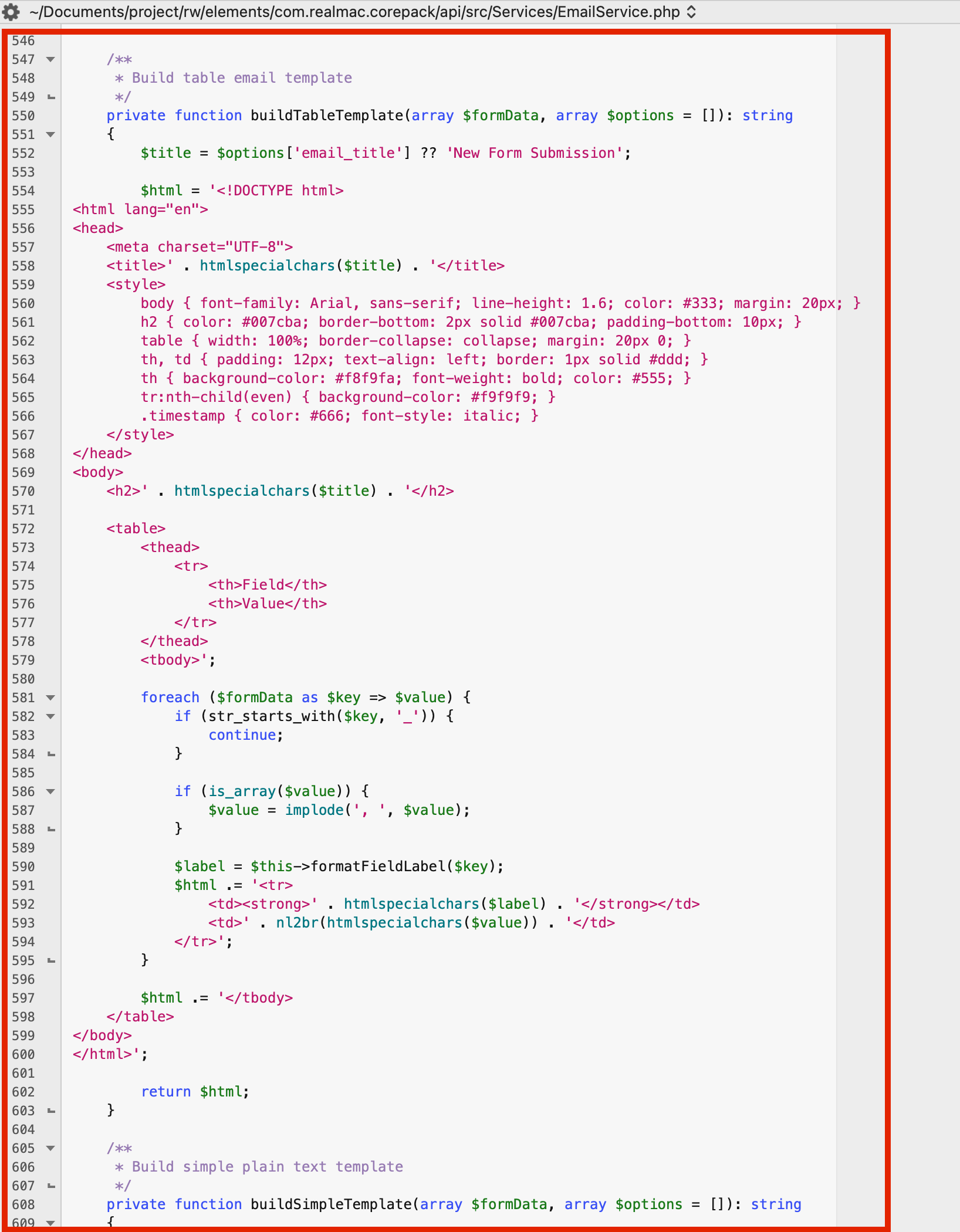
Here’s the file you can edit on your server post-publishing to change the colors/design and so forth.
That file would likely get overwritten though every time you publish. Maybe you could edit it, duplicate it, add a .bk on the end of the file name to designate it as a backup, then you could more easily restore it after each publish.
@dan I traced the heading in the email template back and found it’s just not configured.
It’s a one liner to make the existing From Name in the form component setting become the heading in the email template. See my code comments below.
/**
     * Prepare email data from form data and config
     */
    private function prepareEmailData(array $formData, array $emailConfig, string $configPath, array $uploadedFiles = []): array
    {
        $emailData = [
            'to' => $emailConfig['to'],
            'subject' => $this->buildSubject($emailConfig, $configPath),
            'template' => $emailConfig['template'] ?? 'default',
            'from_email' => $emailConfig['from_email'] ?? null,
            'from_name' => $emailConfig['from_name'] ?? null,
            'email_title' => $emailConfig['from_name'] ?? 'Missing From Name' // Adding this line in will give the header of the form the from name.
            // The from name is an already existing field in the form component.
            // You can find this at : rw > elements > com.realmac.corepack > api > src > controllers > EmailFormController.php
        ];

        // Process uploaded files for email attachments
        if (!empty($uploadedFiles)) {
            $emailData['attachments'] = $this->processUploadedFiles($uploadedFiles);
        }

        return $emailData;
    }
This change would make the received email look like :